
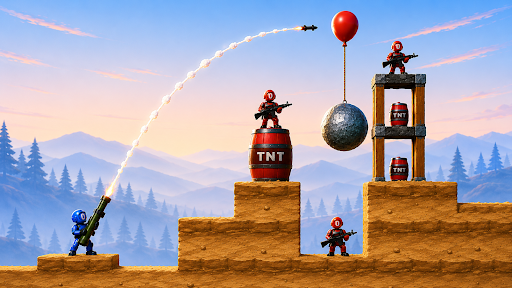
Customize your Rocket Rascals Money
Give yourself a Money balance for rocket finishes, then decide which look to buy in the game's shop. The control changes Money, while the game handles the purchase and equipped finish.
Requires the Windows app and the Bytonian Mods browser extension for Chrome or Edge. Browser setup guide
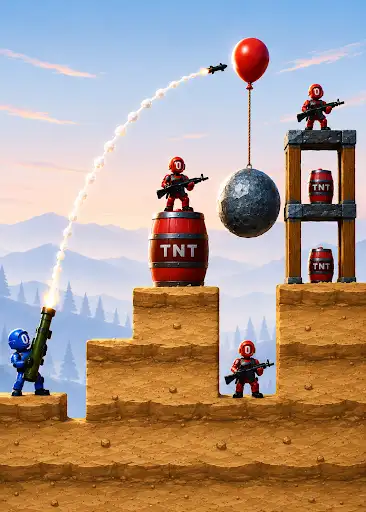
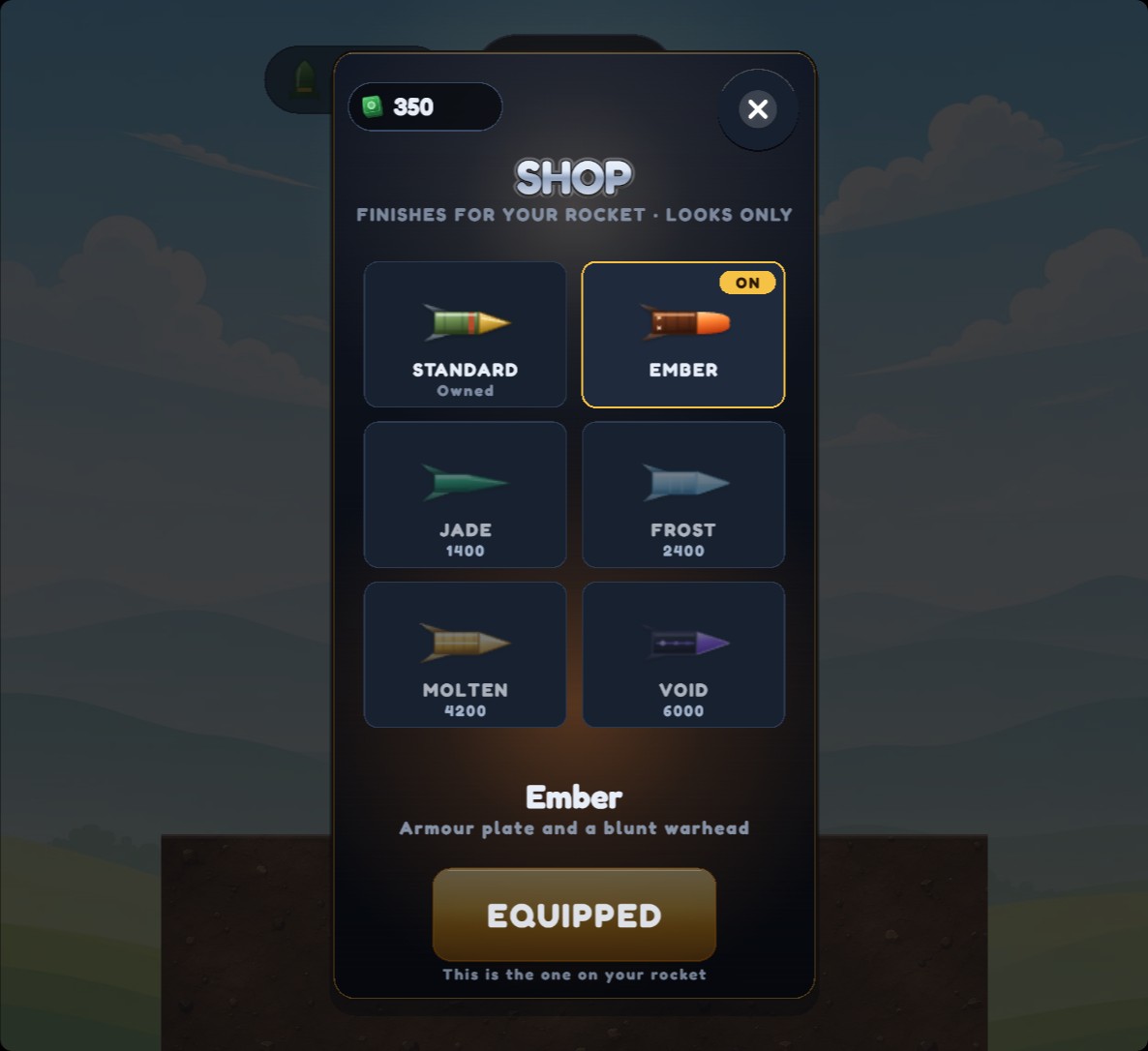
Ember rocket finish unlocked
Set your Money balance, then choose a rocket finish in the shop. Ember is equipped here after a normal purchase.
Buying a finish
Apply your chosen Money amount before opening the shop. Select a finish there and pay its displayed price; the control does not grant finishes directly.
Available customisation options
Saved MoneyFree
Set your Money balance for rocket finishes in Rocket Rascals.
Choose an amount, apply it, then buy the finish you want in the in-game shop.
Rocket finishes are not unlocked by this control; buy them at their normal shop prices.
Using these features
Connect your game, then open Customise in the Windows app. Choose an option, check its available values and follow its instructions. Each option lists its own requirements and limits.
Setup for Rocket Rascals →