
Choose your Retro Drift vinyl
Set the vinyl you want available for car purchases, then apply the change and return to the title screen.
Requires the Windows app and the Bytonian Mods browser extension for Chrome or Edge. Browser setup guide
Vinyl for car purchases
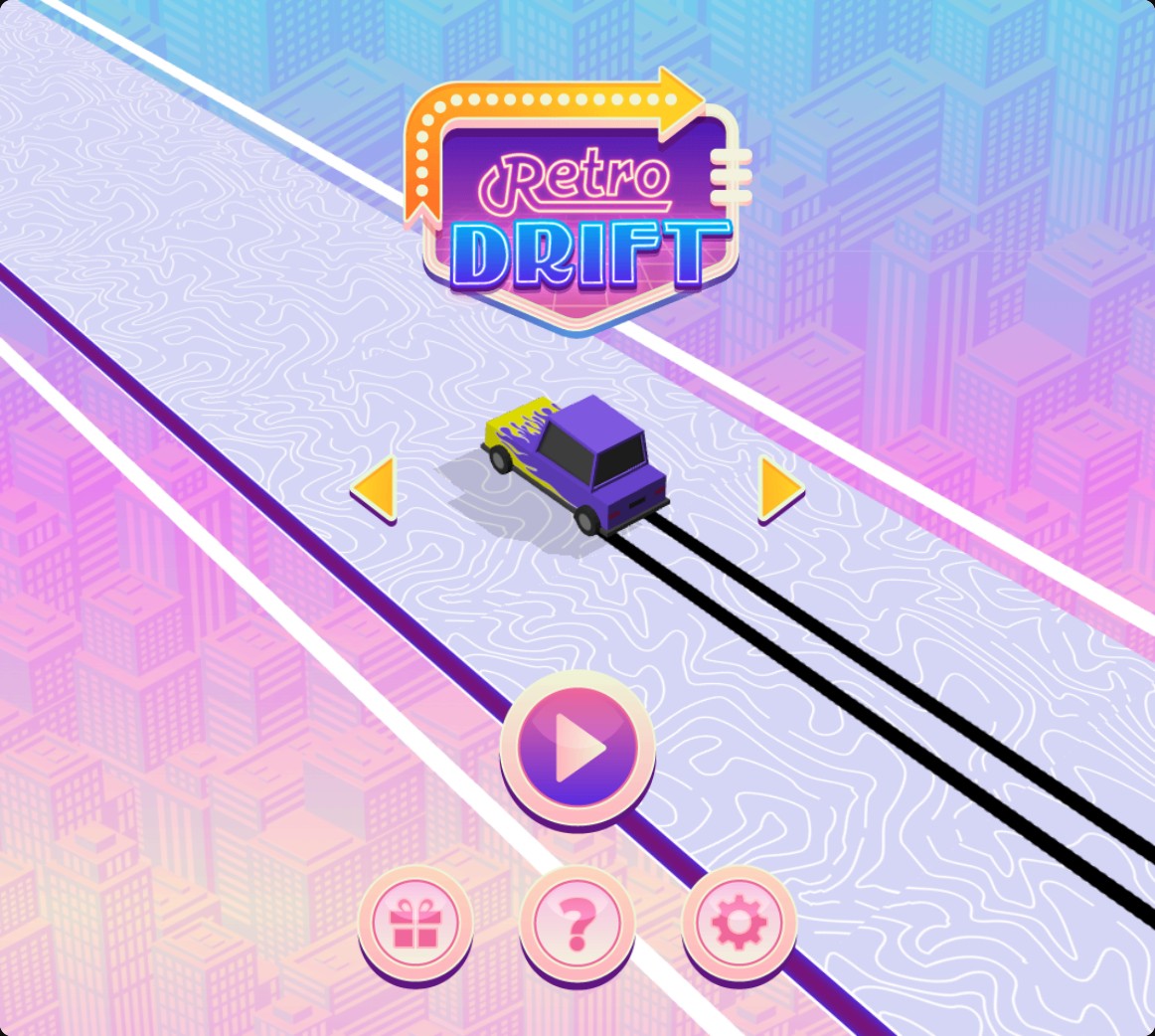
The purple flame car unlocked through a normal vinyl purchase.
Unlock a car through the menu
Browse with the left and right arrows. When you find a locked car you want, press its displayed vinyl price to buy it. The purchase spends vinyl normally and adds the car to your selection.
Available customisation options
VinylFree
Choose your vinyl balance for car purchases.
Set a value and apply it, then browse cars on the title screen and press a locked car’s vinyl price to buy it.
Questions about customisation options
- How do I buy a car after setting vinyl?
- Browse to a locked car on the title screen and press its vinyl price. The car becomes available after the purchase.
Using these features
Connect your game, then open Customise in the Windows app. Choose an option, check its available values and follow its instructions. Each option lists its own requirements and limits.
Setup for Retro Drift →