

Choose a different way to move
Use Fly to pass through obstacles and explore from above, Free Walk for movement along the floor, or Board for rolling, steering, braking and jumps. Switch styles from the Movement selector.

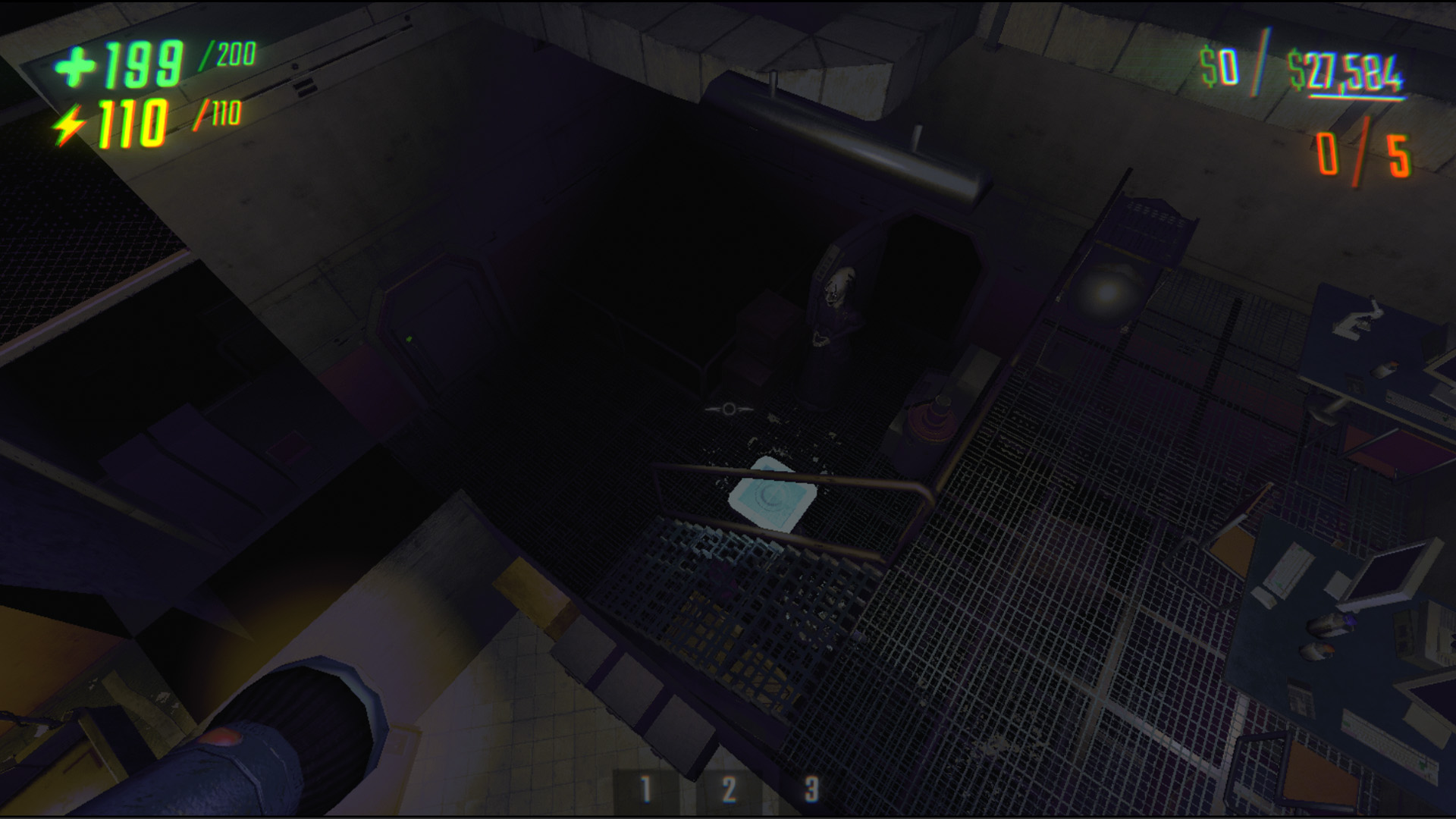
Fly above McJannek Station
Explore McJannek Station from above with Fly and view the room from a different angle.
Tune your movement
Open the Movement tab, enable Movement and choose a style. Adjust speed, acceleration, carving, braking and jump settings to suit your run. Free Walk and Board keep solid world collisions. Turn Movement off to return control to the game.
When the game takes control
Movement yields while your player is inactive or normal input is unavailable. If the game moves your player, turn Movement off before enabling it again.
Available ability modifiers
MovementPremium
Choose Fly to pass through obstacles, Free Walk for ground movement or Board to roll, steer, brake and jump. Switch styles in the Movement tab and turn Movement off to return to normal controls.
Supported movement styles: Fly, Free Walk, Board
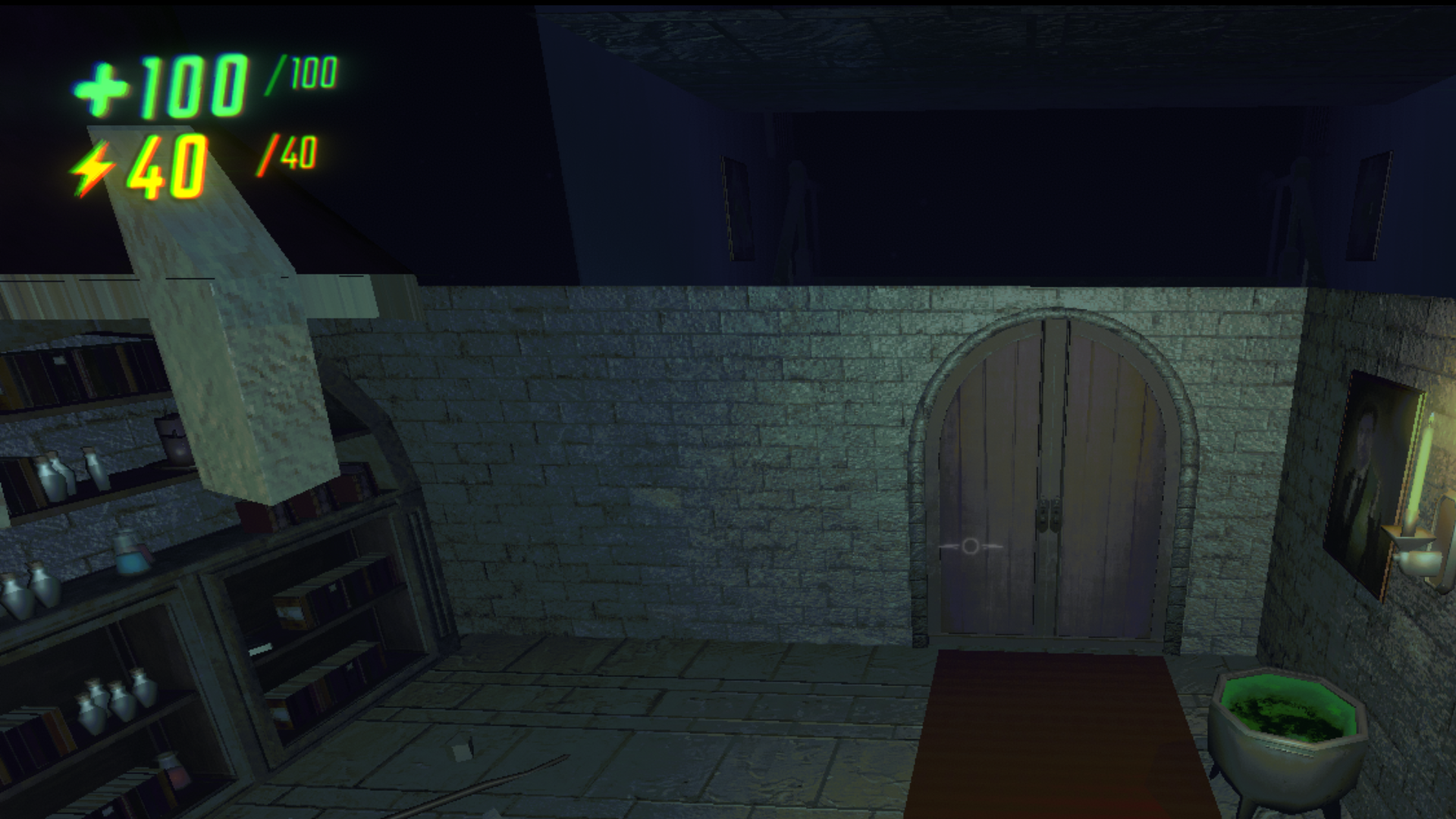
Hover above the room with Fly
Use Fly to move above the floor and explore from a higher viewpoint. See in the Dark is also enabled in this screenshot to make the room easier to see.
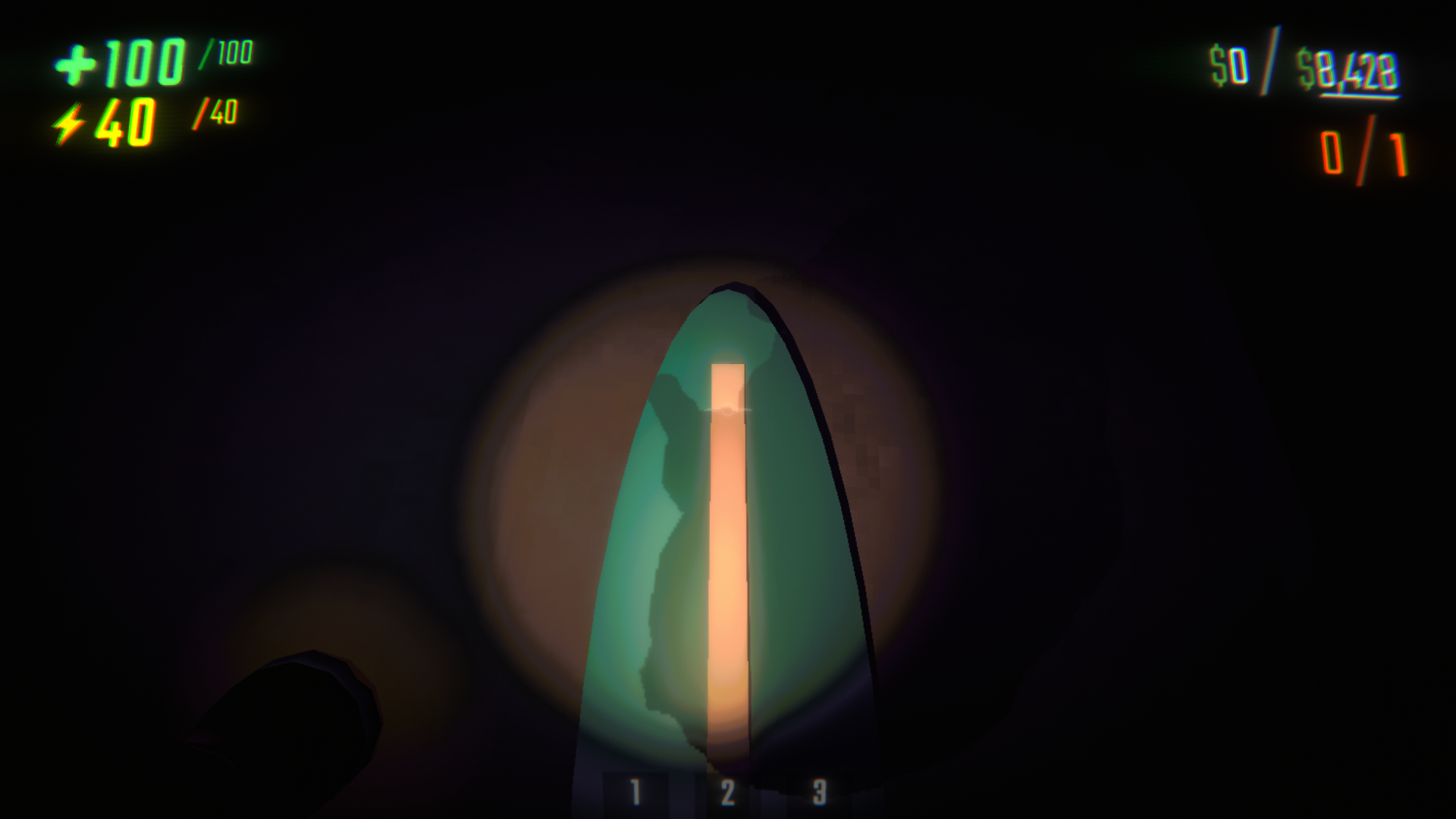
Ride the classic board
Choose Board in Movement to roll, steer, brake and jump. The classic board is shown beneath your view inside the truck.
1 / 2
More ways to customise R.E.P.O.
- R.E.P.O. resources
Adjust run currency and keep supported tools charged.
- R.E.P.O. unlocks
Add or clear cosmetic tokens, or unlock character cosmetics.
- R.E.P.O. stat modifiers
Adjust health, stamina and thirteen upgrade totals.
- R.E.P.O. rule modifiers
Choose object protection, grip response, tumble protection and game pace.
- R.E.P.O. perspective modifiers
Choose camera motion, flashlight settings, distance markers and a comfortable view.
- R.E.P.O. game actions
Spawn objects and control extraction while hosting.
Using these features
Choose the feature in the Windows app after connecting your game. Check its requirements before making a change.
Setup for R.E.P.O. →