
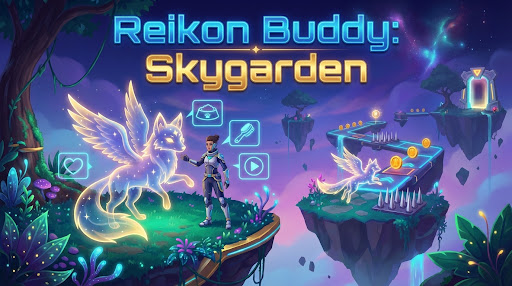
Customise
4 optionsFour controls for market purchases, training, evolution and a beach environment.
View all customisation options →Get your Reikon ready to train, work toward its next evolution or make Starry Beach available. You can also choose how many Fragments to take to the Astral Market.
Requires the Windows app and the Bytonian Mods browser extension for Chrome or Edge. Browser setup guide
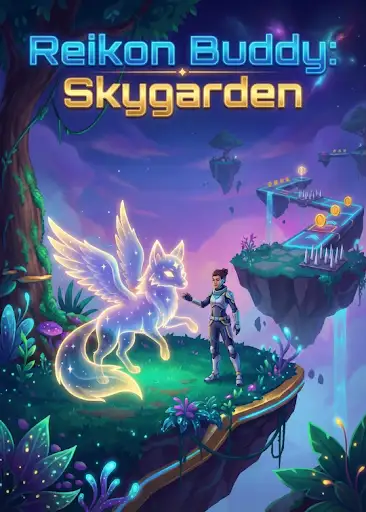
Start with free mods
Download Bytonian Mods for Windows and try these free features. Choose one to see how it works and any requirements.
Choose your Fragment balance for Astral Market purchases.
Apply your balance, open the Astral Market and buy an item normally.
Pet sickness can hide an equipped aura's glow until normal care restores health.
Choose a Fragment balance and use the Astral Market as usual. Buy Gold Aura to add a golden glow to your Reikon. Normal care still matters: sickness can hide the glow until your companion is healthy again.
Restore Energy when your pet is too tired to train. Set Experience, then train normally to trigger an eligible evolution. Spirit Bond at 50 makes Starry Beach available in the environment menu.
Four controls for market purchases, training, evolution and a beach environment.
View all customisation options →Download the Windows app and follow the setup prompts.
Set up the browser extension in Chrome or Edge, then open the supported YouTube Playable. Follow the connection guide if the game is already running.
Open Customise in Bytonian Mods, choose an option and follow its instructions. Check the available values and any limits before making your change.