

Choose supplies and expand your raft
Browse Raft items by icon and name, or let Shark Contractor turn a basic-foundation bite into a new foundation.

Weapons and useful tools
Browse weapons such as the Basic bow, Machete and Metal Spear. The tools category includes Binoculars, Building Hammer and Fishing rod, while equipment includes backpacks, head lights and flippers.
Supplies, decorations and navigation
Find everyday items such as Plank and Banana alongside furniture and decorative items. Navigation choices include Antenna, Engine and Paddle. Use the category filters to narrow the list or search for a specific name.
Choose an item and quantity
Select Raft in Bytonian Mods for Windows and open Spawn. Search or browse the categories, set a quantity within the item limit and click the item card. Collect the dropped bag to add its contents to your inventory. Spawn is free.
Let the shark extend your raft
In a private single-player world, enable Shark Contractor to replace a bite on a basic foundation with a new connected foundation. Construction stops at 256 total placed blocks; other foundation types keep their normal bite behavior. Built foundations remain when you switch the control off.
Available game actions
Shark ContractorFree
Turn a shark bite on a basic foundation into a new raft foundation in a private single-player world.
Enable Shark Contractor in your loaded private single-player world. New foundations remain when you turn it off.
Construction stops at 256 total placed blocks. Other foundation types keep their normal bite behavior.
SpawnFree
Browse hundreds of items with Raft inventory icons, search names and drop a chosen quantity in front of you.
Open Spawn, choose a category or search for an item, set the quantity and click its card. Collect the dropped bag.
What you can spawn
- Creative Mode (121)
- Including After The Rain, Air horn, Alpha's head, Anglerfish head, Banana seed.
- Decorations (37)
- Including Bookpile (Variant 2), Calendar, Candlestick, Chair (Variant 4), Clock.
- Equipment (11)
- Including Advanced head light, Backpack, Big backpack, Electric zipline tool, Flippers.
- Food Water (26)
- Including Advanced medium crop plot, Advanced Scarecrow, Advanced grill, Advanced large crop plot, Advanced purifier.
- Items (267)
- Including Advanced fishing bait, BBQ, Banana, Biofuel, Black flower.
- Navigation (11)
- Including Advanced stationary anchor, Antenna, Engine, Engine controls, Paddle.
- Other (23)
- Including Advanced biofuel refiner, Advanced collection net, Battery charger, Beehive, Biofuel refiner.
- Resources (9)
- Including Advanced Battery, Bolt, Circuit board, Hinge, Honey.
- Skin (42)
- Including Aloe Vera, Bed, Bookpile, Cactus, Candlestick (Variant 2).
- Tools (16)
- Including Binoculars, Building Hammer, Firework, Fishing rod, Metal axe.
- Weapons (10)
- Including Basic bow, Machete, Metal Spear, Metal arrow, Net canister.
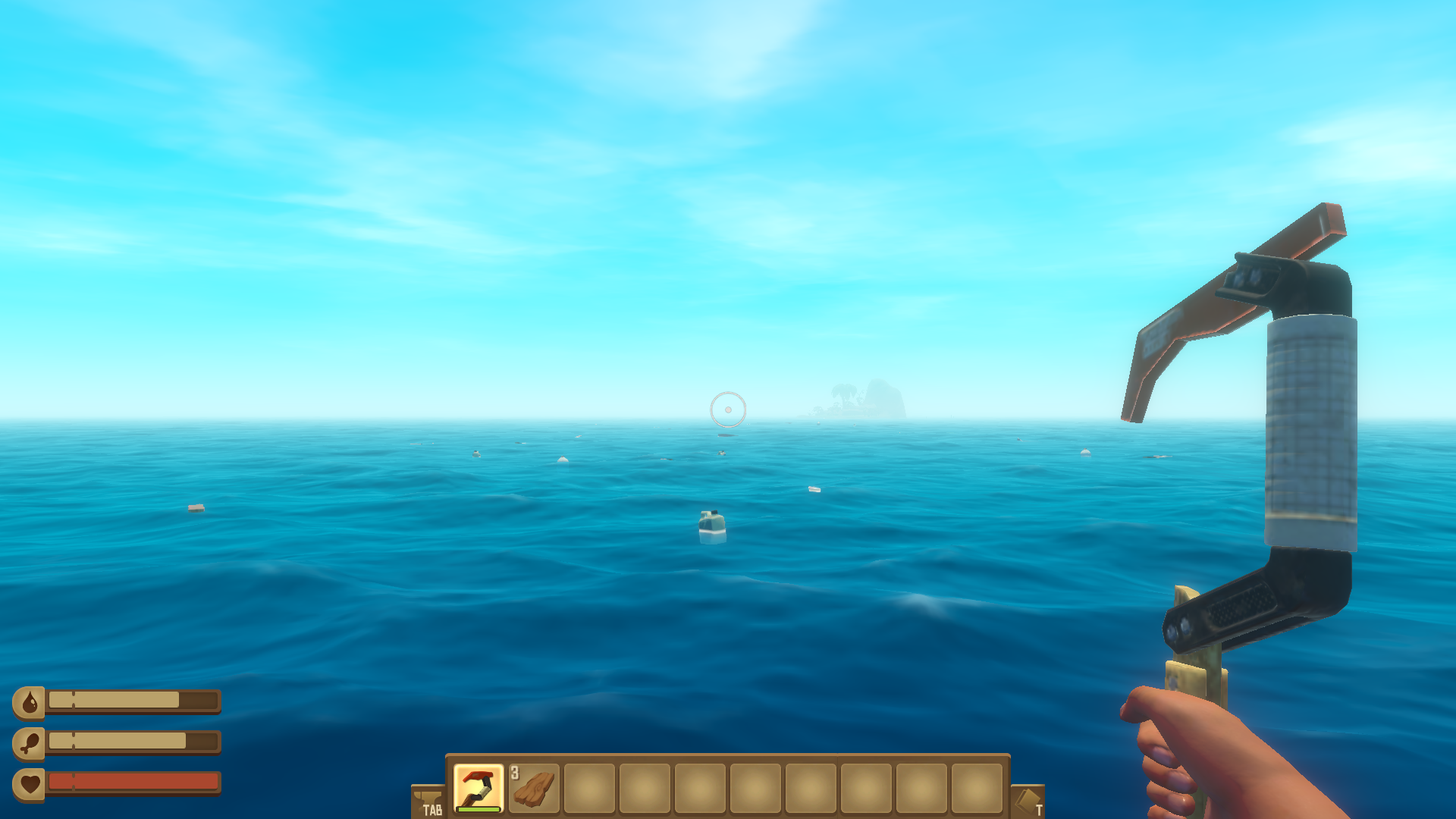
Drop selected supplies nearby
Choose an item in Spawn and add it in front of your view, ready to collect.
More ways to customise Raft
- Raft stat modifiers
Control natural hunger and thirst drain, underwater oxygen and travel speed.
- Raft ability modifiers
Prevent health loss while keeping normal healing.
Questions about game actions
- Does the spawner have item pictures?
- Yes. Item cards use Raft inventory icons so you can recognize your selection while browsing.
- Can I spawn more than one item?
- Yes. Choose a quantity up to the limit shown for that item. Stackable supplies and individual equipment have different limits.
Using these features
Choose the feature in the Windows app after connecting your game. Check its requirements before making a change.
Setup for Raft →