

Stat Modifiers
4 optionsControl natural hunger and thirst drain, underwater oxygen and travel speed.
View all stat modifiers →Build your raft, gather supplies and explore the ocean at your own pace. Ease survival needs, choose movement speed, spawn items or turn shark bites into new foundations in a private single-player world.

Start with free mods
Download Bytonian Mods for Windows and try these free features. Choose one to see how it works and any requirements.
Browse hundreds of items with Raft inventory icons, search names and drop a chosen quantity in front of you.
Open Spawn, choose a category or search for an item, set the quantity and click its card. Collect the dropped bag.
Turn a shark bite on a basic foundation into a new raft foundation in a private single-player world.
Enable Shark Contractor in your loaded private single-player world. New foundations remain when you turn it off.
Construction stops at 256 total placed blocks. Other foundation types keep their normal bite behavior.
Keep your remaining oxygen from draining while you explore underwater.
Switch on Unlimited Oxygen before diving.
Adjust walking, sprinting, crouched travel and swimming speed together.
Turn on Movement Speed, then choose a percentage. Use 100% for normal speed.
Raft, But Shark Bites ADD Planks
Shark Contractor turns shark bites into new basic foundations in a single-player Raft test after a failed first attempt.
I Gave Raft’s Shark a Job
Raft’s shark gets a building job. A real bite adds a foundation with Shark Contractor, instead of damaging the floor. He is still on probation.
Use No Health Loss to protect your remaining health. The stat controls cover natural hunger and thirst drain, underwater oxygen and movement speed, so you can choose the changes that suit your trip.
Open Spawn to browse hundreds of items with their inventory icons. Search by name, choose a quantity and drop your selection nearby, ready to collect. Categories include weapons, tools, equipment, decorations and navigation items.
Install Bytonian Mods for Windows, select Raft and choose the controls you want to use. Turn each control on when you need it. Switching Shark Contractor off leaves its built foundations in place.
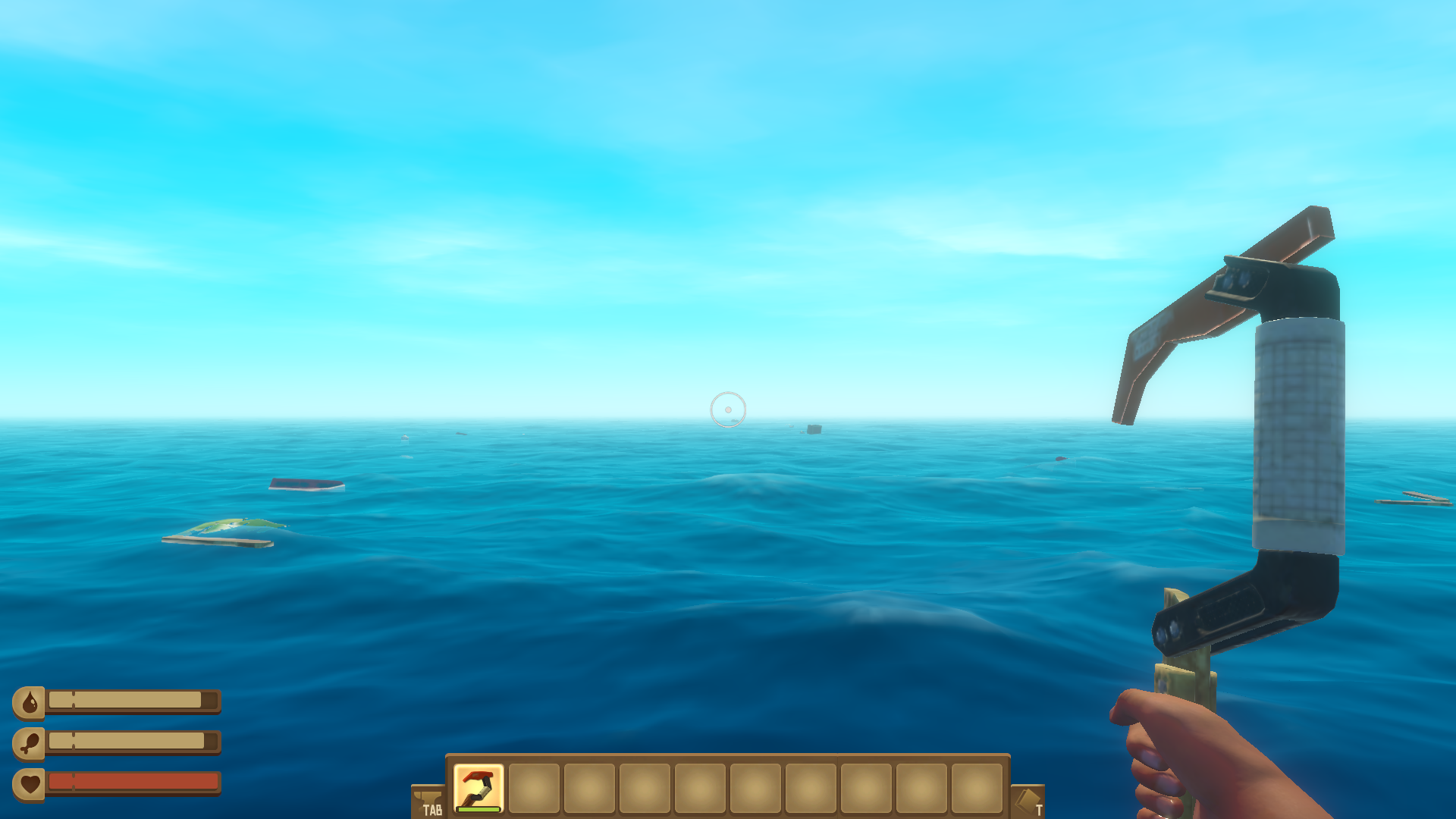
Gather supplies on the open ocean
Your hook is ready as floating supplies drift across the ocean.
Control natural hunger and thirst drain, underwater oxygen and travel speed.
View all stat modifiers →Prevent health loss while keeping normal healing.
View ability modifiers →Spawn selected items or add foundations from shark bites.
View game actions →Browse the Steam achievement names and descriptions for Raft. Choose and unlock achievements for free with Bytonian Mods in the Windows app.
View all achievements →Download the Windows app and follow the setup prompts.
Open Raft and select it in Bytonian Mods. Follow the app’s connection prompts.
Review the available options in the app and choose the ones that suit how you play.