
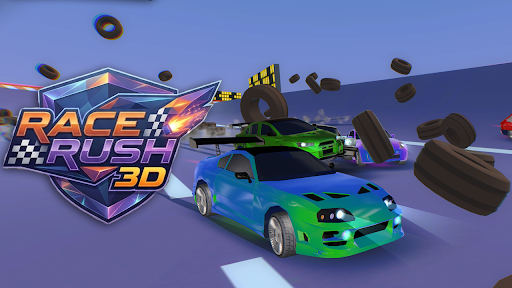
Customise
3 optionsSet your cash, nitro and shield supplies to prepare for the next race.
View customisation options →Choose cash for garage upgrades, stock up on nitro and replenish your shield supply in Race Rush 3D. Then take your car onto raised tracks filled with obstacles and swinging hammers.
Requires the Windows app and the Bytonian Mods browser extension for Chrome or Edge. Browser setup guide
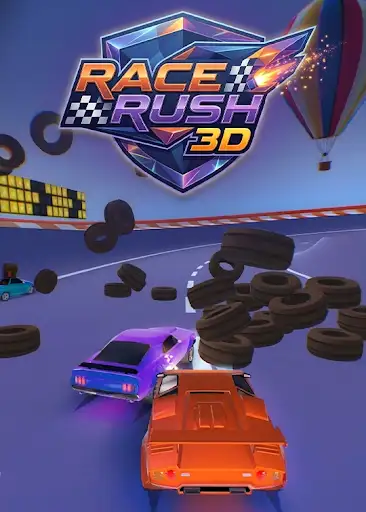
Start with free mods
Download Bytonian Mods for Windows and try these free features. Choose one to see how it works and any requirements.
Put more cash toward your next garage upgrade.
Choose your cash amount before entering a race, then spend it in the garage.
Put cash toward your next garage upgrade, stock up on nitro for a boost, and replenish your shields before taking on the track. Cash is free; nitro and shield controls are Premium.
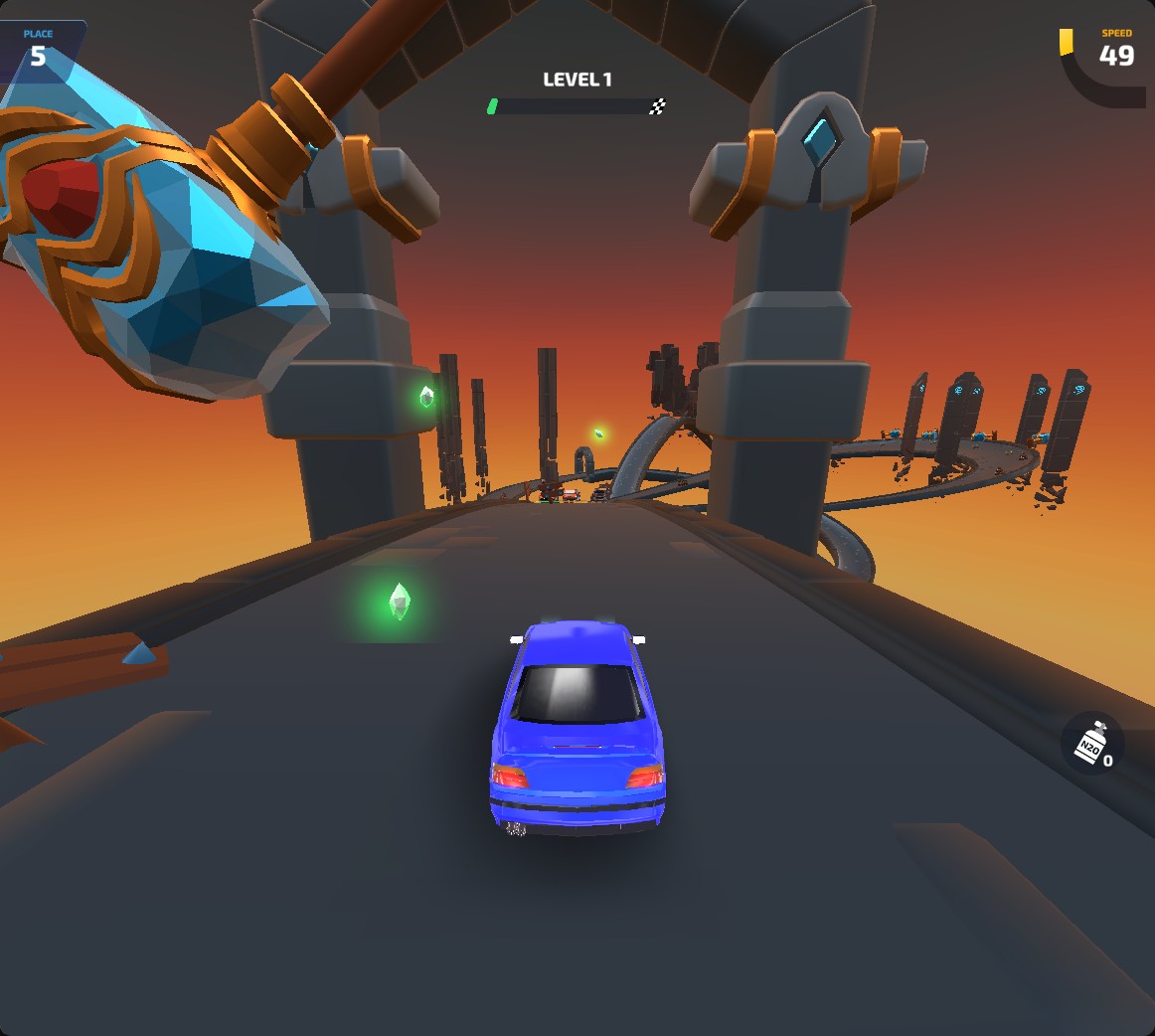
Take on the next stretch of track
Drive through a raised race course lined with towering obstacles.
Set your cash, nitro and shield supplies to prepare for the next race.
View customisation options →Download the Windows app and follow the setup prompts.
Set up the browser extension in Chrome or Edge, then open the supported YouTube Playable. Follow the connection guide if the game is already running.
Open Customise in Bytonian Mods, choose an option and follow its instructions. Check the available values and any limits before making your change.