
Choose your coins and booster supplies
Adjust four amounts to suit how you want to play. Coins cover normal booster purchases; Undo, Redeal and Bomb have separate supplies so you can stock the tools you prefer.
Requires the Windows app and the Bytonian Mods browser extension for Chrome or Edge. Browser setup guide

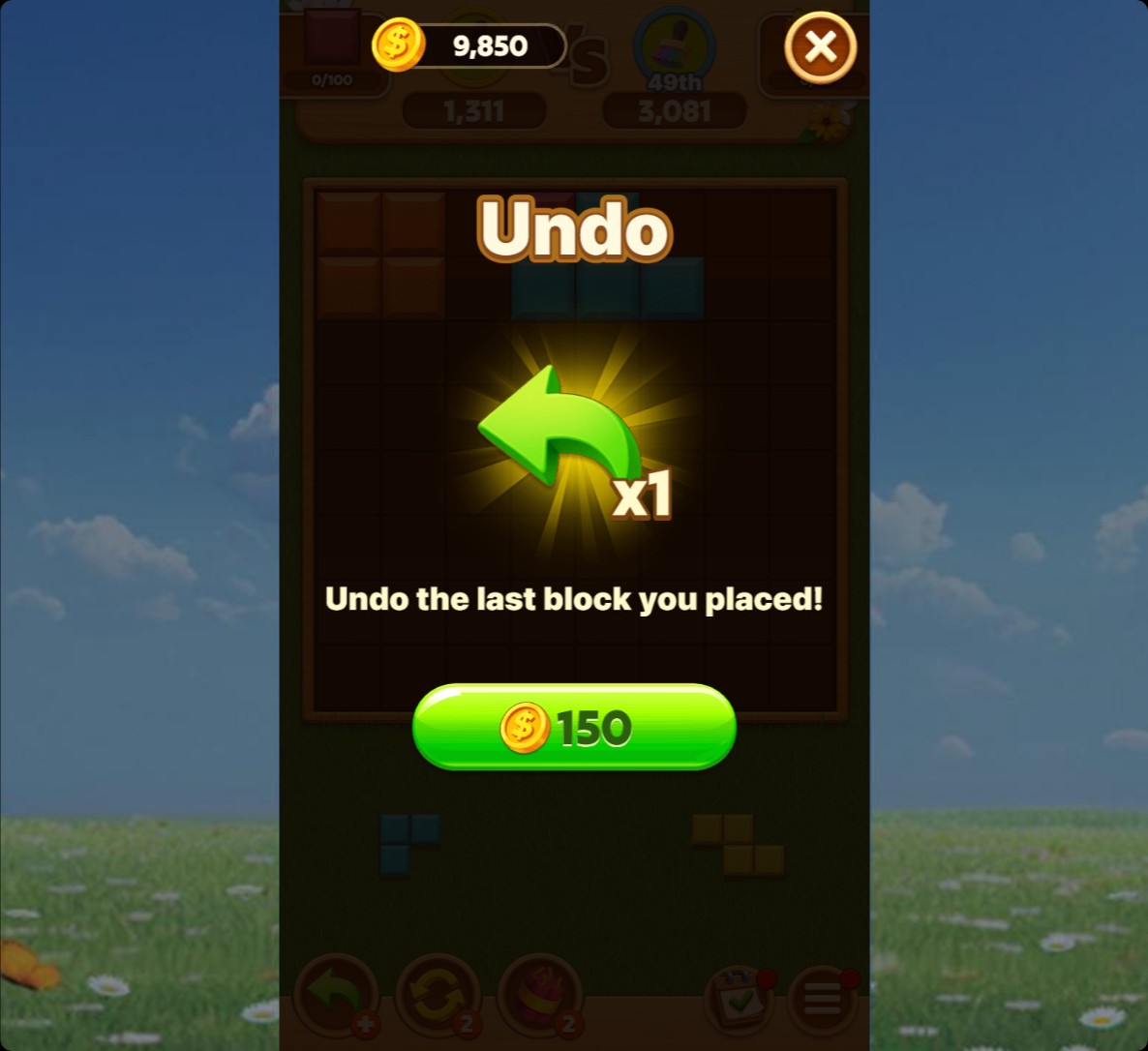
Coins for another Undo
A coin-funded Undo reverses an eligible move. The balance shows 9,850 coins after a 150-coin use.
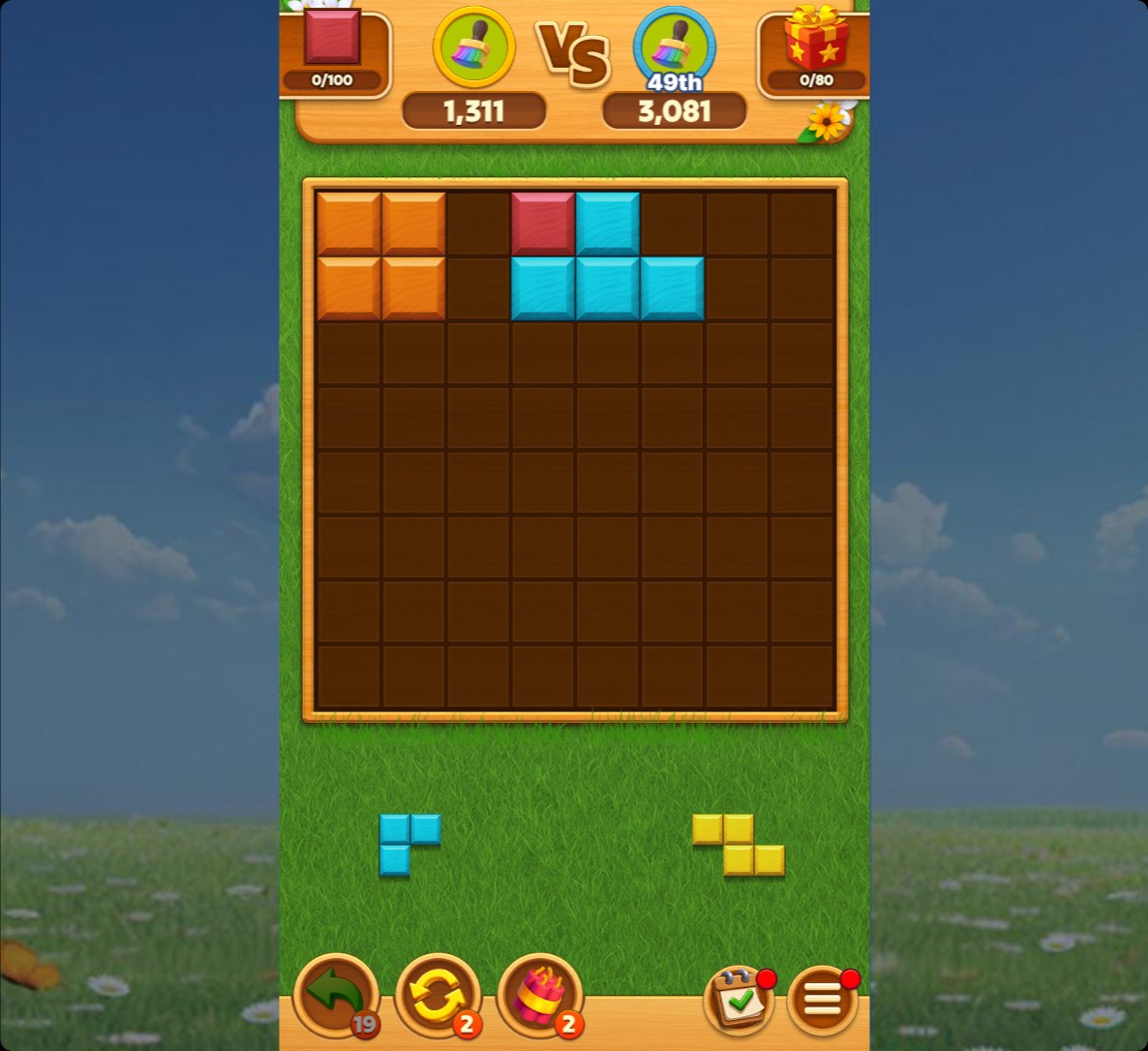
Take back a placement
Undo returns an eligible piece to the tray. The board is restored and 19 Undo uses remain.
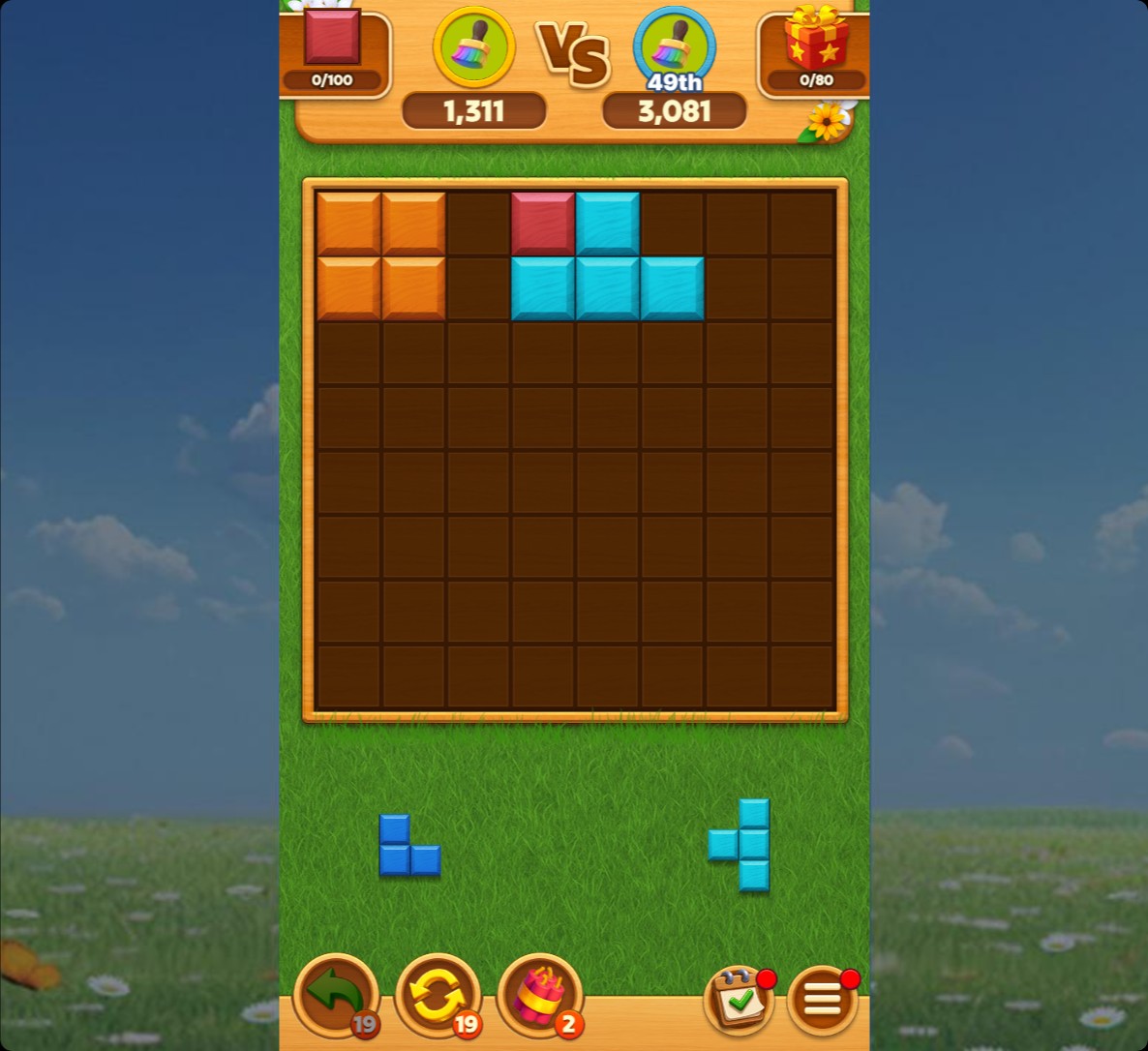
Try a different set of pieces
Redeal replaces the pieces waiting in the tray while keeping the board in place. There are 19 Redeal uses left.
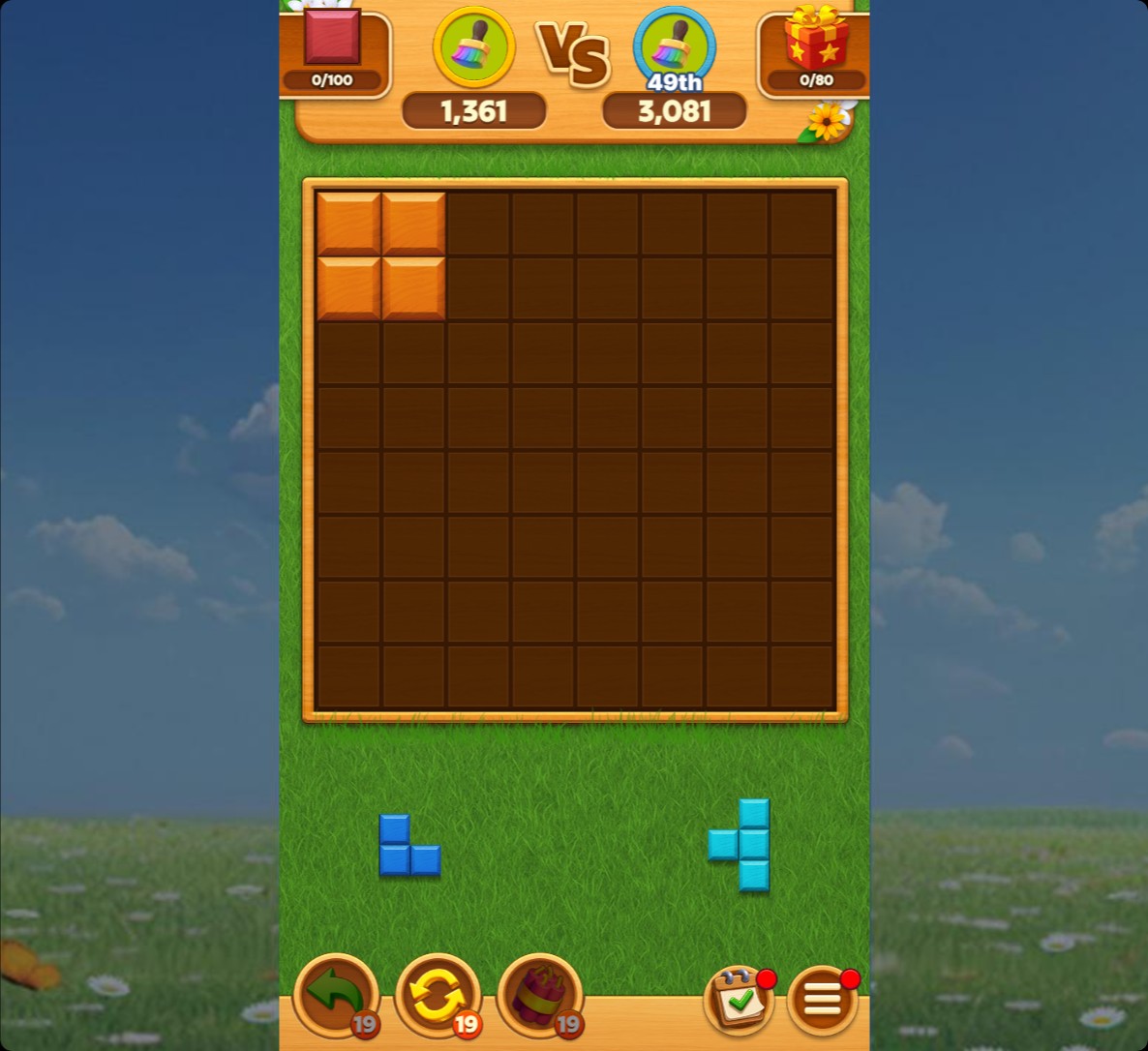
Make room with Bomb
Bomb clears a cluster from the board to open space for more pieces. This use leaves 19 Bombs available.
Recover a placement with Undo
After placing a piece without clearing a line, use Undo while other pieces remain in the tray. It removes that placement and returns the piece so you can try a different spot.
Change the tray or clear the grid
Redeal replaces your remaining offered pieces while keeping placed blocks in position. Bomb removes a cluster to open board space when its button becomes available.
Keep coins ready for booster purchases
When a booster has no uses left, its normal purchase panel can offer a coin-funded use. Choose your coin balance, then buy the tool you need from that panel.
Available customisation options
CoinsFree
Choose your coin balance for normal booster purchases when you need another use.
Set an amount, continue your puzzle and use the coin purchase button offered when a booster supply is empty.
Boosters must be unlocked and eligible for use.
UndoFree
Choose how many Undo uses you have to recover eligible placements and try another position.
Place a piece without clearing a line, then press Undo while other offered pieces remain.
A line-clearing move or the last piece of a completed set cannot be undone.
RedealFree
Choose your Redeal supply to replace the pieces waiting in the tray and look for a better fit.
Press Redeal during your puzzle to change the remaining offered pieces.
BombFree
Choose your Bomb supply to clear a cluster of blocks and make more room on the grid.
Use Bomb after unlocking it through normal play and when its button is available for the current board.
Using these features
Connect your game, then open Customise in the Windows app. Choose an option, check its available values and follow its instructions. Each option lists its own requirements and limits.
Setup for Puzzle Block Master →