

Set your cash in Prison Life: Idle Game
Choose how much cash your warden has in Alcatraz, the first prison. Apply the balance after the introduction, then return to the game with the amount you selected.
Requires the Windows app and the Bytonian Mods browser extension for Chrome or Edge. Browser setup guide

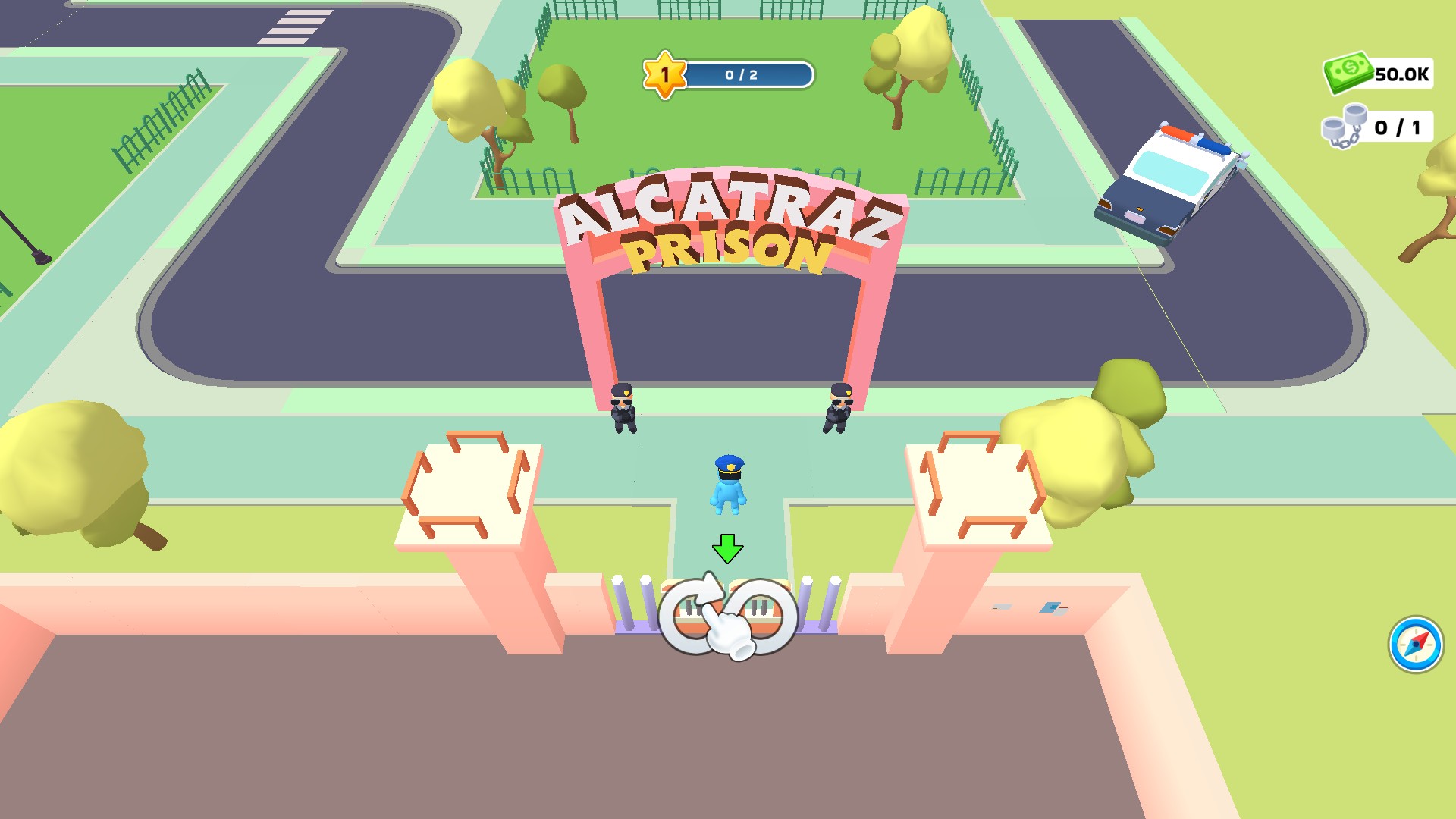
Start with plenty of cash
Choose your Alcatraz cash balance; this screen shows 50.0K for the warden.
How it works
Enter the amount you want and apply it. The game reloads with your chosen balance; 50,000 cash appears as 50.0K in the top corner.
Limits
The option covers Alcatraz, the first prison. Play past the introduction before applying a balance.
Available customisation options
MoneyFree
Set how much cash you have in Alcatraz, your first prison.
Enter an amount and apply it; the game reloads with your new balance.
Covers the first prison only. Play past the introduction before applying a balance.
More ways to customise Prison Life: Idle Game
- Prison Life: Idle Game stat modifiers
Double your warden's walking speed.
Questions about customisation options
- Why can't I apply Money on a new game?
- The game creates your Alcatraz cash only after the introduction. Play for a moment, then apply the amount you want.
Using these features
Connect your game, then open Customise in the Windows app. Choose an option, check its available values and follow its instructions. Each option lists its own requirements and limits.
Setup for Prison Life: Idle Game →