

Customize your next golf round
Choose the course and hole you want to play, then apply your selections. Use the free shield visibility option to see the course boundary.
Requires the Windows app and the Bytonian Mods browser extension for Chrome or Edge. Browser setup guide

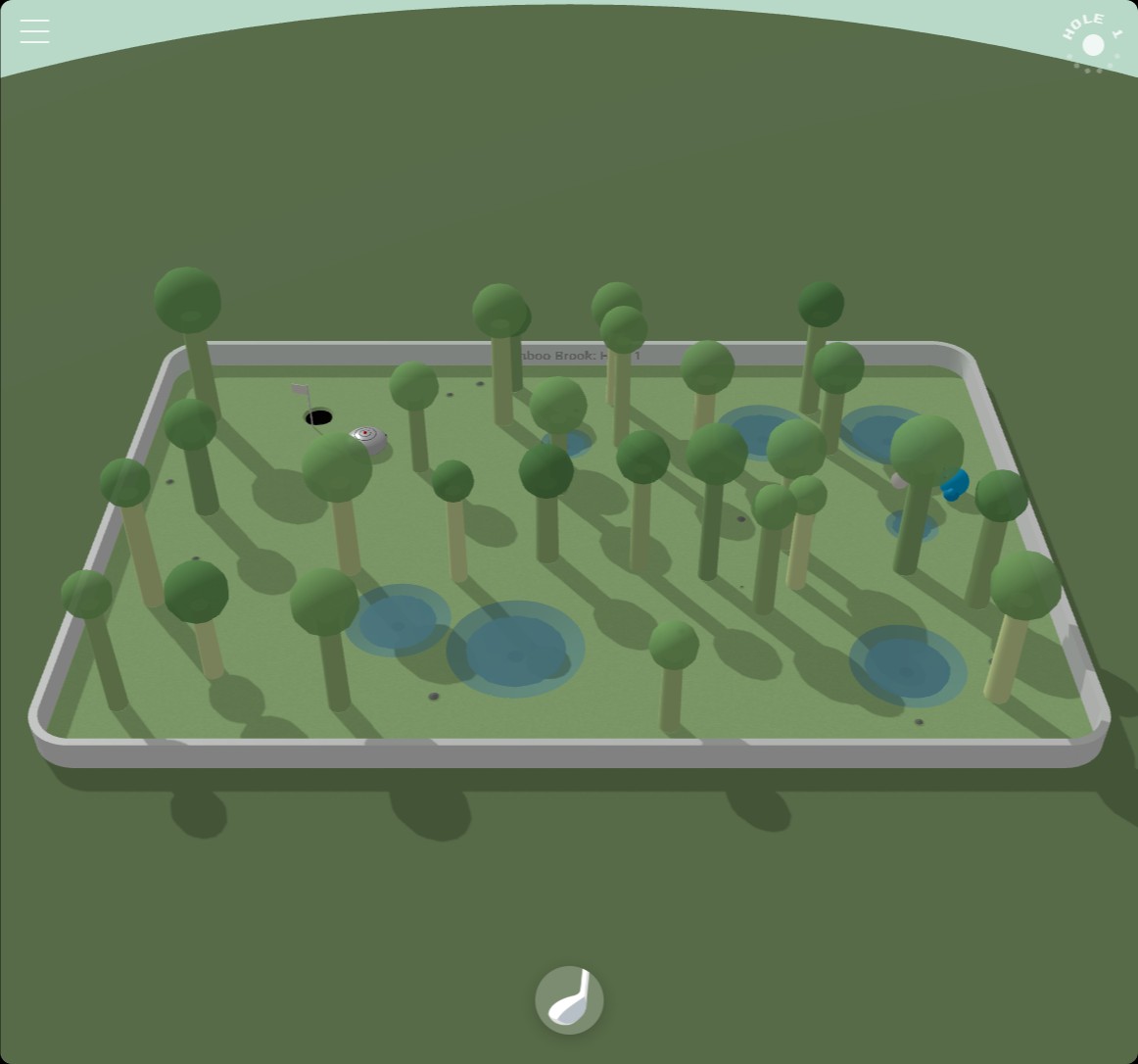
Choose your course
Explore Bamboo Brook with its tall bamboo and scattered ponds.
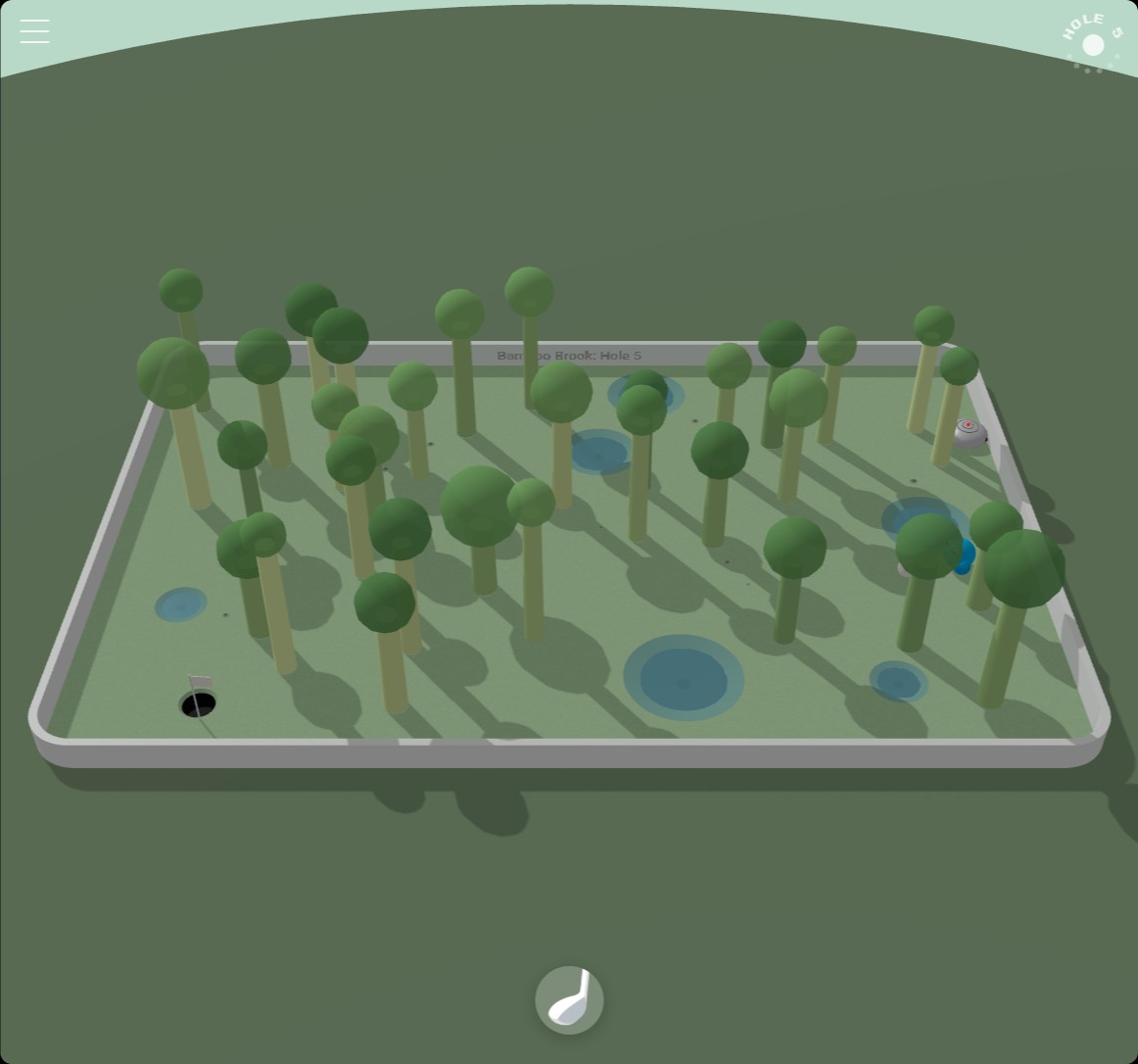
Choose your next hole
Jump to Hole 5 and take on a fresh layout in Bamboo Brook.
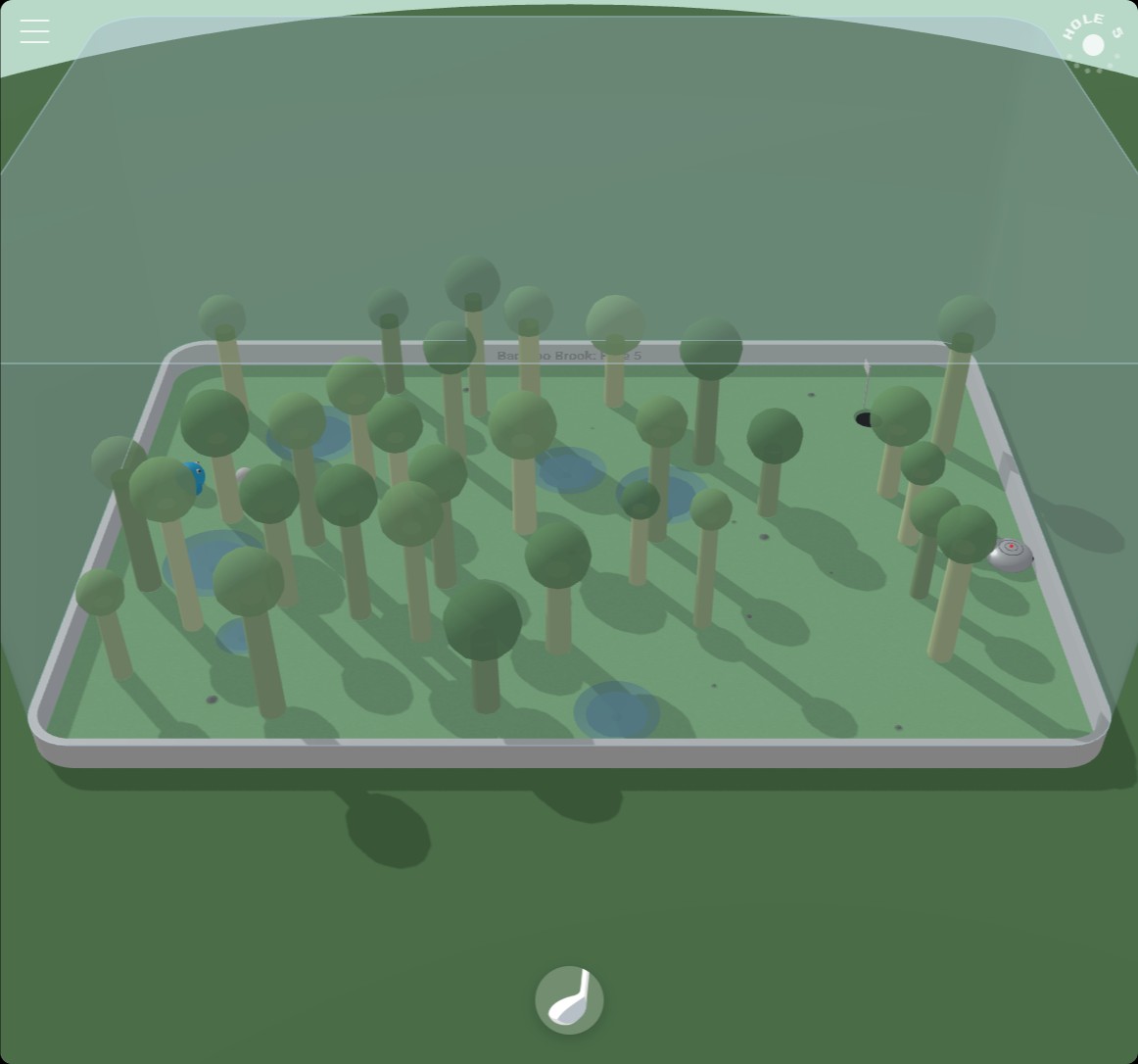
See the warp shield
Keep the translucent boundary shield visible around the course.
Courses and holes
Choose a named course from the list and a hole between 1 and 9. Course and hole selection are premium options. Your earlier scorecards are not filled in by choosing a later hole.
Keep the boundary visible
Set Visible Warp Shield to Always visible to keep the tall translucent boundary in view. Choose Normal visibility to return to the game's usual shield appearance. This free option changes visibility only.
Available customisation options
Choose CoursePremium
Choose one of 30 built-in courses for normal play.
Choose a course by name and apply your selection.
Selecting a course does not award completion or unlock rewards; layouts generate normally.
Choose HolePremium
Set the current hole from 1 to 9.
Choose the hole you want to play and apply your selection.
Choosing a later hole does not fill earlier scorecards or finish the round.
Visible Warp ShieldFree
Keep the translucent warp shield visible around the course.
Choose Always visible or Normal visibility, then apply.
Changes visibility only, without changing protection or collisions.
Questions about customisation options
- Will the layout be identical each time?
- The game generates layouts normally when it loads a hole, so the same selection can have a different layout.
- Which option is free?
- Visible Warp Shield is free. Course and hole selection are premium options.
Using these features
Connect your game, then open Customise in the Windows app. Choose an option, check its available values and follow its instructions. Each option lists its own requirements and limits.
Setup for Pongis Golf →