
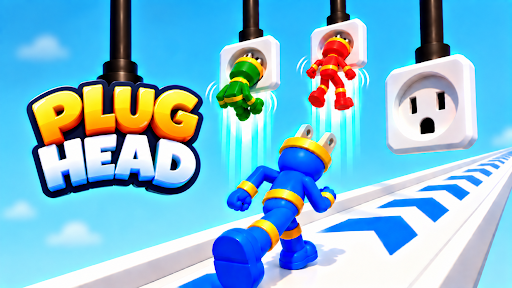
Customise
4 optionsFour controls for shop gems, both skin collections, trail choices and course unlock progress.
View all customisation options →Set your shop gems, unlock a look for your runner or choose your progress toward the next course unlock. Catch sockets and time your run past obstacles to reach the finish.
Requires the Windows app and the Bytonian Mods browser extension for Chrome or Edge. Browser setup guide

Start with free mods
Download Bytonian Mods for Windows and try these free features. Choose one to see how it works and any requirements.
Reveal the trail collection and choose a style to match your runner.
Apply Unlock Trails, open the Trails tab in the shop and select a favorite.
Open both character skin collections and pick a favorite in the shop. The trail control reveals another collection of cosmetic choices to match your runner.
Set your gem balance for the shop, or adjust course unlock progress to move toward new obstacle content. Finish your first run before using gems or course progress, then complete another run after changing course progress.
Four controls for shop gems, both skin collections, trail choices and course unlock progress.
View all customisation options →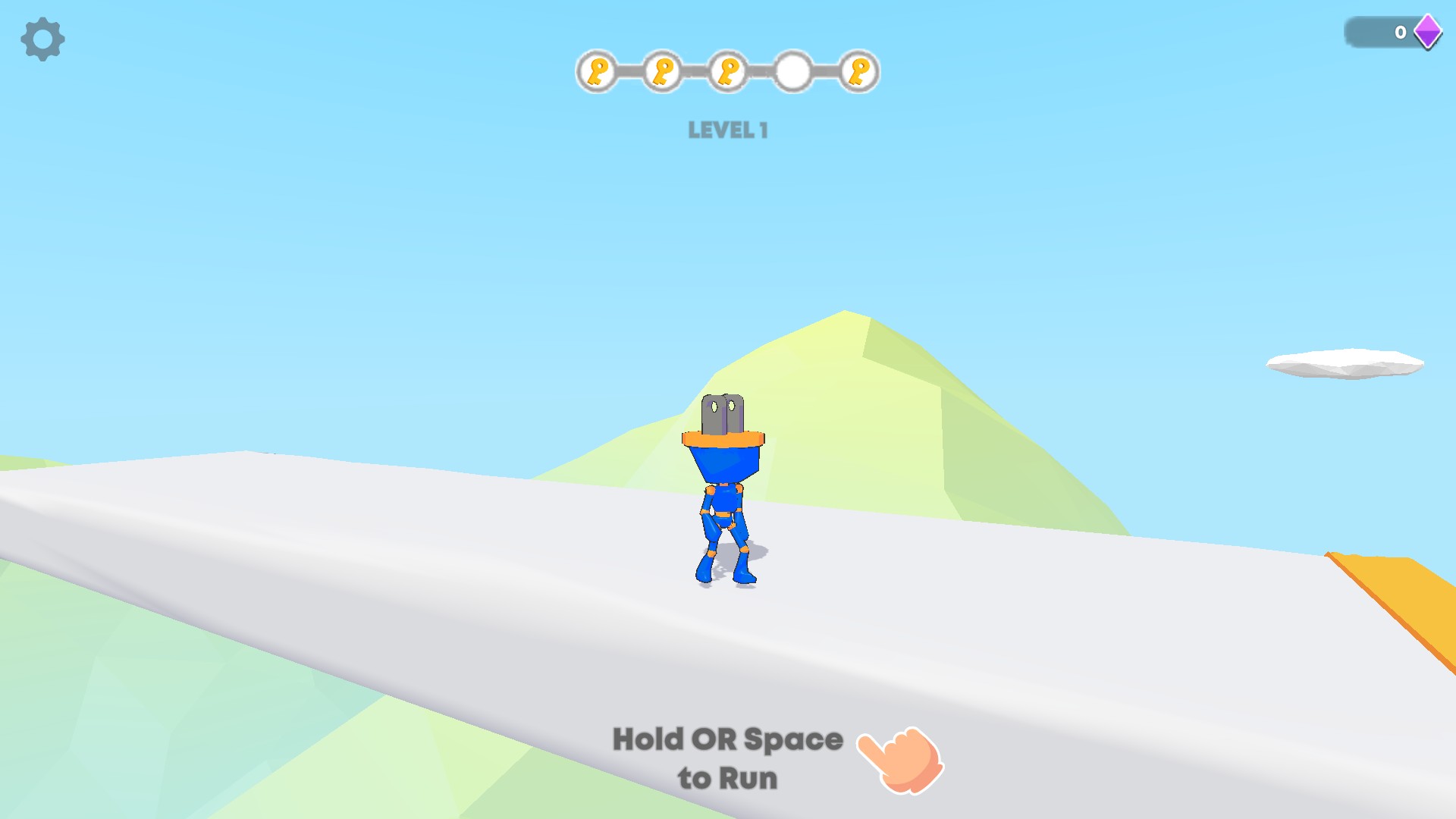
Time your run through Plug Head
Hold to run and release to stop as you guide your plug-headed character through moving obstacles and toward the finish.
Download the Windows app and follow the setup prompts.
Set up the browser extension in Chrome or Edge, then open the supported YouTube Playable. Follow the connection guide if the game is already running.
Open Customise in Bytonian Mods, choose an option and follow its instructions. Check the available values and any limits before making your change.