
Customize your Plow & Grow farm
Choose levels for vehicle speed, tool width and crop storage. Unlock the truck or fields B, C and D separately, or set farm money for your next shop purchase.
Requires the Windows app and the Bytonian Mods browser extension for Chrome or Edge. Browser setup guide
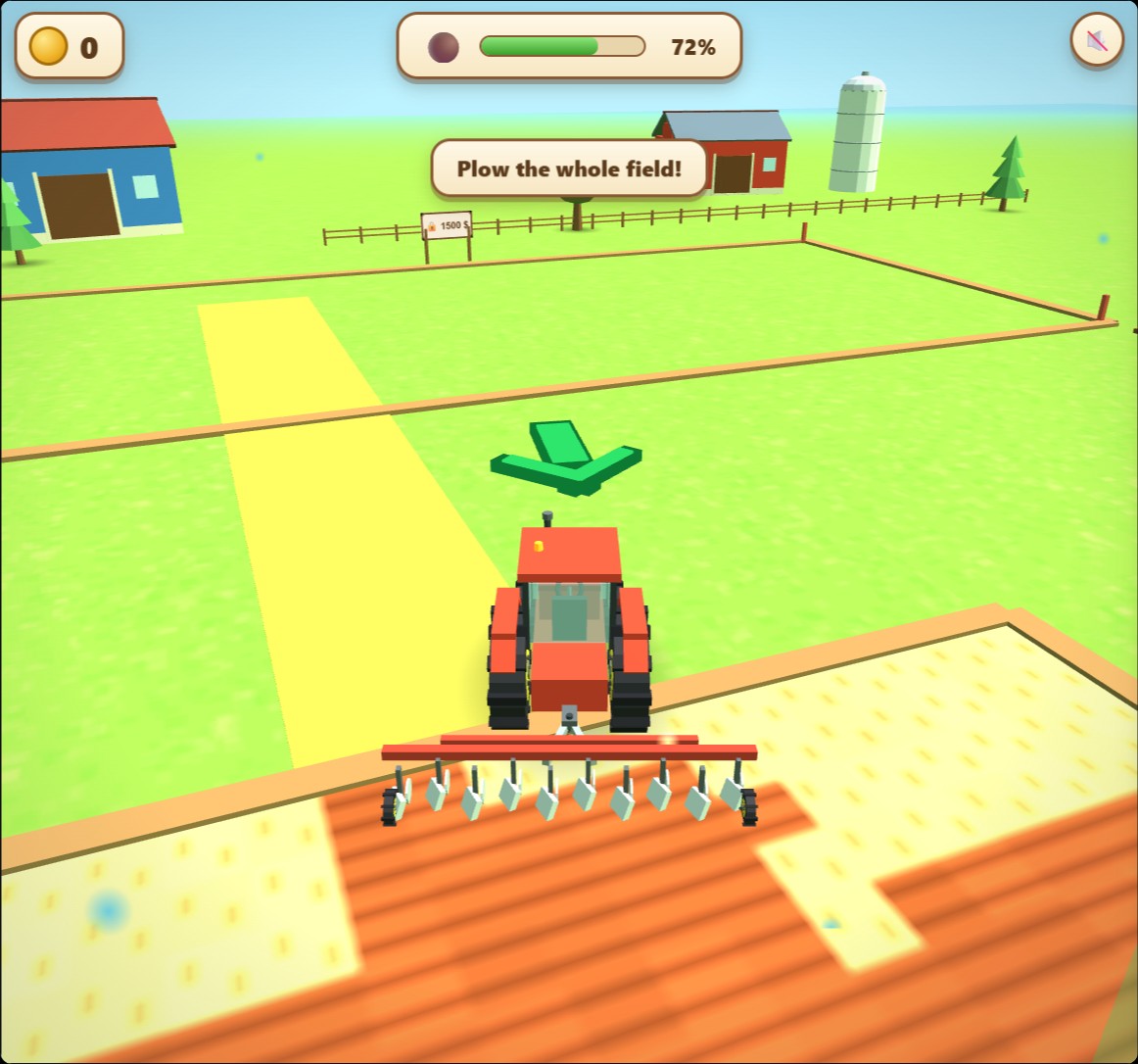
Work a wider strip
A wider plow covers more ground as you cultivate your field.
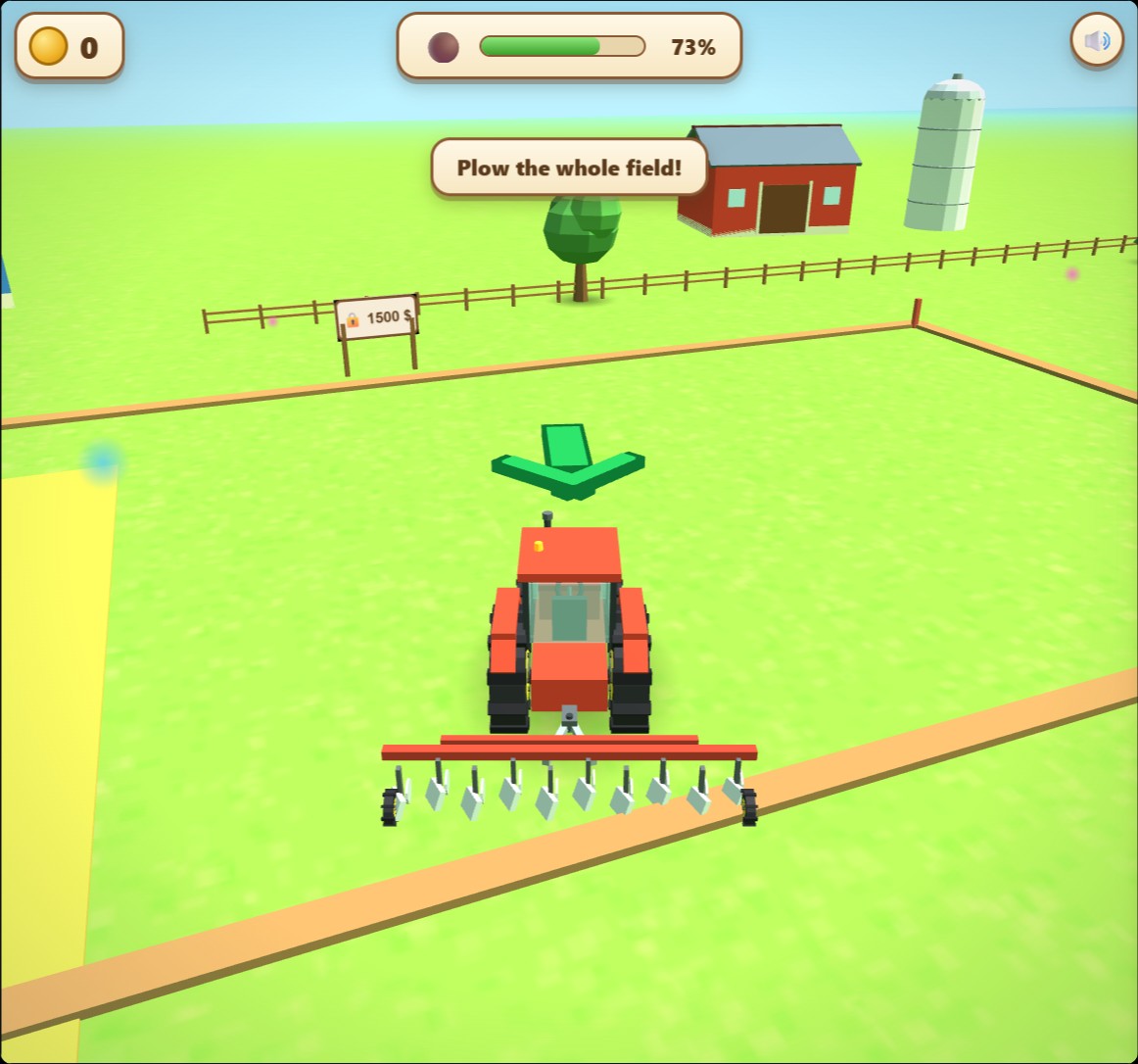
Choose your driving pace
Set the built-in vehicle speed level for trips around the farm.
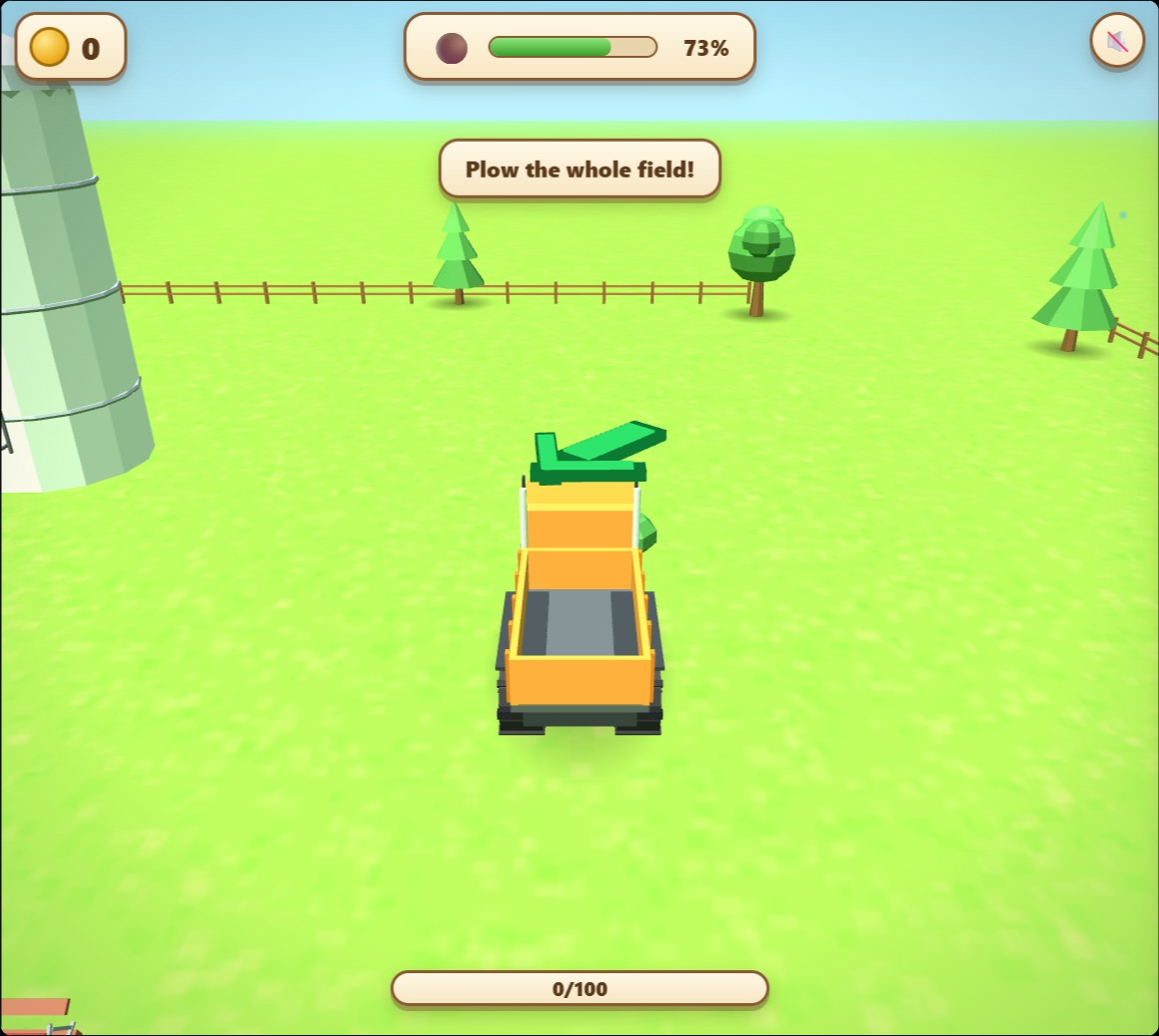
Add the truck to your fleet
Unlock the truck, switch to it and drive it around your farm.
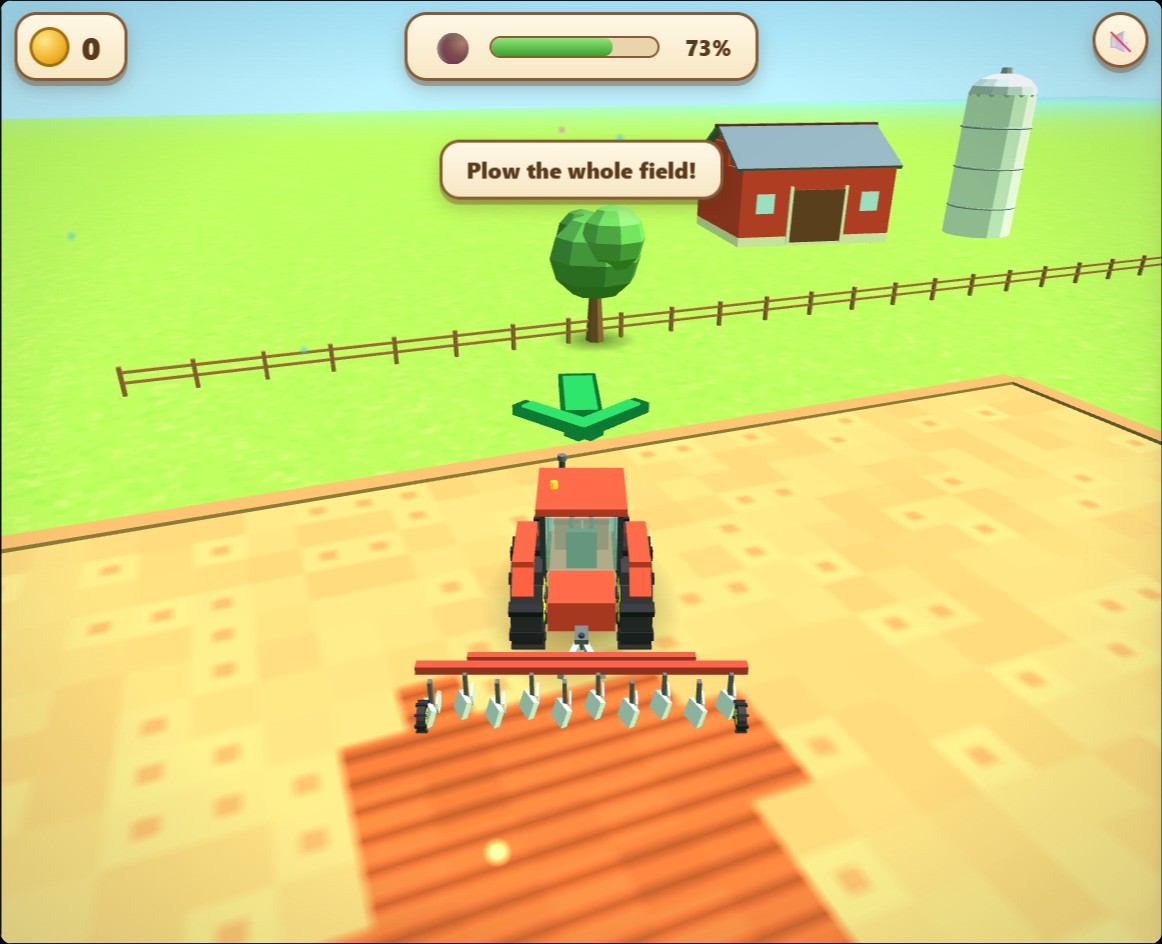
More land to farm
Unlock the extra fields and work the new ground with your equipment.
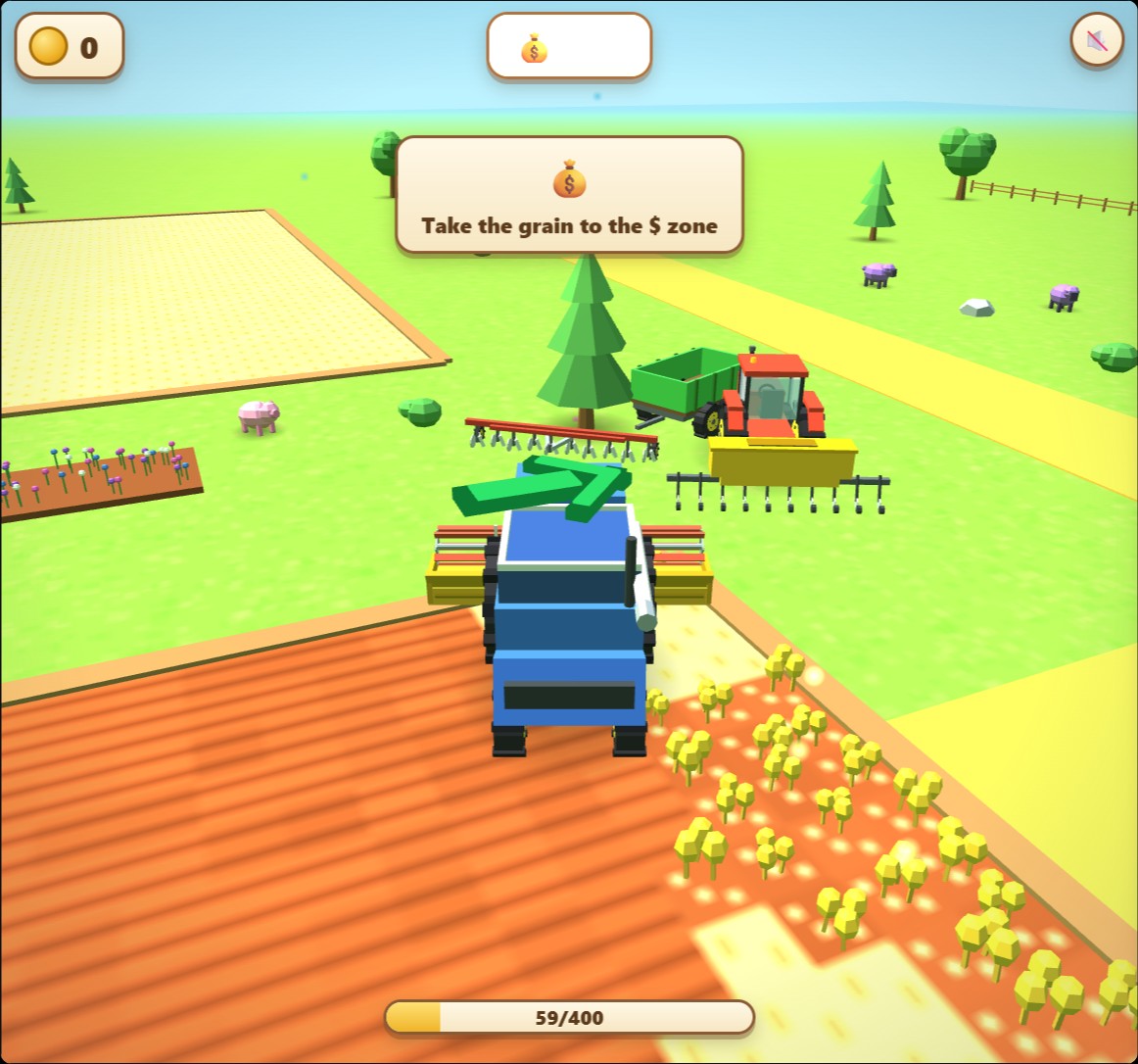
Harvest More Before Unloading
Choose the larger harvester tank to keep collecting crops after the original 50-unit limit.
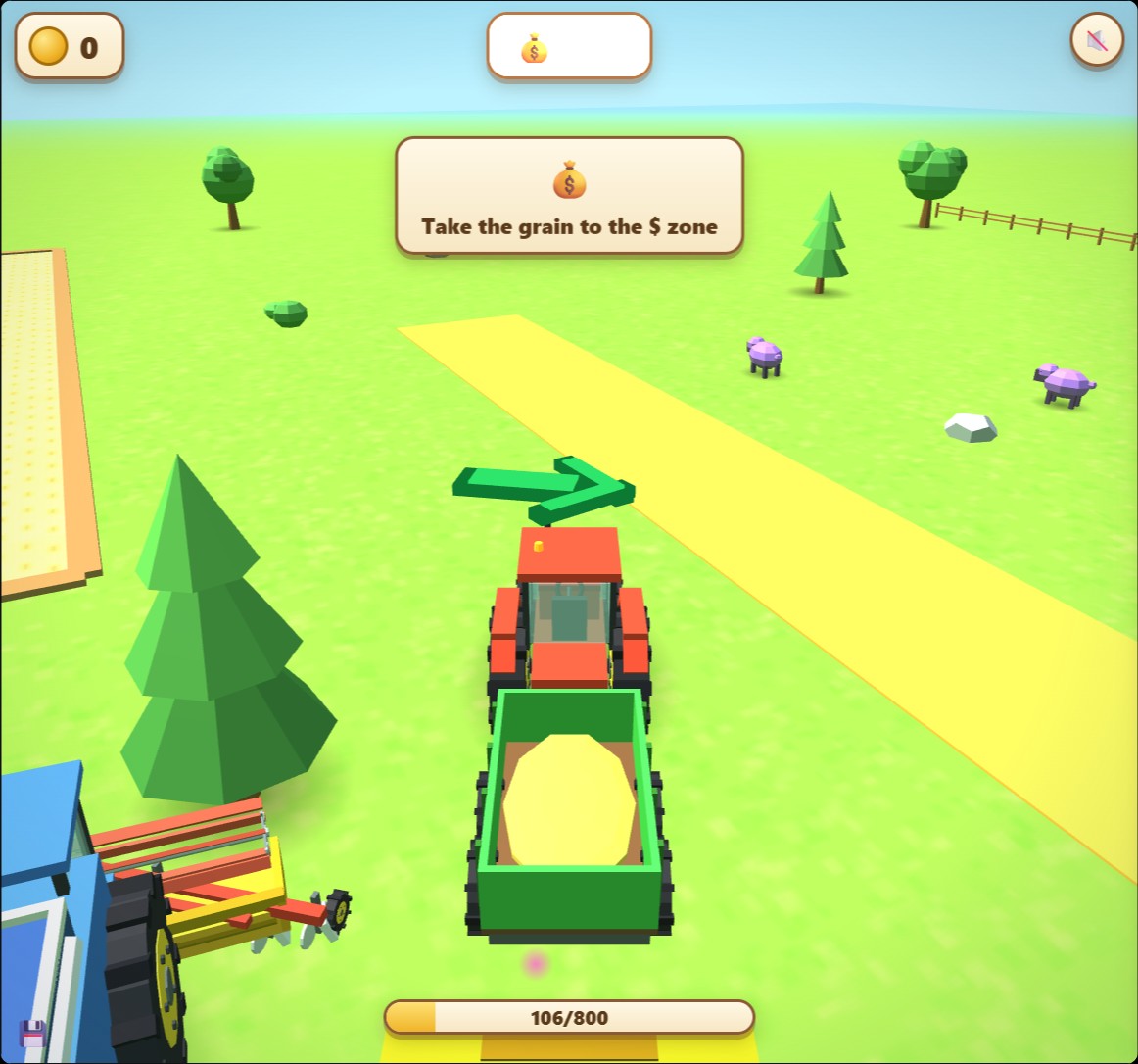
Carry More Grain
Choose a larger trailer and truck capacity to haul more crops before selling.
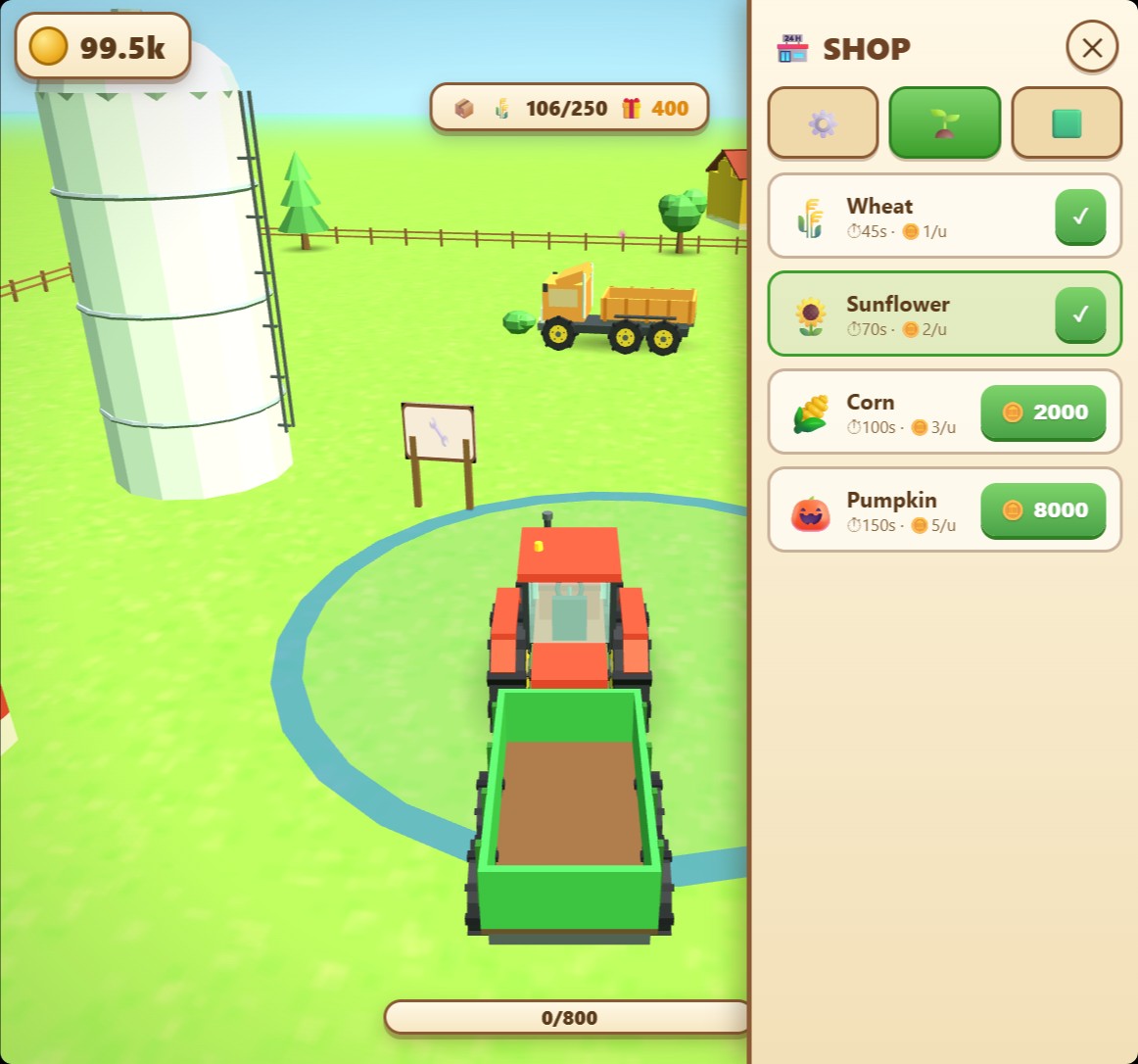
Money for farm purchases
Use spendable farm money to unlock crops through the shop. Sunflower has been purchased here, with99.5k remaining.
Work wider and carry more
Tool Width expands your working strip, reaching 5 metres at level 4. Harvester Tank reaches 400 units, while Hauling Capacity raises trailer and truck storage to 800 units at level 4.
Expand your vehicles and land
Unlock the truck, then select it through the game's vehicle controls. Extra Fields opens B, C and D together so you can cultivate them through normal farming.
Choose your farm balance
Set Money to fund normal shop purchases. Buy a crop in the shop, then select it for your farming plans.
Available customisation options
Tool Width LevelPremium
Choose a wider working tool level to cover more ground on each pass. Level 4 reaches a 5 metre working width.
Vehicle Speed LevelFree
Choose a vehicle speed level for faster trips around the farm. This control is free.
Harvester Tank LevelPremium
Collect more crops before unloading your harvester. Choose a tank level from 1 to 4, with 400 units at level 4.
Hauling Capacity LevelPremium
Carry more crops in your trailer and truck before selling. Level 4 provides 800 units of storage.
Unlock TruckPremium
Unlock the truck for normal vehicle selection and driving around the farm.
Unlock Extra FieldsPremium
Open fields B, C and D together for more land to plow, sow and harvest.
MoneyPremium
Choose spendable farm money, then use the shop to buy crops and other farm upgrades.
Set your balance and make purchases through the normal shop controls.
Using these features
Connect your game, then open Customise in the Windows app. Choose an option, check its available values and follow its instructions. Each option lists its own requirements and limits.
Setup for Plow & Grow →