

Set your Pizza Now! cash balance
Give your saved restaurant a budget for its next building purchase. Enter the total cash balance you want, apply the change and return to Pizza Now!.
Requires the Windows app and the Bytonian Mods browser extension for Chrome or Edge. Browser setup guide

How to set cash
Start the game and create a saved profile first. Choose a whole-number cash balance from 0 to 999,999,999, then apply it and return to your restaurant.
The amount replaces your current balance. Normal purchases still deduct their displayed cost.
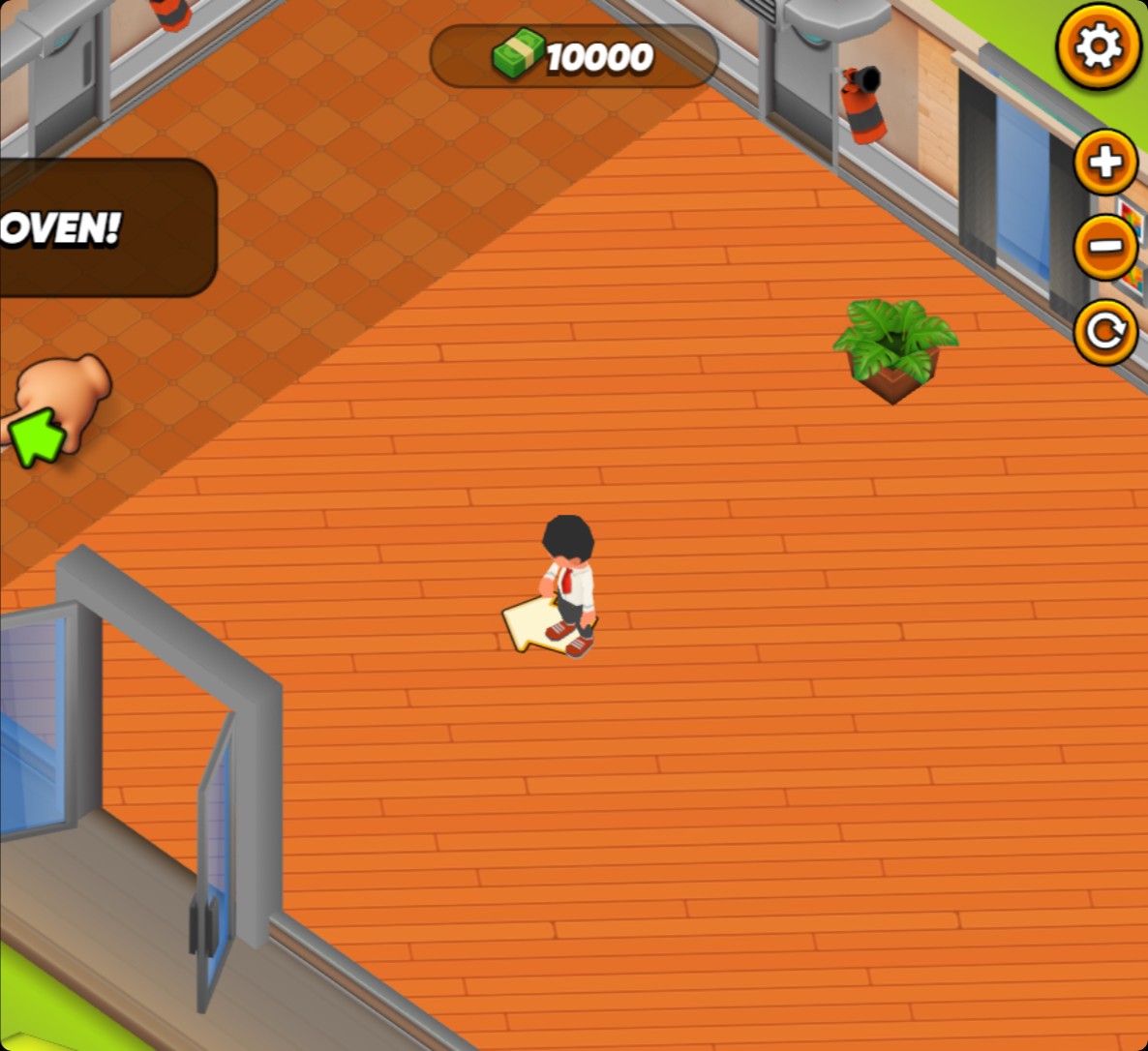
10,000 cash in your restaurant
The restaurant cash balance is set to 10,000 while the normal building tutorial remains available.
Available customisation options
CashFree
Set your restaurant's cash balance to fund normal building purchases.
Choose a whole-number total from 0 to 999,999,999, apply it and return to Pizza Now!.
Requires an existing saved game. This sets the balance rather than adding to it.
Questions about customisation options
- Will this build the restaurant for me?
- You make purchases in the game as usual. The control changes your available cash.
Using these features
Connect your game, then open Customise in the Windows app. Choose an option, check its available values and follow its instructions. Each option lists its own requirements and limits.
Setup for Pizza Now! →