
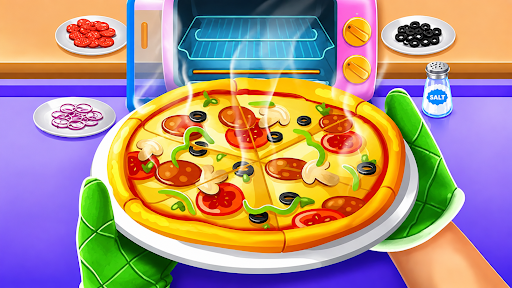
Put another pizza on the menu
Ready to cook something beyond Margarita? Choose your recipe level to open more choices in the pizza menu. At level 2, Pepperoni is ready to select.
Requires the Windows app and the Bytonian Mods browser extension for Chrome or Edge. Browser setup guide
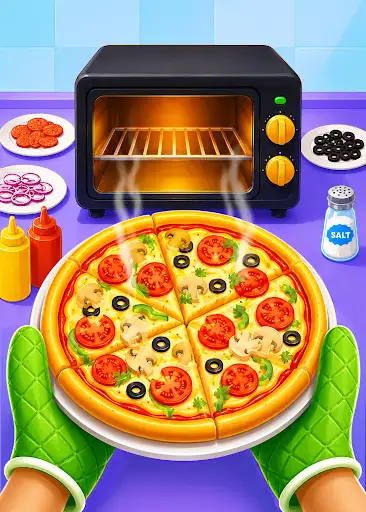
Choose your level, then your recipe
Apply the recipe level you want, then browse the pizza menu. Select Pepperoni at level 2 to begin gathering its ingredients.
Once you choose a pizza, its own ingredient checklist guides the next stage. The recipe choice stays in your hands.
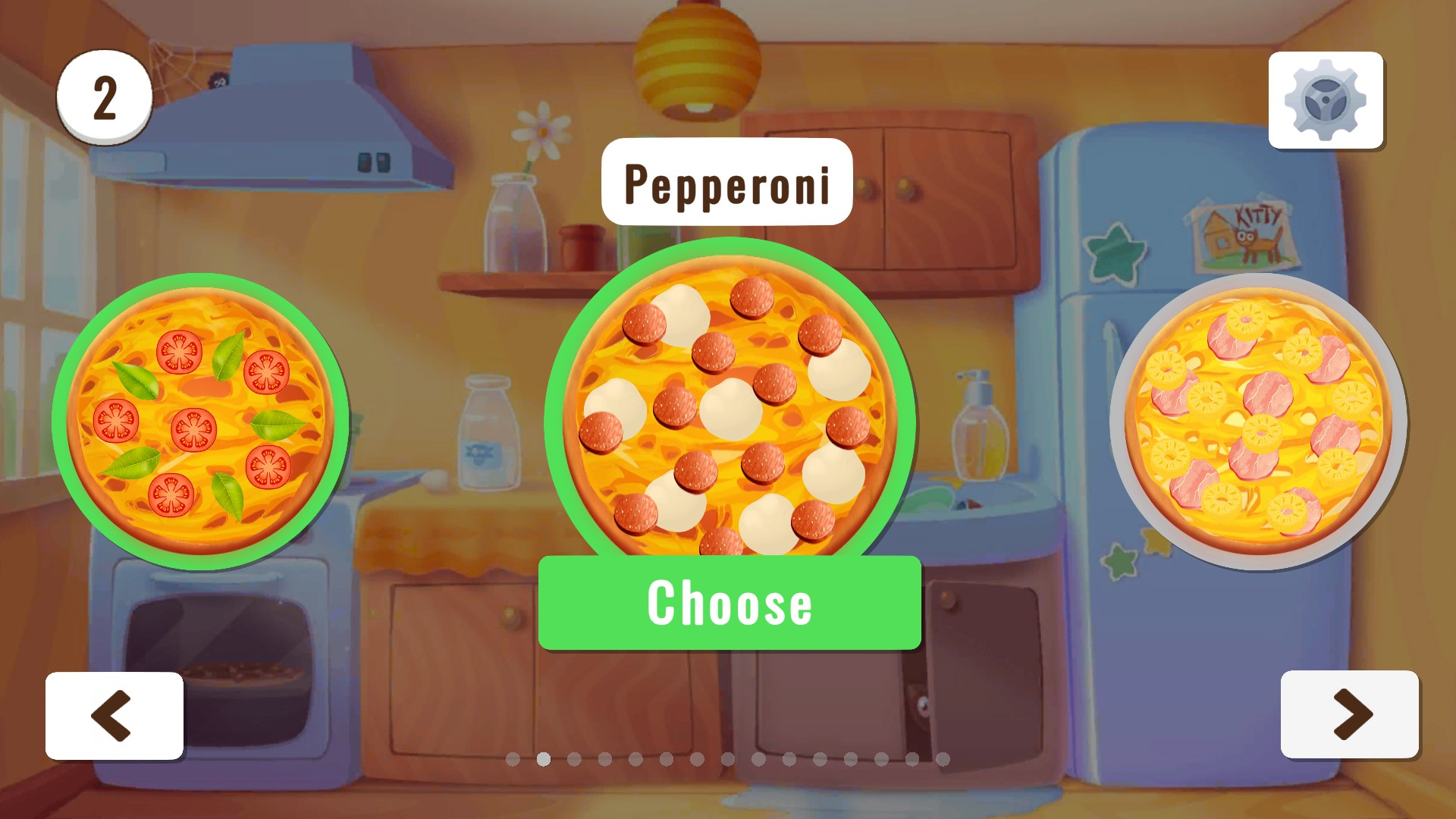
Try another pizza recipe
Choose your recipe level and open more pizzas to cook. At level 2, Pepperoni is ready to choose from the recipe menu.
Available customisation options
Recipe levelPremium
Choose your recipe level to open more pizzas in the menu, including Pepperoni at level 2.
Apply your level from the recipe menu, then browse to the pizza you want and press Choose.
More ways to customise Pizza Maker - Food Cooking
- Pizza Maker - Food Cooking game actions
Skip the shelf checklist and continue to topping preparation.
Questions about customisation options
- Which level opens Pepperoni?
- Pepperoni opens at level 2. Apply that recipe level, move to Pepperoni in the menu and press Choose.
Using these features
Connect your game, then open Customise in the Windows app. Choose an option, check its available values and follow its instructions. Each option lists its own requirements and limits.
Setup for Pizza Maker - Food Cooking →