

Choose your factory's next budget
Set Cash for everyday purchases and Diamonds for manager chests or research. Apply your chosen balances, return to the factory and spend them through the usual menus.
Requires the Windows app and the Bytonian Mods browser extension for Chrome or Edge. Browser setup guide

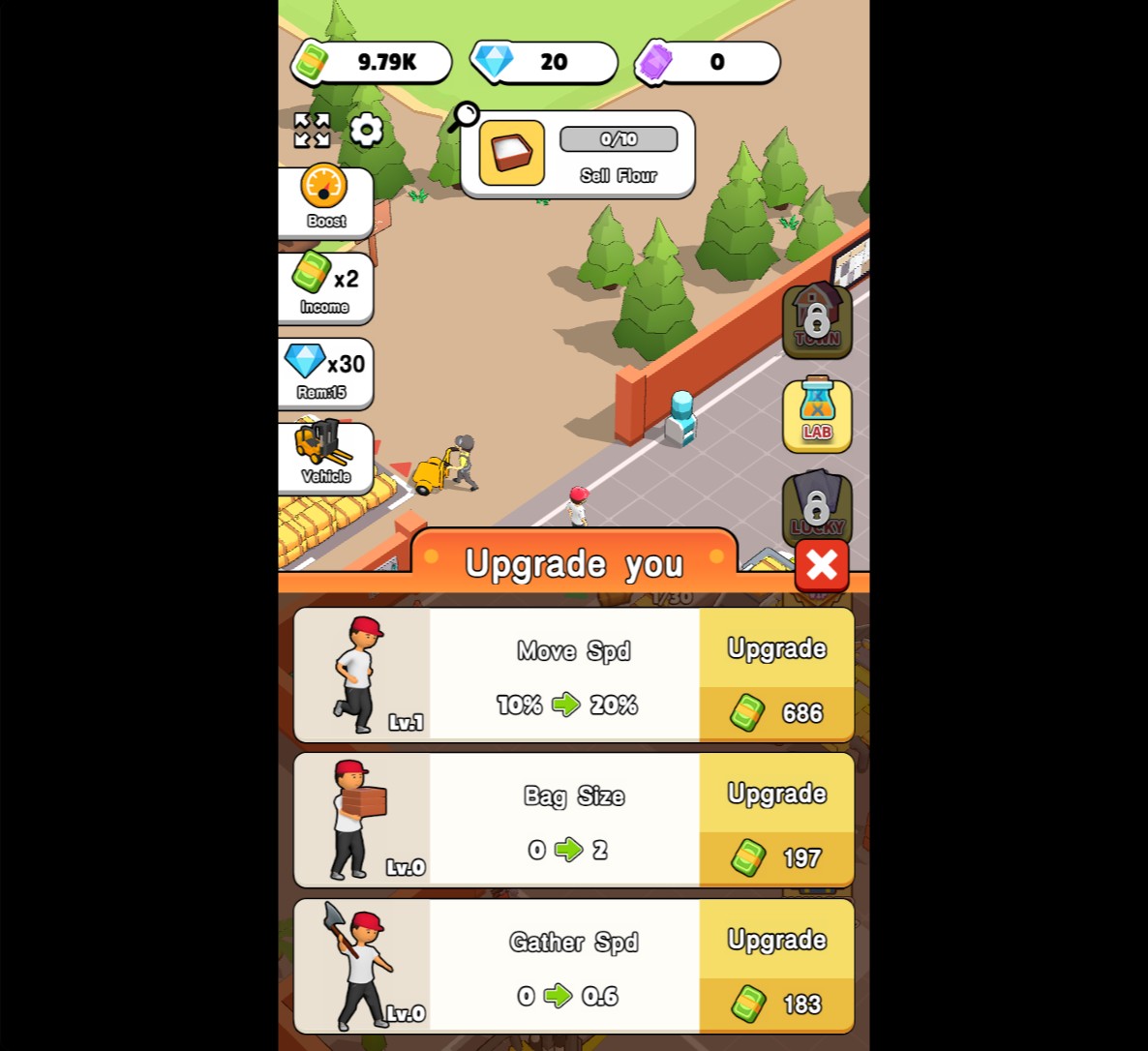
Buy normal upgrades with Cash
Choose a cash balance and spend it through the usual upgrade menu.
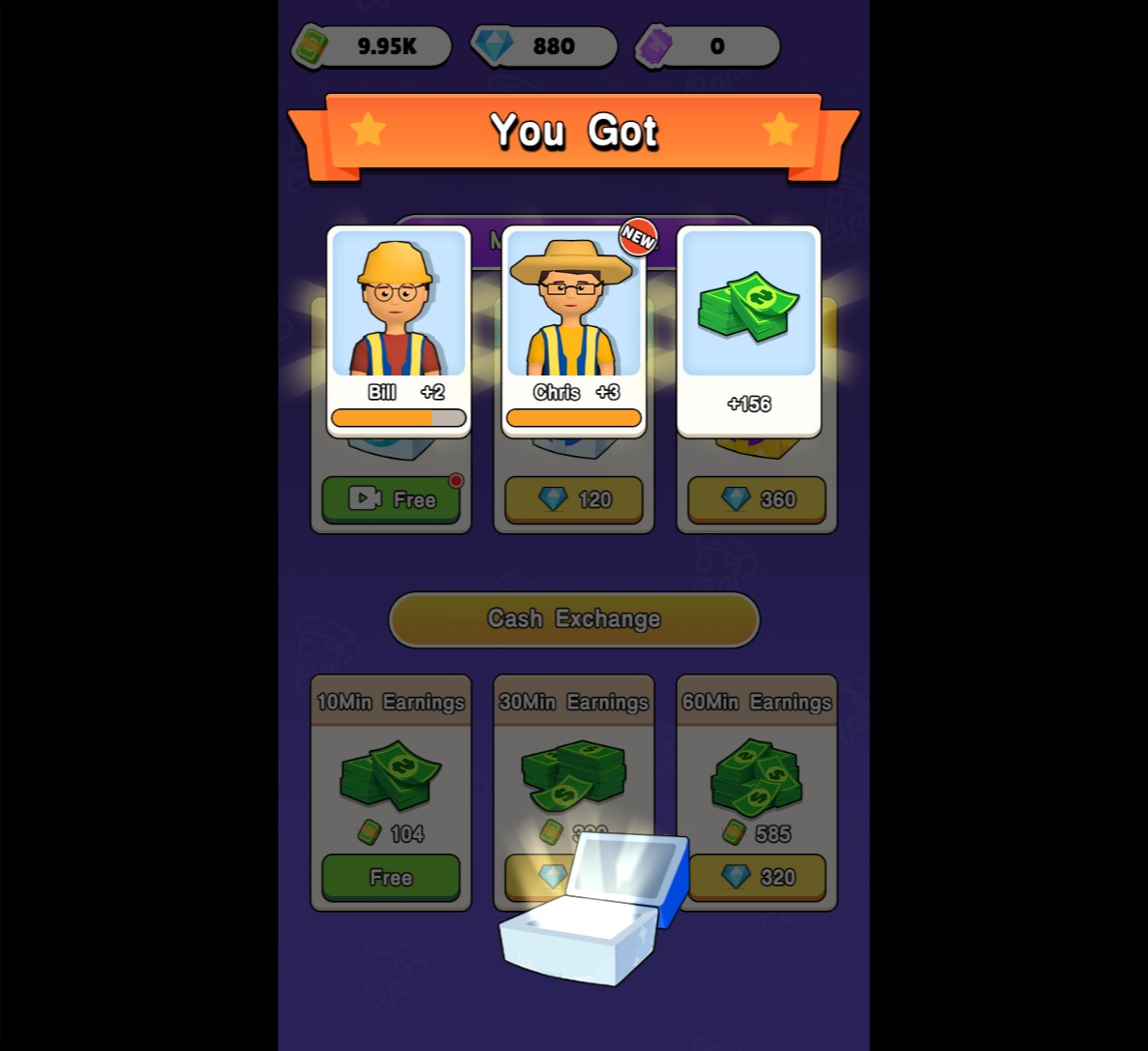
Diamonds for manager chests
Spend diamonds in the normal shop to open a manager chest and collect its rewards.
Cash for the next purchase
Choose how much cash you want available before upgrading your player, improving a machine or hiring a worker. The balance spends normally as you buy.
Plan your diamond spending
Set a diamond balance before opening manager chests or starting research. The amount funds normal purchases; each chest still chooses its own rewards.
Available customisation options
CashFree
Set your cash balance for normal player upgrades, machine improvements and worker hires.
Choose a balance, apply it and spend through the game's upgrade and hiring menus.
DiamondsPremium
Set your diamond balance for manager chests and lab research.
Choose a balance, apply it and use Diamonds through the shop or lab.
Chest rewards vary. Research follows its normal timers and prerequisites.
Questions about customisation options
- Does Cash keep refilling?
- Cash sets the balance you choose. Purchases subtract from it normally.
- Does a Diamond purchase skip research time?
- Research keeps its usual timers and prerequisites. Use the lab to choose an available project.
Using these features
Connect your game, then open Customise in the Windows app. Choose an option, check its available values and follow its instructions. Each option lists its own requirements and limits.
Setup for Pizza Empire →