
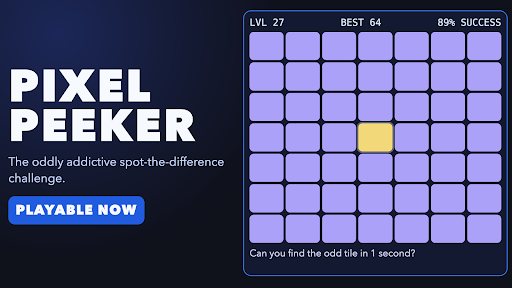
PixelPeeker - Spot Odd Pixel Customise
Choose what you want to change in PixelPeeker - Spot Odd Pixel: Peek stock. Open Customise in the app and follow the instructions for your chosen option.
Requires the Windows app and the Bytonian Mods browser extension for Chrome or Edge. Browser setup guide

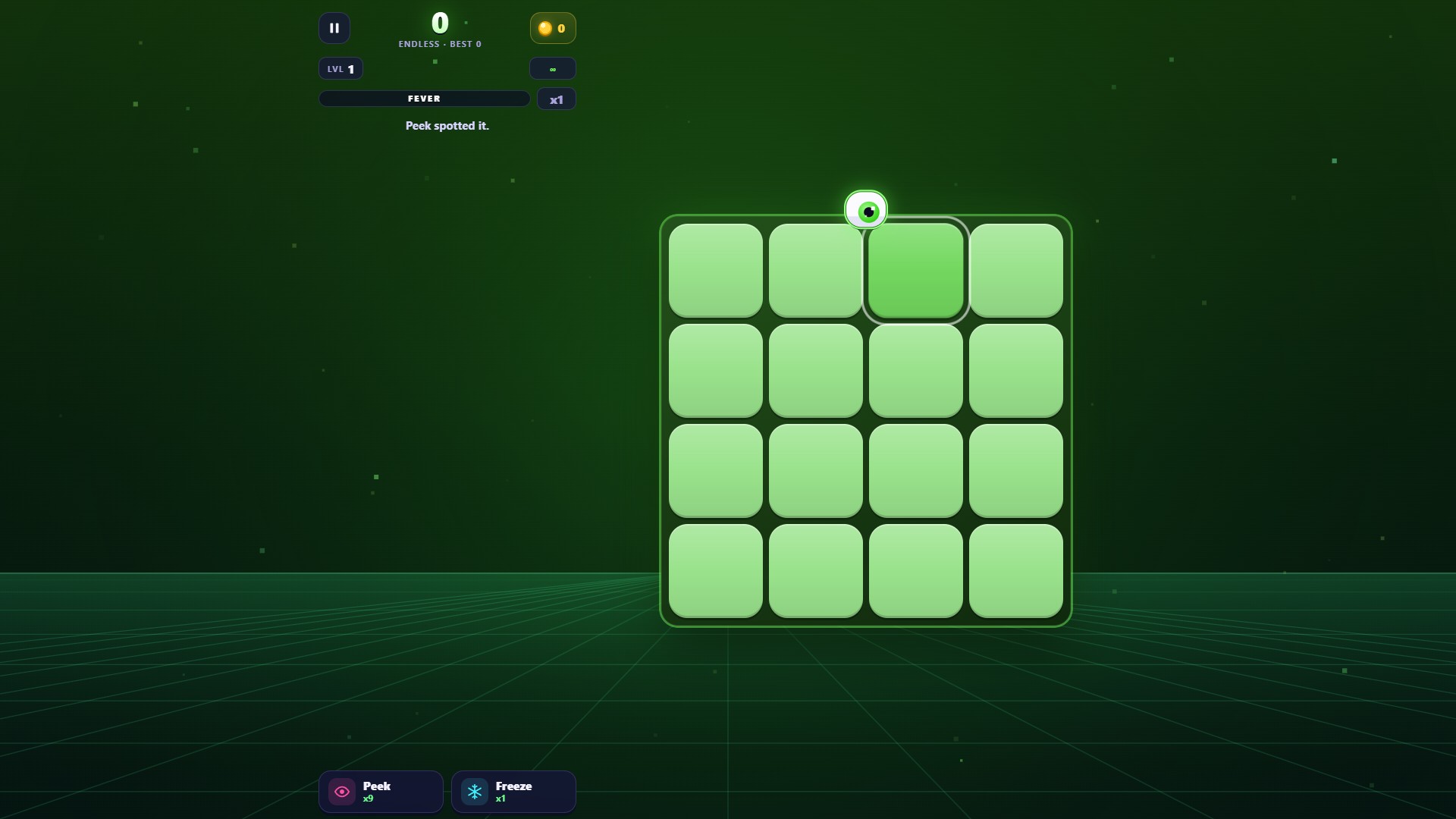
Peek reveals the different tile
Refill Peek stock, then use the normal Peek button to reveal the different tile. Nine Peek uses remain after this clue.
Available customisation options
Peek stockFree
Choose the number of Peek clues available for spotting the different tile.
Set a whole number from 0 to 10 and apply. Press Peek during an Endless round to outline the odd tile; each use spends one clue.
Peek stock does not change Freeze or Coins.
Using these features
Connect your game, then open Customise in the Windows app. Choose an option, check its available values and follow its instructions. Each option lists its own requirements and limits.
Setup for PixelPeeker - Spot Odd Pixel →