
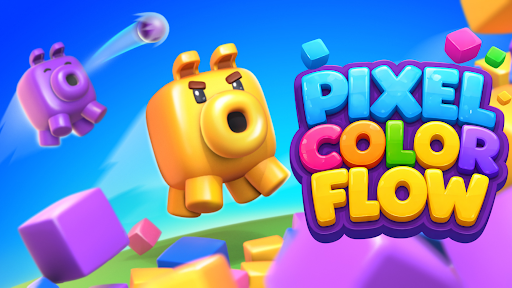
Keep another try ready
A crowded waiting area can interrupt a promising puzzle. Choose a coin balance for the continue offer, or refill hearts when you want another attempt.
Requires the Windows app and the Bytonian Mods browser extension for Chrome or Edge. Browser setup guide

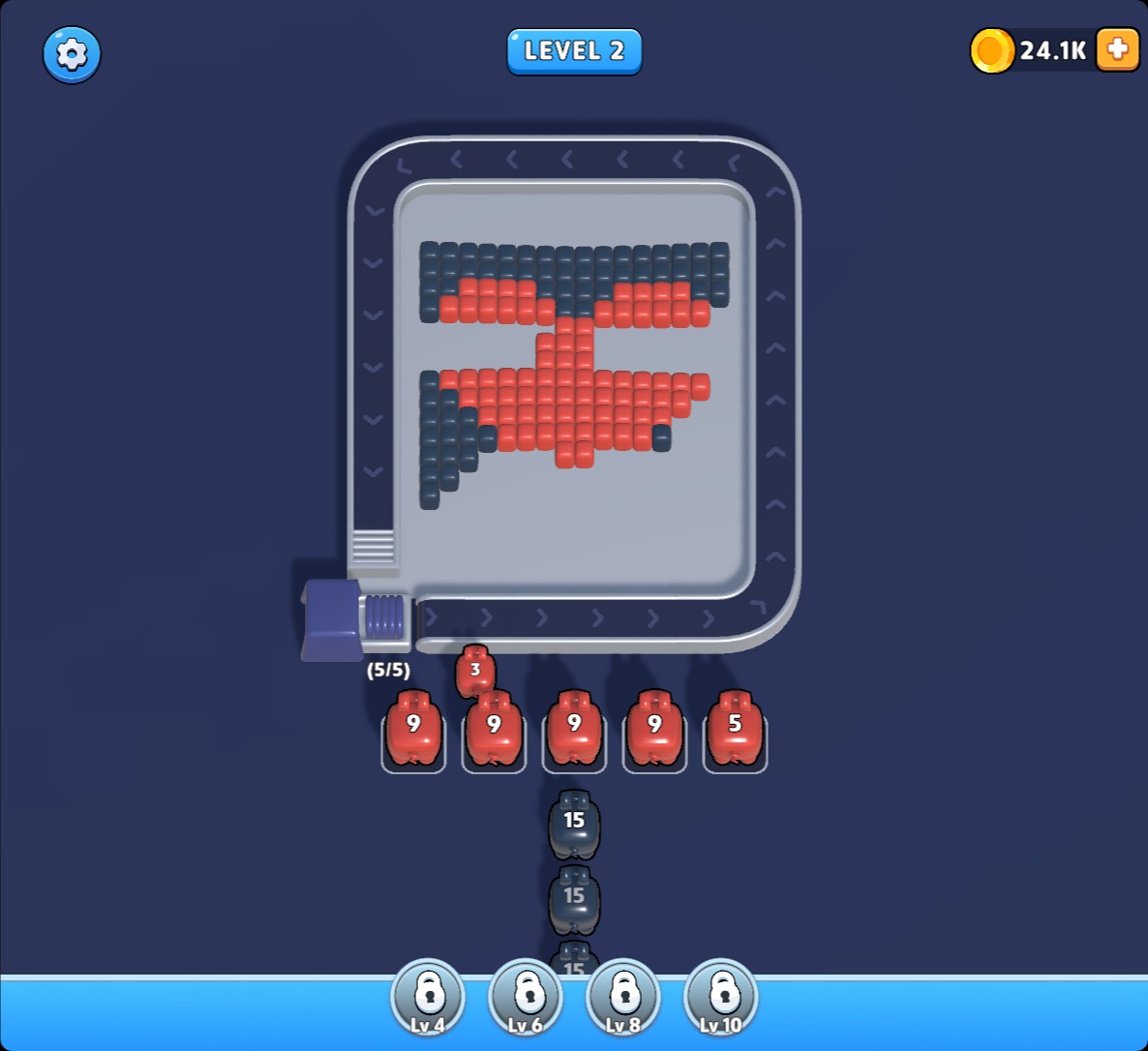
Keep your puzzle going
Use coins for the game's continue offer when your waiting spaces fill up.
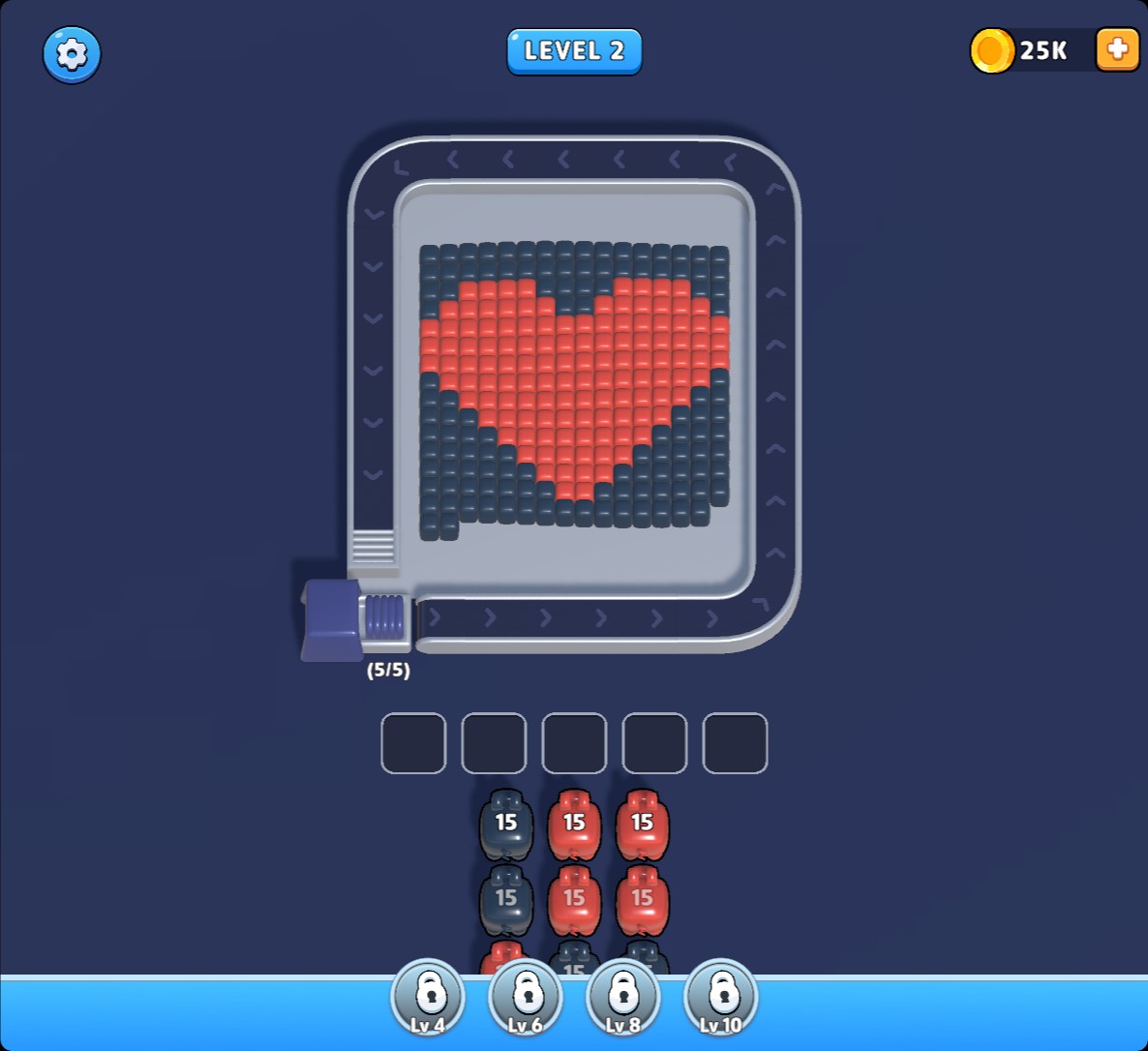
Take another try
Refill your hearts and give the puzzle another go.
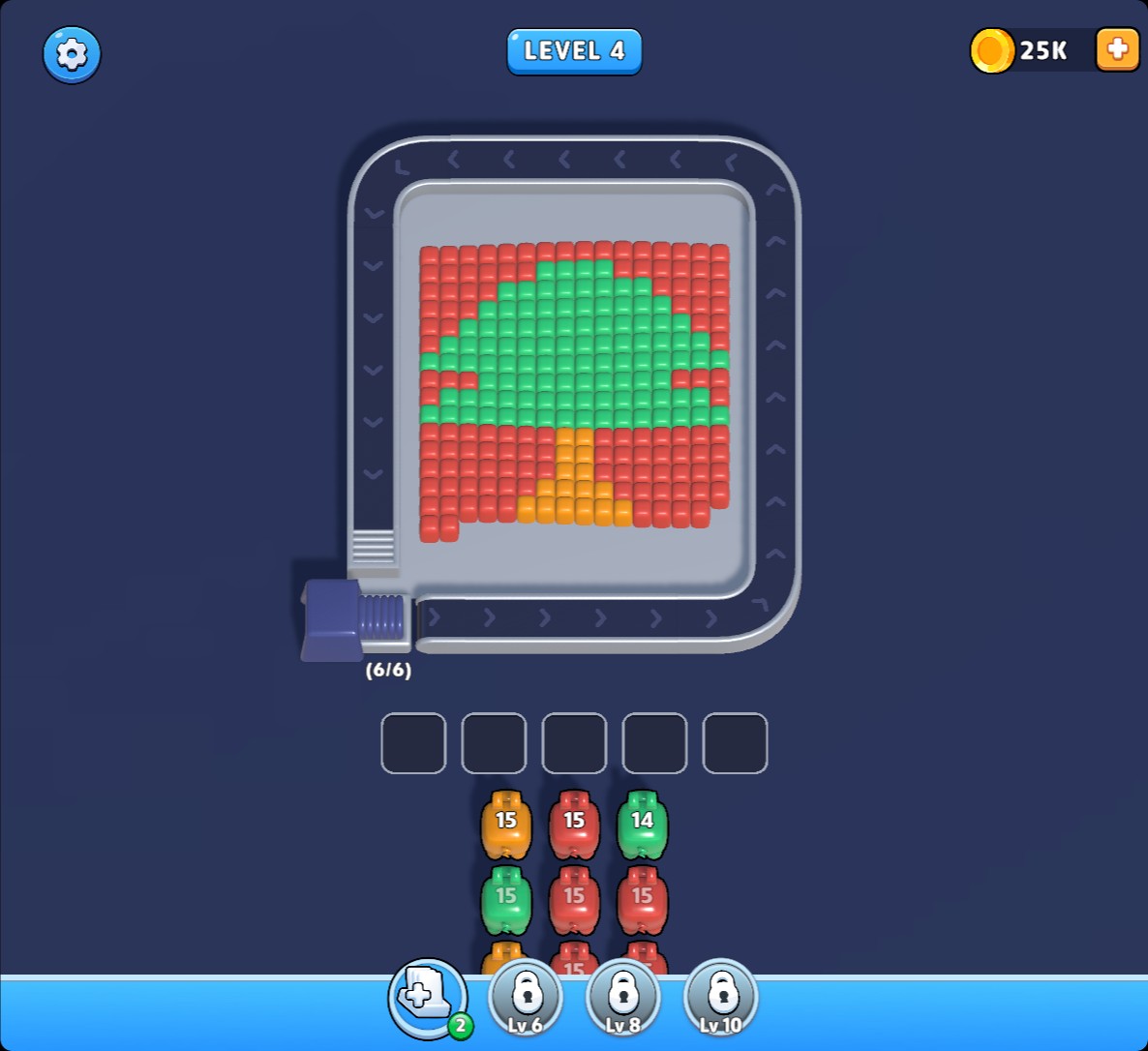
More room on the conveyor
Stock Extra Tray boosts, then use the game's button to add another conveyor place.
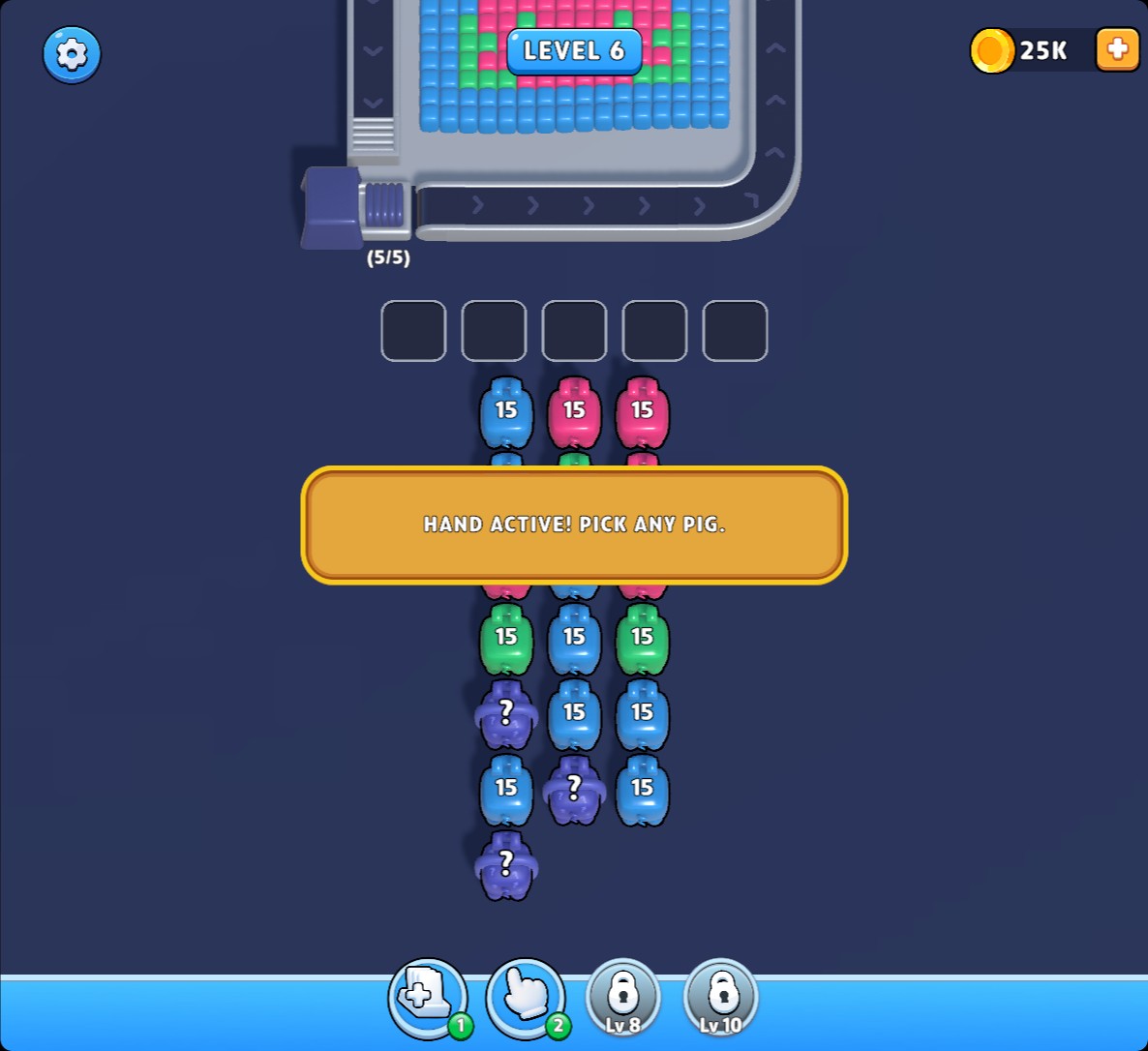
Pick the piggy you need
Use Hand to choose a piggy from deeper in the queue.
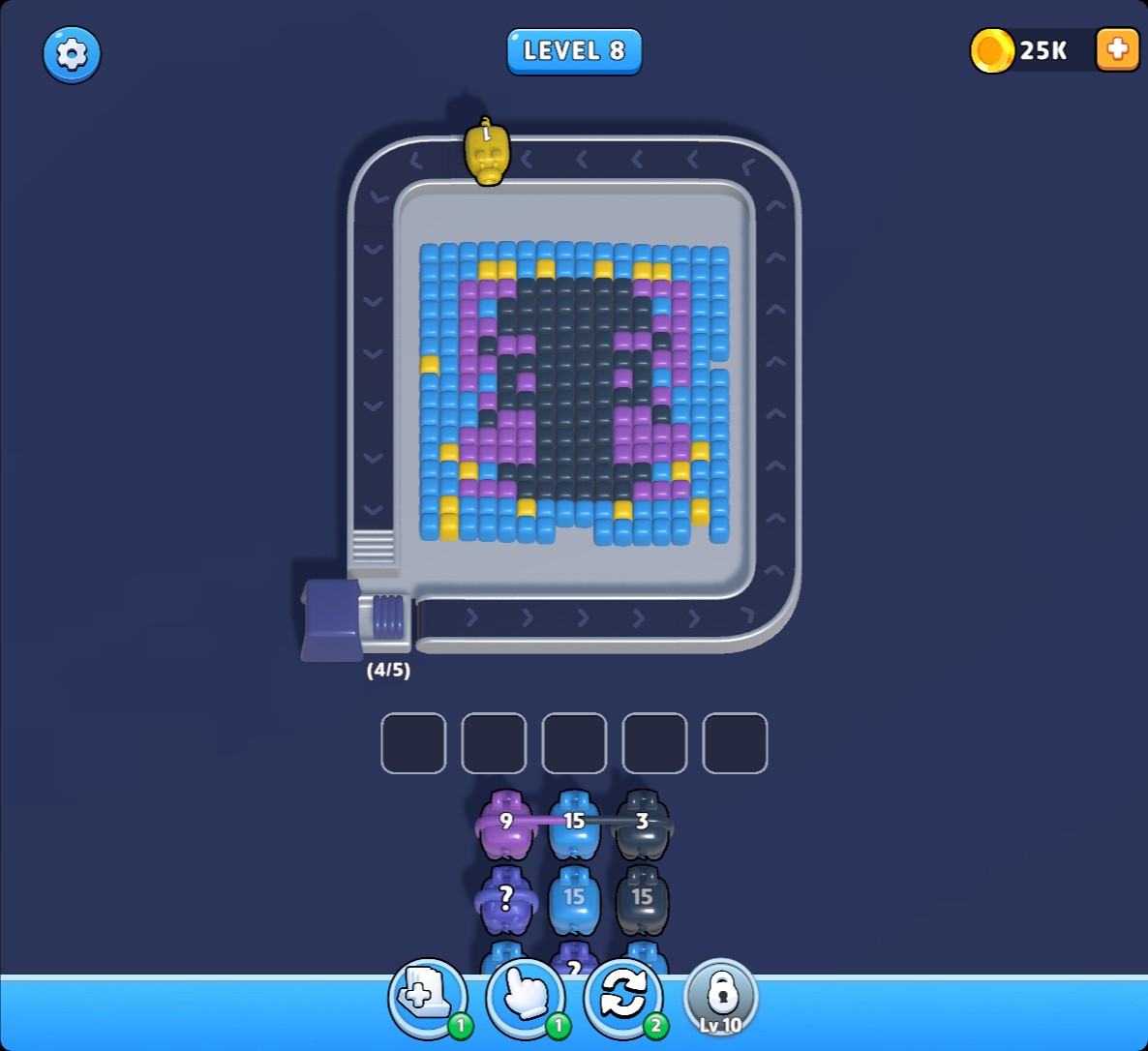
Try a fresh lineup
Stock Shuffle boosts and mix up the piggies waiting in your queue.
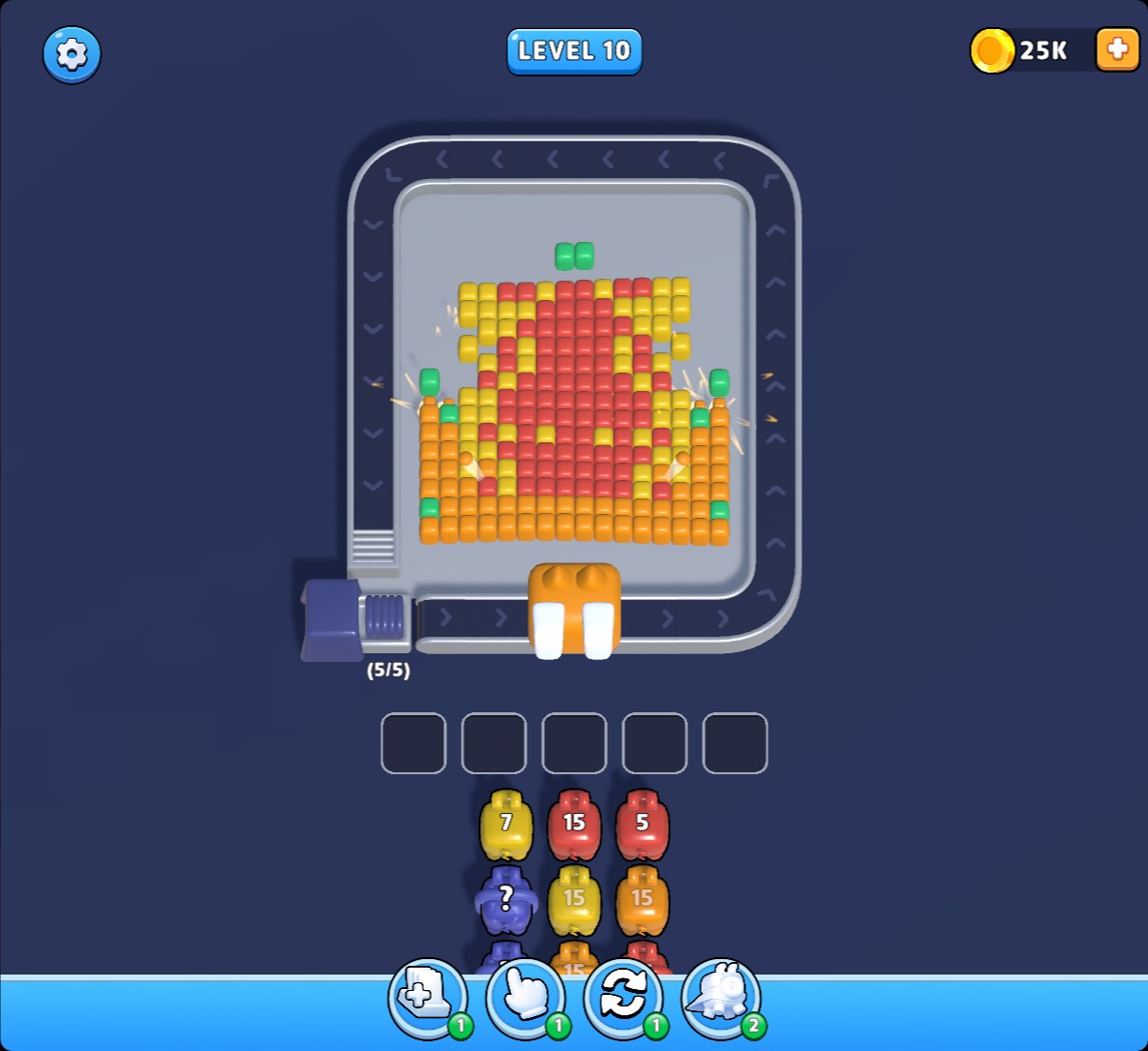
Clear the color you choose
Stock Super Shooter boosts, choose a color on the board and watch the matching pixels disappear.
Coins for a crowded conveyor
When a returning piggy has nowhere to wait, the game offers a continue for 900 coins. Set your coin balance, then choose the offer to carry on playing.
Hearts for another attempt
Refill your hearts when you need another try. The heart control follows the game limit of five, and the normal Try Again button uses one heart.
Give the conveyor more room
Extra Tray unlocks at Level 4. Open your puzzle, choose how many boosts you want, then press the normal Extra Tray button in the game to add another conveyor place.
Choose a piggy from the queue
Hand unlocks at Level 6. Activate it, then choose the piggy you need, even when it is deeper in the queue.
Try a fresh lineup
Shuffle unlocks at Level 8. Top up your boosts, then use Shuffle to mix up the piggies waiting in your queue and look for a color you need.
Clear the color you choose
Super Shooter unlocks at Level 10. Activate a boost, then choose a pixel color on the board. The Super Shooter clears that color so you can carry on with the remaining puzzle.
Available resources
CoinsPremium
Choose your coin balance for the game’s continue offer.
Set the balance you want, then use the 900-coin offer when your waiting spaces fill up.
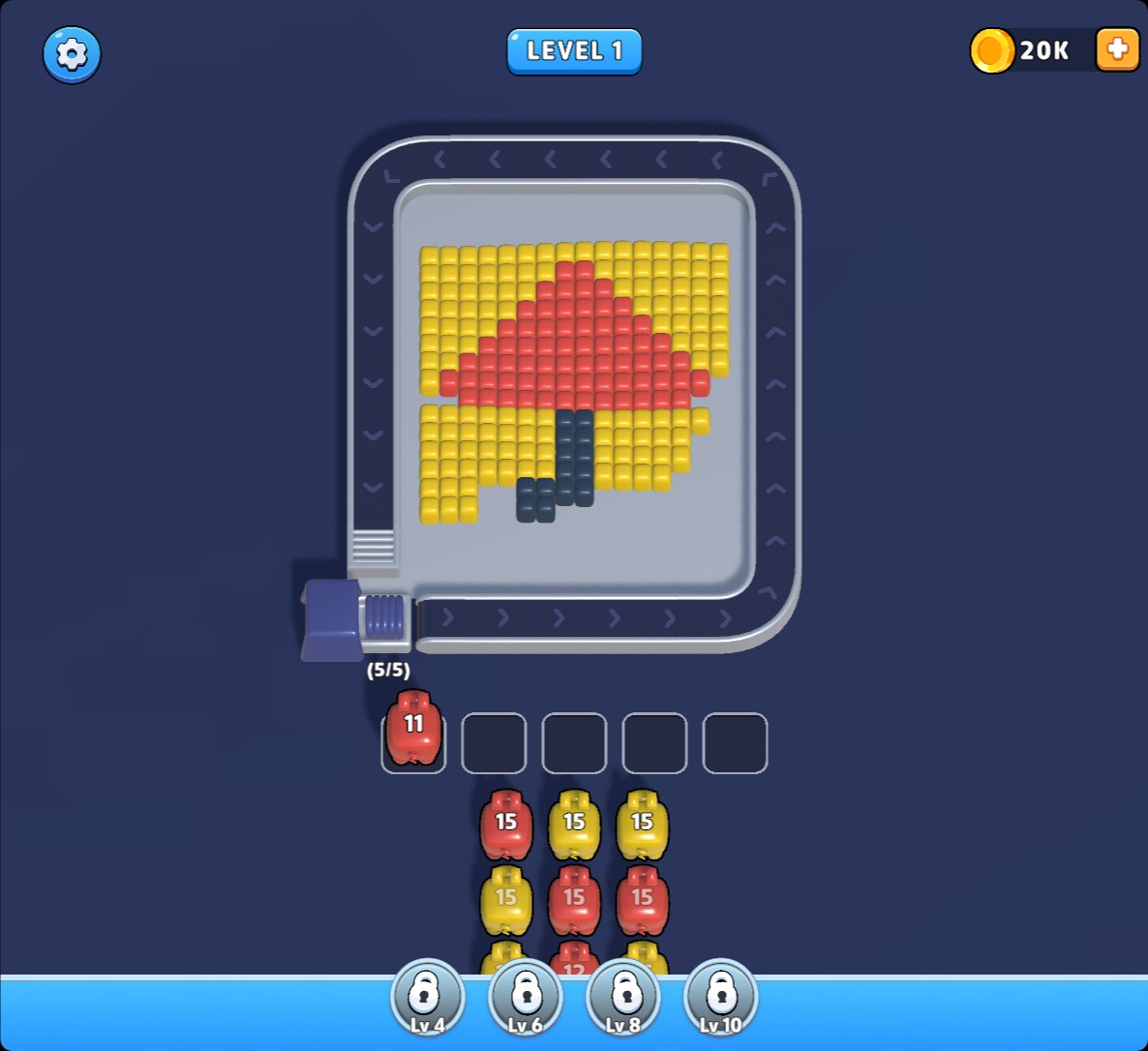
Choose your coin balance
Set your coins and carry on with the pixel puzzle.
Extra tray boostsPremium
Choose how many Extra Tray boosts you have ready.
Unlock Extra Tray at Level 4. Open your puzzle and top up the boosts, then use the game’s Extra Tray button to add a conveyor place.
Hand boostsPremium
Choose how many Hand boosts you have ready.
Unlock Hand at Level 6. Open your puzzle and top up the boosts, then activate Hand and select a piggy from the queue.
HeartsFree
Refill hearts for another try at the puzzle.
Choose up to five hearts, then use the normal Try Again button when you need another attempt.
Shuffle boostsFree
Choose how many Shuffle boosts you have ready.
Unlock Shuffle at Level 8. Open your puzzle and top up the boosts, then use Shuffle to mix up the queue.
Super shooter boostsPremium
Choose how many Super Shooter boosts you have ready.
Unlock Super Shooter at Level 10. Open your puzzle and top up the boosts, then activate Super Shooter and choose a pixel color on the board.
More ways to customise Pixel Color Flow
- Pixel Color Flow world modifiers
Choose how quickly piggies travel around the conveyor.
- Pixel Color Flow game actions
Move to the next pixel puzzle when you want a fresh board.
Using these features
Choose the feature in the Windows app after connecting your game. Check its requirements before making a change.
Setup for Pixel Color Flow →