
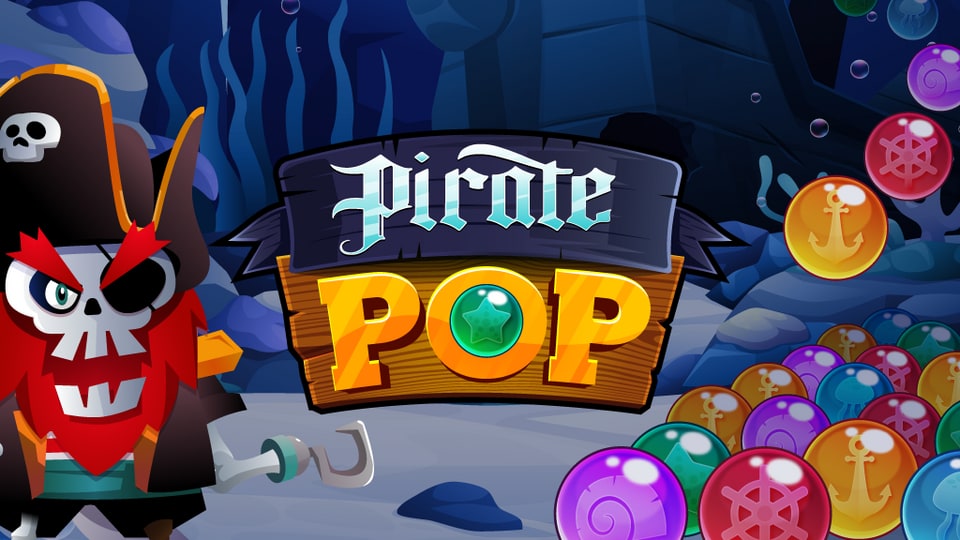
Prepare your Pirate Pop resources
Choose the balance or booster stock you want to adjust, enter an amount and apply it before your next round.
Requires the Windows app and the Bytonian Mods browser extension for Chrome or Edge. Browser setup guide

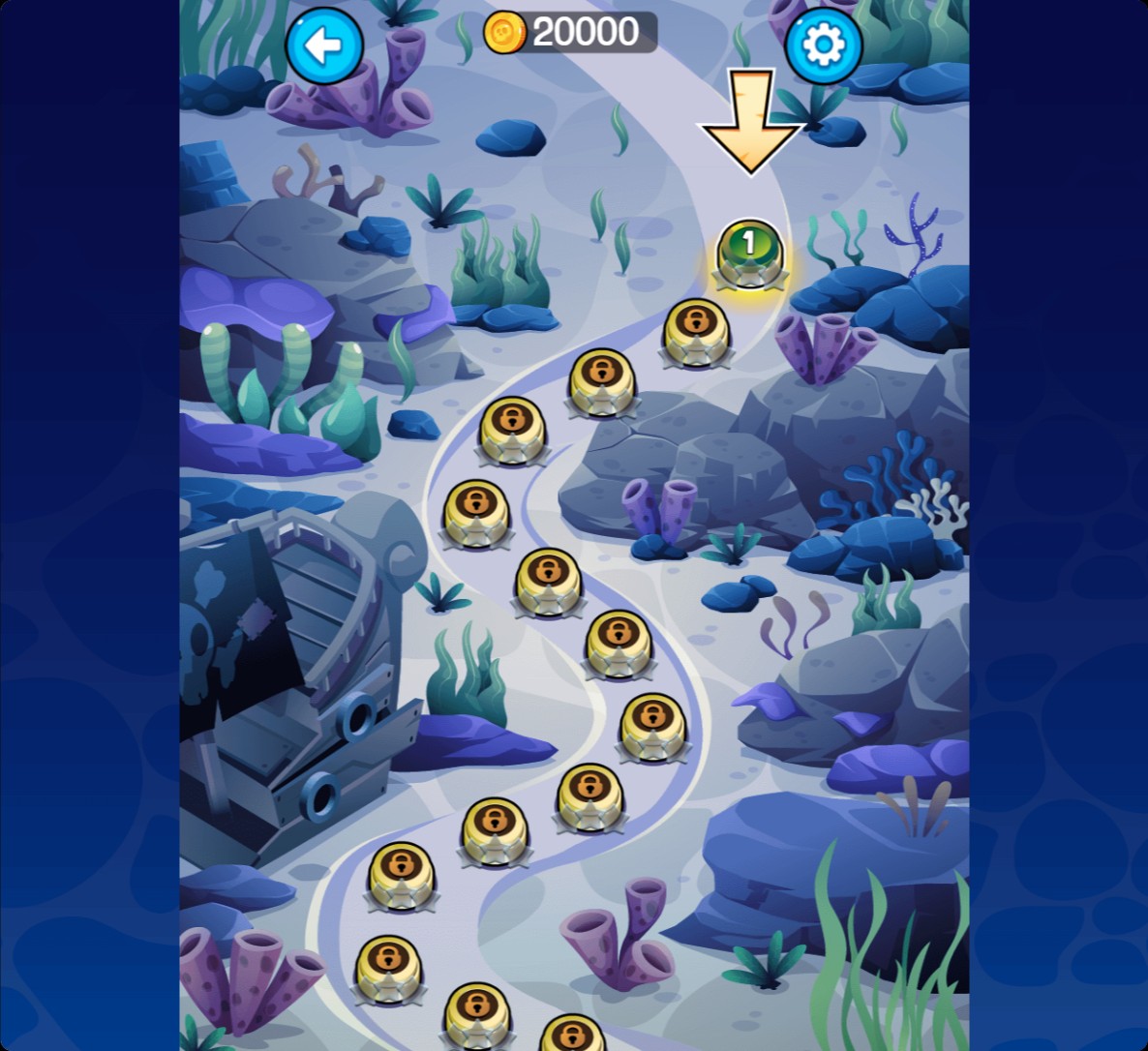
20,000 Coins
Set the coin balance shown on your Pirate Pop map.
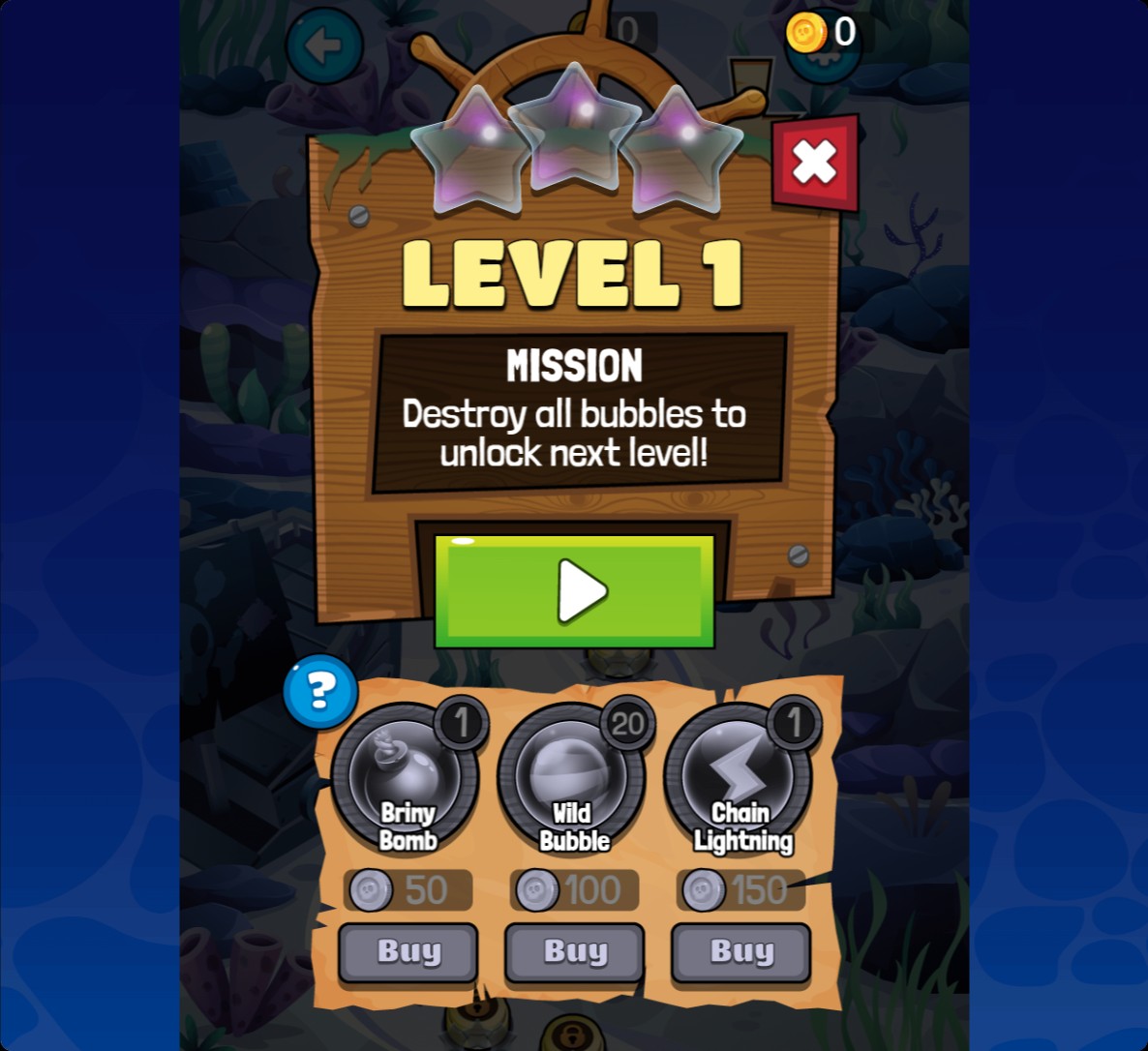
Wild Bubble stock before a round
Set Wild Bubbles to 20 and check the count on the level preview.
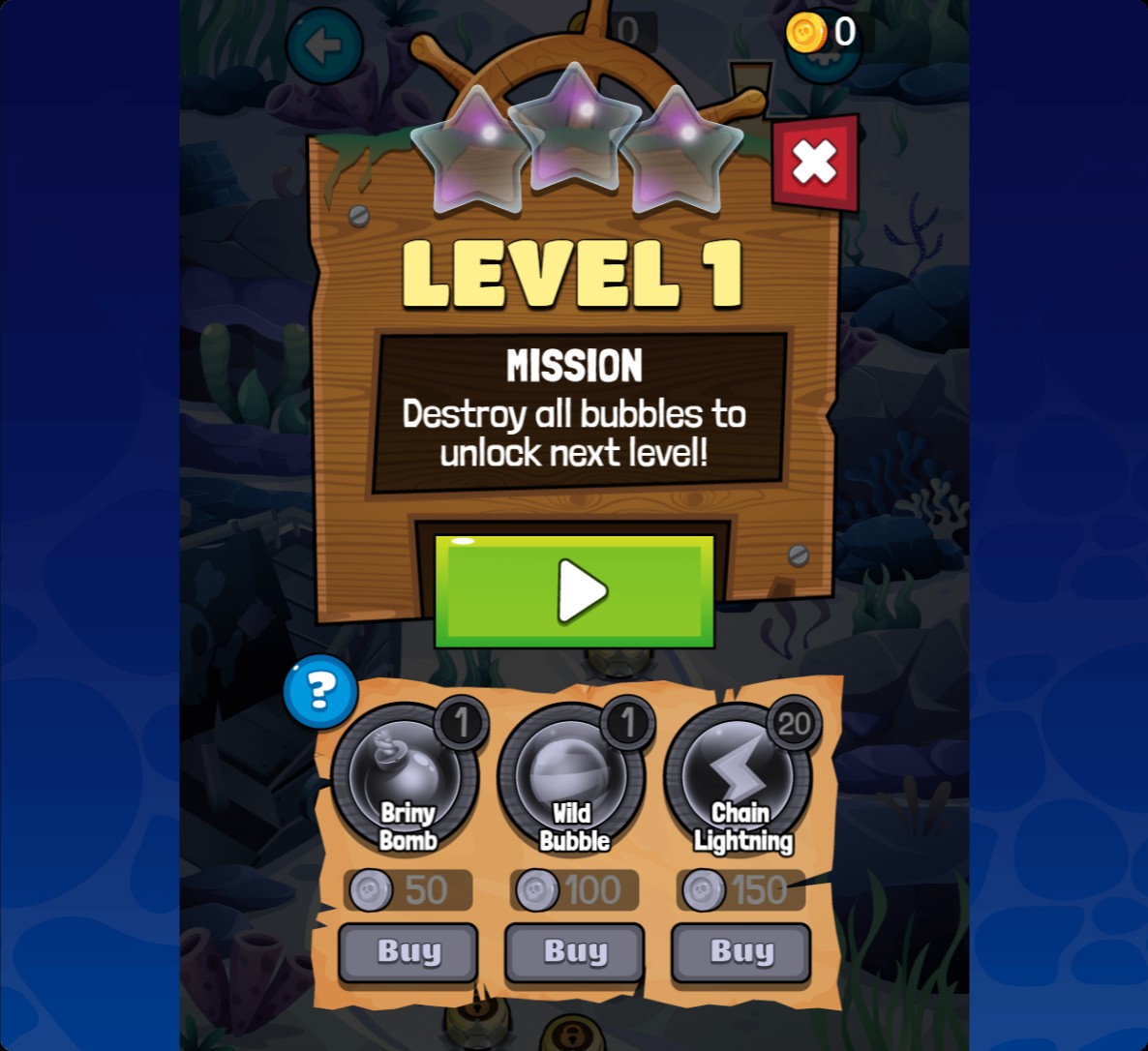
Chain Lightning stock before a round
Set Chain Lightning to 20 and check the stock on the level preview.
Coins on your map
Coins changes the balance displayed at the top of the level map.
Prepare booster stock
Wild Bubbles and Chain Lightning have separate stock controls. Choose the count for the booster you want to prepare.
Available customisation options
CoinsFree
Set the coin balance shown on your map.
Choose a balance and apply it before entering a level.
Wild BubblesPremium
Set your Wild Bubble stock before a round.
Choose a count, apply it, then open the level preview.
Chain LightningPremium
Set your Chain Lightning stock before a round.
Choose a count, apply it, then open the level preview.
Questions about customisation options
- Will this complete levels for me?
- Your completed levels and star results stay unchanged.
Using these features
Connect your game, then open Customise in the Windows app. Choose an option, check its available values and follow its instructions. Each option lists its own requirements and limits.
Setup for Pirate Pop →