
Choose an early taxi level
Use Level to return to one of the first three taxi jobs. Pick your level, apply the change and start driving when the game reloads.
Requires the Windows app and the Bytonian Mods browser extension for Chrome or Edge. Browser setup guide
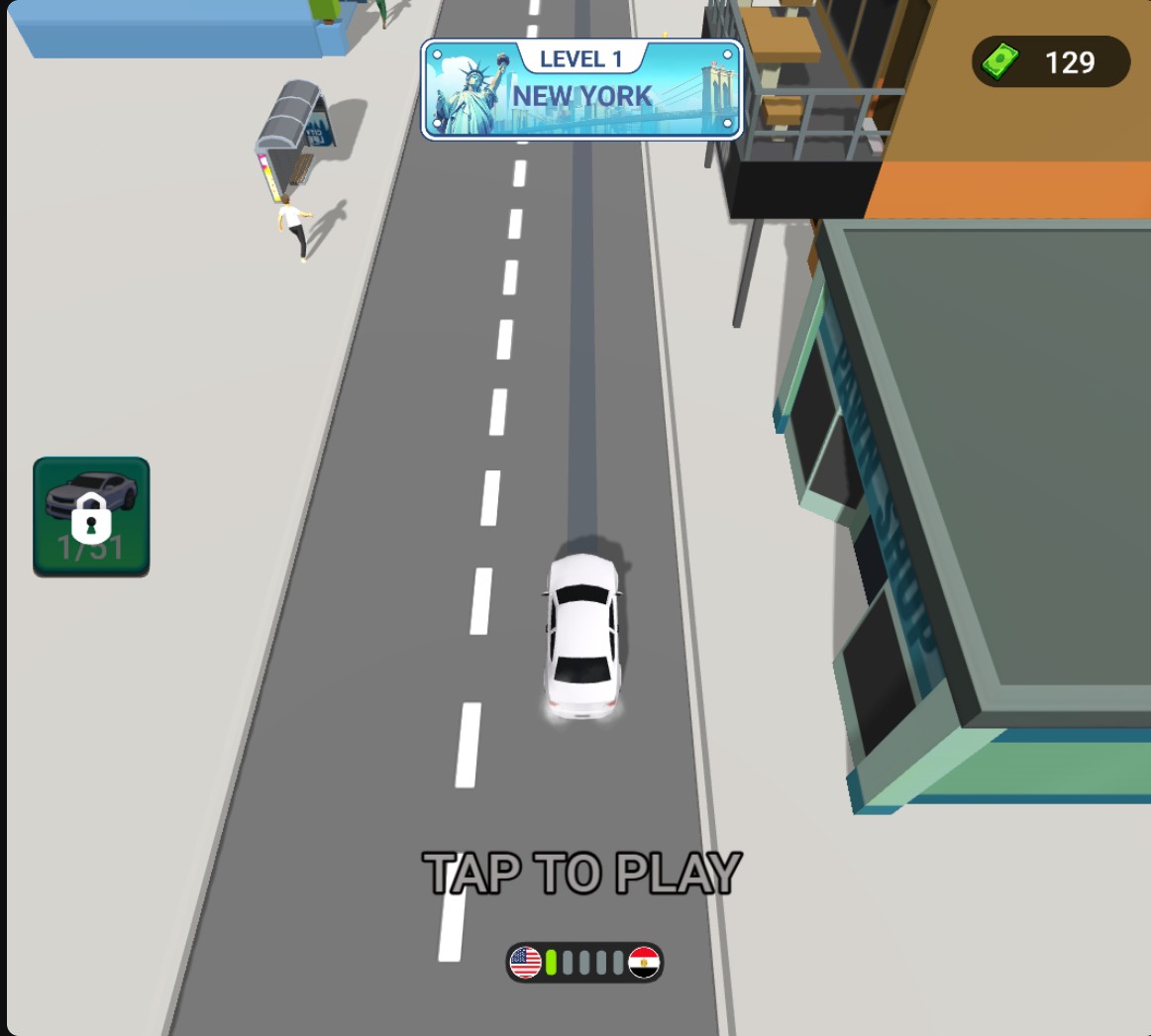
Revisit an early taxi level
Choose a level from 1–3, then drive your taxi with the normal press-and-release controls.
Start your next drive
Select a level from 1–3 and apply it before starting a route. Once the level screen appears, tap to play and use the normal press-and-release driving controls.
The city route and traffic follow the game’s normal generation. Choosing a level does not guarantee an identical street layout or complete the job for you.
Available customisation options
LevelPremium
Return to an early taxi job by choosing level 1, 2 or 3.
Choose your level and apply the change. When the level screen appears, start the route and drive with the normal controls.
Covers levels 1–3. Normal traffic and route generation still apply.
Questions about customisation options
- Can I choose later levels?
- This selector covers levels 1–3.
Using these features
Connect your game, then open Customise in the Windows app. Choose an option, check its available values and follow its instructions. Each option lists its own requirements and limits.
Setup for Pick Me Up 3D: Taxi Game →