

Game Actions
4 optionsPractical controls for the current countdown, the results screen and your next puzzle.
View all game actions →Give yourself more time to sort a puzzle, pause the countdown while you work or pick another activity to play. Perfect Tidy turns scattered items and small messes into sorting puzzles.
Requires the Windows app and the Bytonian Mods browser extension for Chrome or Edge. Browser setup guide

Start with free mods
Download Bytonian Mods for Windows and try these free features. Choose one to see how it works and any requirements.
Add extra seconds to the countdown and keep working on your current puzzle.
Move an item to start the countdown, choose from 1 to 600 extra seconds and press Extra time.
Extra time gives you more seconds to work. Pause timer holds the countdown while you keep moving items, then lets it run again when you switch the control off.
Finish puzzle takes your current activity to its results screen. Choose puzzle lets you enter a puzzle number and open that activity directly.
Open Perfect Tidy with Bytonian Mods and enable the controls you want. Enter a puzzle and move an item to begin playing before using the timer controls.
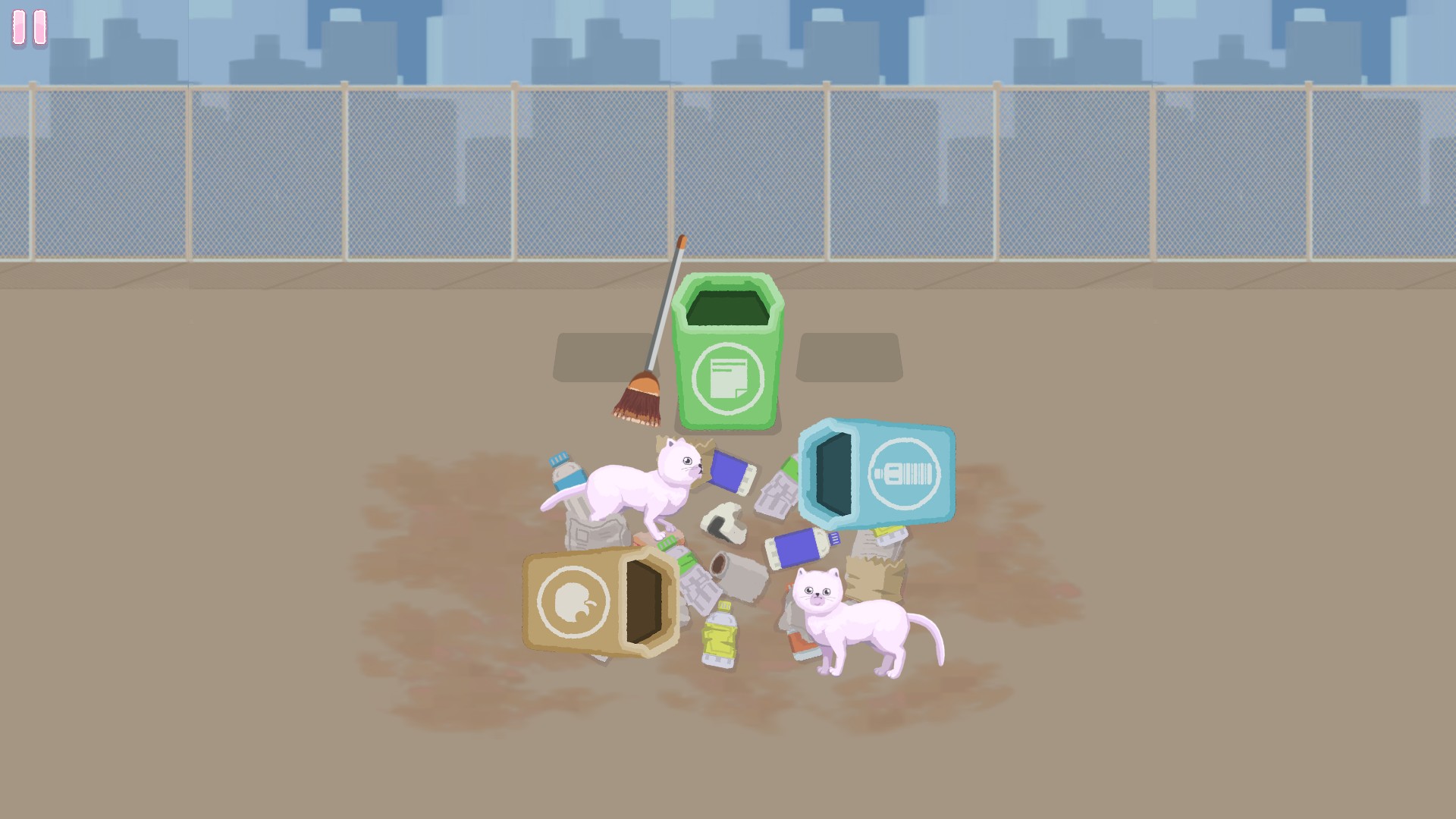
A little tidying to get you started
Sort the clutter, clean up the mess and find your next puzzle in Perfect Tidy.
Practical controls for the current countdown, the results screen and your next puzzle.
View all game actions →Download the Windows app and follow the setup prompts.
Set up the browser extension in Chrome or Edge, then open the supported YouTube Playable. Follow the connection guide if the game is already running.
Review the available options in the app and choose the ones that suit how you play.