
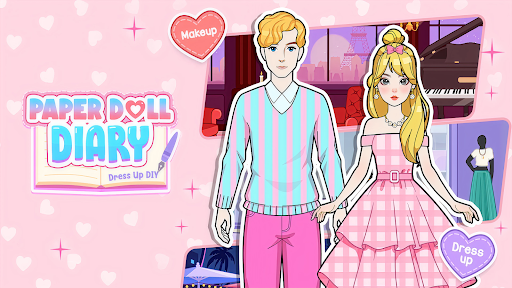
Resources
1 optionManage your gem balance and buy priced pieces for new looks.
View resources →Set your Gems balance to buy priced wardrobe pieces for Paper Doll Diary: Dress Up DIY. Pick a hairstyle or outfit piece, then drag it onto your doll for the next story look.
Requires the Windows app and the Bytonian Mods browser extension for Chrome or Edge. Browser setup guide
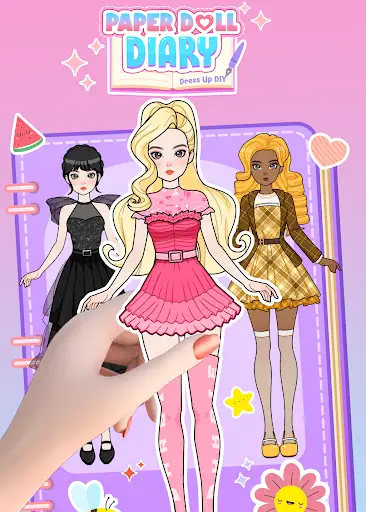
Start with free mods
Download Bytonian Mods for Windows and try these free features. Choose one to see how it works and any requirements.
Choose your gem balance to buy priced hairstyles and clothes in the wardrobe book.
Refresh the Gems card, then set a whole amount or use Add and Subtract. Purchase a priced piece in the book and drag it onto your doll to wear it.
Supports whole balances from 0 to 1,000,000. Purchases and dressing use the game's normal wardrobe controls.
Open the Resource category for the Gems card. Set a balance or add to your current amount, buy a priced piece in the wardrobe book, then drag it onto your doll. Dressing and story choices stay in your hands.
Manage your gem balance and buy priced pieces for new looks.
View resources →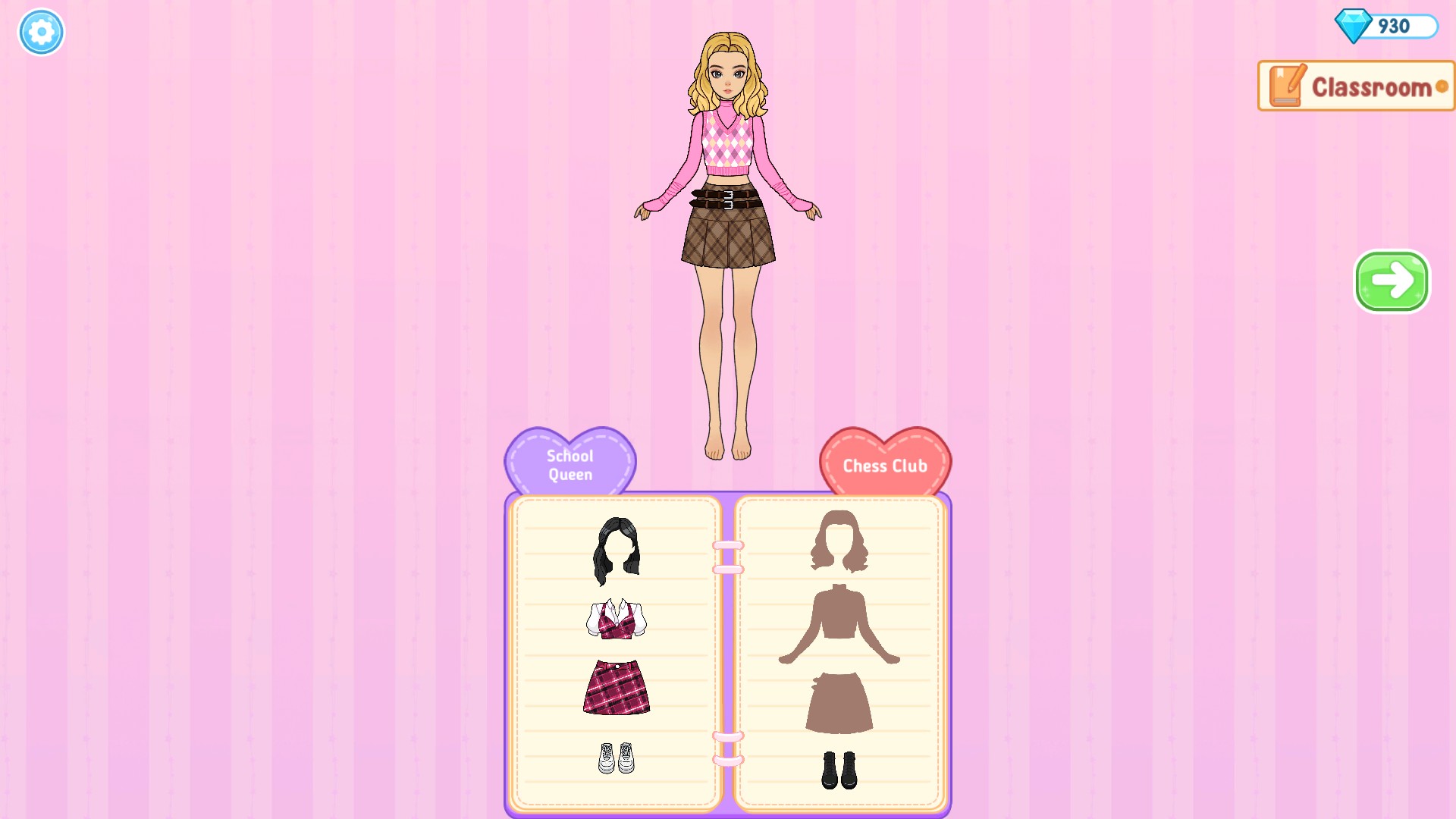
Style a new Classroom look
Mix pieces in the wardrobe book and use Gems to buy priced items, including this blonde hairstyle.
Download the Windows app and follow the setup prompts.
Set up the browser extension in Chrome or Edge, then open the supported YouTube Playable. Follow the connection guide if the game is already running.
Review the available options in the app and choose the ones that suit how you play.