

Choose how hard your pistol hits
Give the pistol more punch when you want to get through bean enemies with fewer hits. You can also lower its strength for longer fights, then return to normal damage whenever you want.
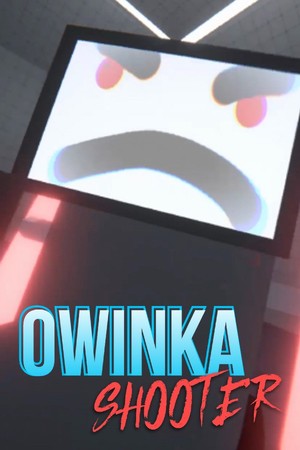
A percentage of normal damage
Enable Weapon damage and choose a value from 50% to 1,000%. The percentage is the total strength of the shot: 200% means twice the pistol's original damage.
Changing the percentage takes effect while the control is enabled. Switch it off to restore the pistol's original strength.
Keep the fight under your control
Use the setting while your pistol is ready in gameplay. It waits during pause screens and menus, then applies to the active pistol when you return.
Available stat modifiers
Weapon damageFree
Make pistol shots stronger to defeat bean enemies with fewer hits, or lower their damage for longer fights.
Enable Weapon damage and choose 50% to 1,000% of normal strength. Change the percentage while it is on, or switch it off to restore the original damage.
Applies to the active pistol while gameplay is running and waits during menus and pause screens.
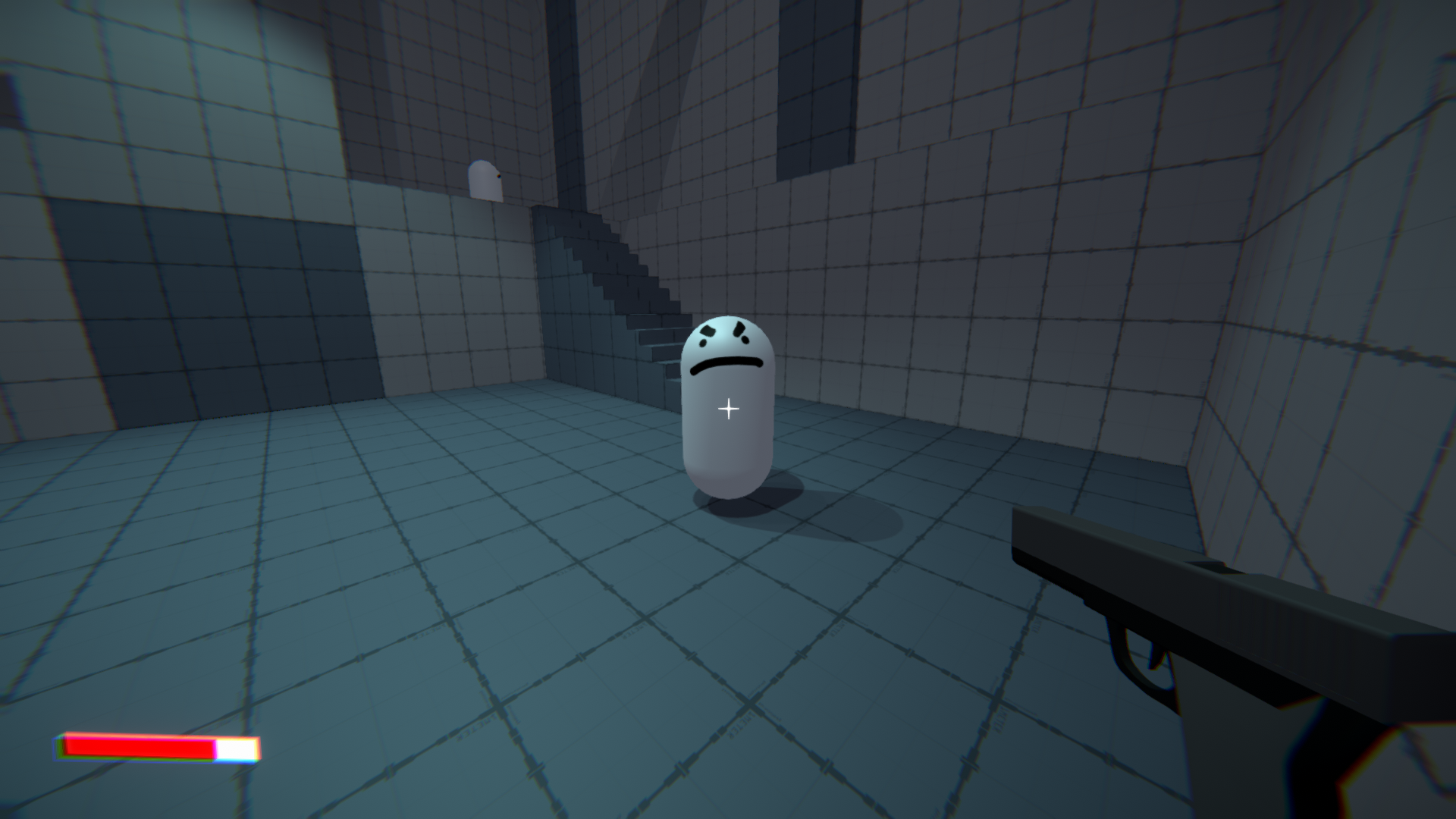
Hit harder in the arena
Increase pistol damage so fewer hits are needed to bring down bean enemies. Adjust the damage percentage, then switch the control off to restore normal strength.
More ways to customise Owinka Shooter
- Owinka Shooter world modifiers
Add bean enemies at existing spawn points for extra arena fights.
Questions about stat modifiers
- Does a higher percentage change ammunition?
- It changes damage per hit. The pistol's normal unlimited ammunition stays the same.
- How do I undo the damage change?
- Switch Weapon damage off to restore the active pistol's original damage.
Using these features
Choose the feature in the Windows app after connecting your game. Check its requirements before making a change.
Setup for Owinka Shooter →