

Stat Modifiers
1 optionAdjust pistol strength and restore its original damage with the same control.
View stat modifiers →Change your pistol’s damage or add bean enemies at the level’s normal spawn points in Owinka Shooter. Choose tougher exchanges or stronger hits as you fight through the facility.
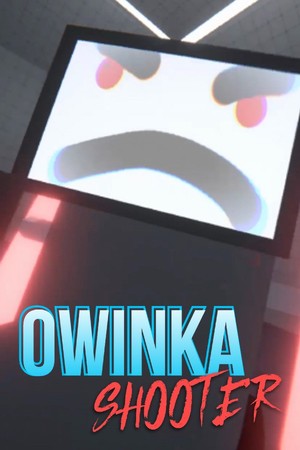
Start with free mods
Download Bytonian Mods for Windows and try these free features. Choose one to see how it works and any requirements.
Make pistol shots stronger to defeat bean enemies with fewer hits, or lower their damage for longer fights.
Enable Weapon damage and choose 50% to 1,000% of normal strength. Change the percentage while it is on, or switch it off to restore the original damage.
Applies to the active pistol while gameplay is running and waits during menus and pause screens.
Add bean enemies at the level's own spawn points for more targets and extra fights.
Open Spawn, choose Evil Boy and select an amount. In the arena you can add up to four at a time.
Requires a level with enemy spawn points, a ready pistol and resumed gameplay. Occupied points must clear before another group can be added.
Weapon Damage changes how hard the pistol hits. Raise its strength to bring down bean enemies with fewer shots, or lower it when you want longer fights.
Spawn adds bean enemies at the level's existing enemy spawn points. It is a way to bring more targets into the arena without changing your pistol settings.
Install Bytonian Mods for Windows and launch Owinka Shooter. Choose Weapon Damage for pistol tuning, or open Spawn to browse the available enemies. Resume the game before applying gameplay controls.
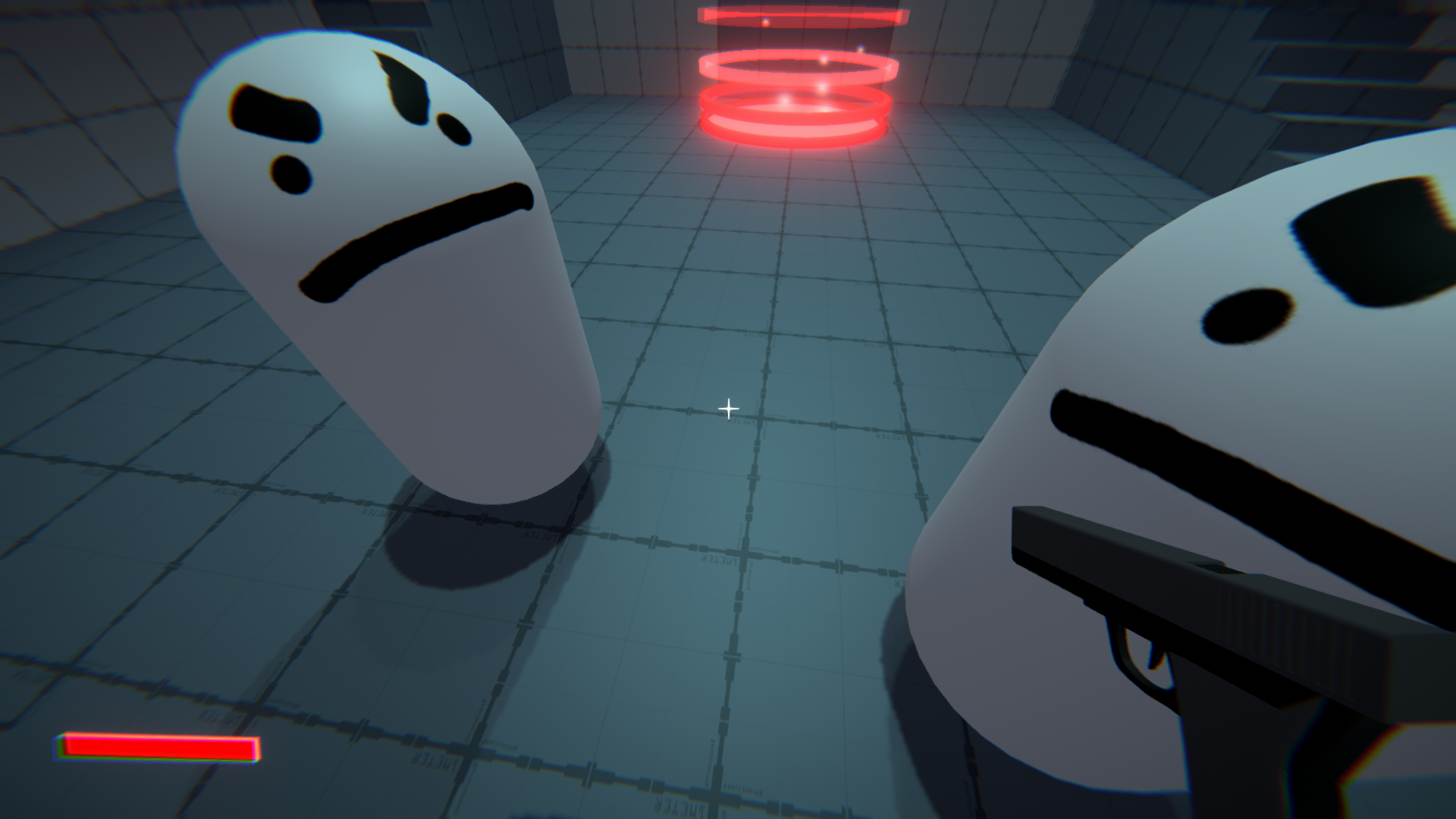
Face the arena's bean enemies
Change pistol strength with Weapon Damage, or open Spawn to add extra bean enemies at the arena's spawn points.
Adjust pistol strength and restore its original damage with the same control.
View stat modifiers →Add bean enemies at existing spawn points for extra arena fights.
View world modifiers →Download the Windows app and follow the setup prompts.
Open Owinka Shooter and select it in Bytonian Mods. Follow the app’s connection prompts.
Review the available options in the app and choose the ones that suit how you play.