
Customise
6 optionsSet up your garage, fuel use and overtake rewards.
View all customisation options →Unlock all ten cars, choose an owned ride or set coins for upgrades before your next run. Time your moves through traffic to earn coins as you drive.
Requires the Windows app and the Bytonian Mods browser extension for Chrome or Edge. Browser setup guide
Start with free mods
Download Bytonian Mods for Windows and try these free features. Choose one to see how it works and any requirements.
Choose an owned car for your next driving setup.
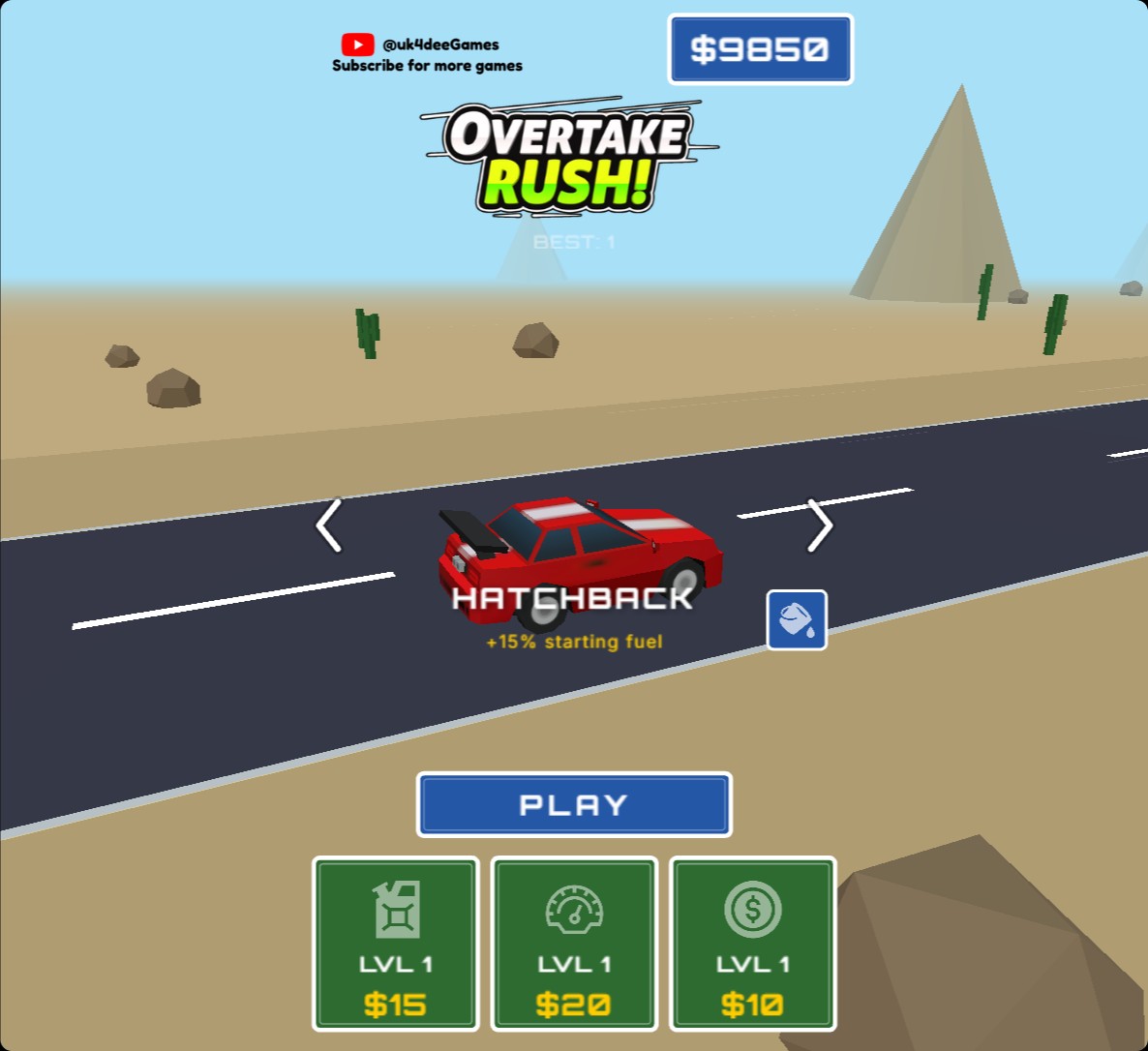
Select an owned car and apply it. In the garage, cycle to a neighboring car and back before Play to load the selected vehicle.
Requires owning the chosen car. The game can retain the previous vehicle until you cycle away and back in the garage.
Choose the fuel efficiency upgrade level. Each level reduces fuel drain by 2.5%.
Set a level from 0 to 20, apply it and start a run. The middle upgrade card shows MAX at level 20.
Set coins for normal car purchases and upgrades, or unlock all ten cars in the current garage. Try a different driving setup on your next run.
Choose fuel capacity, fuel efficiency and overtake coin reward levels. Each upgrade has a range from 0 to 20 so you can set the progression you want.
Expand your garage
Spend coins on cars and upgrades before heading back into traffic.
Set up your garage, fuel use and overtake rewards.
View all customisation options →Download the Windows app and follow the setup prompts.
Set up the browser extension in Chrome or Edge, then open the supported YouTube Playable. Follow the connection guide if the game is already running.
Open Customise in Bytonian Mods, choose an option and follow its instructions. Check the available values and any limits before making your change.