
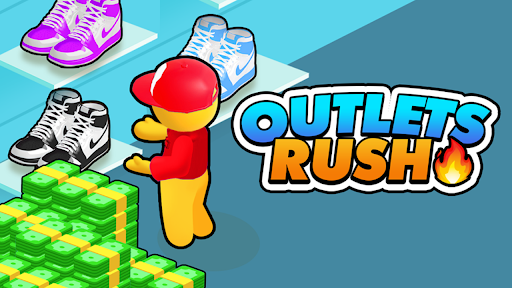
Resources
3 optionsSet shop cash and Tokens, or carry more products from storage.
View resources →Set your Cash for shop additions, carry more products from storage and adjust your walking speed between jobs. Keep your displays stocked as customers visit your Outlets Rush shop.
Requires the Windows app and the Bytonian Mods browser extension for Chrome or Edge. Browser setup guide

Start with free mods
Download Bytonian Mods for Windows and try these free features. Choose one to see how it works and any requirements.
Set cash for shop displays, offices and staff.
Refresh the card, choose a whole-number balance and spend cash through the usual shop purchase spots or menus.
Supports whole-number cash balances from 0 to 1,000,000.
Set your cash balance before building a display or hiring staff. Spend through the usual shop purchase spots and menus to choose what to add next.
Increase carrying capacity to collect a larger load from storage, then walk it back to a display. Customers still choose products and shop normally.
Choose walking speed from 100% to 300%. Adjust it while the control is on, or turn it off to restore your original walking speed.
Set shop cash and Tokens, or carry more products from storage.
View resources →Adjust walking speed and restore your original pace when done.
View stat modifiers →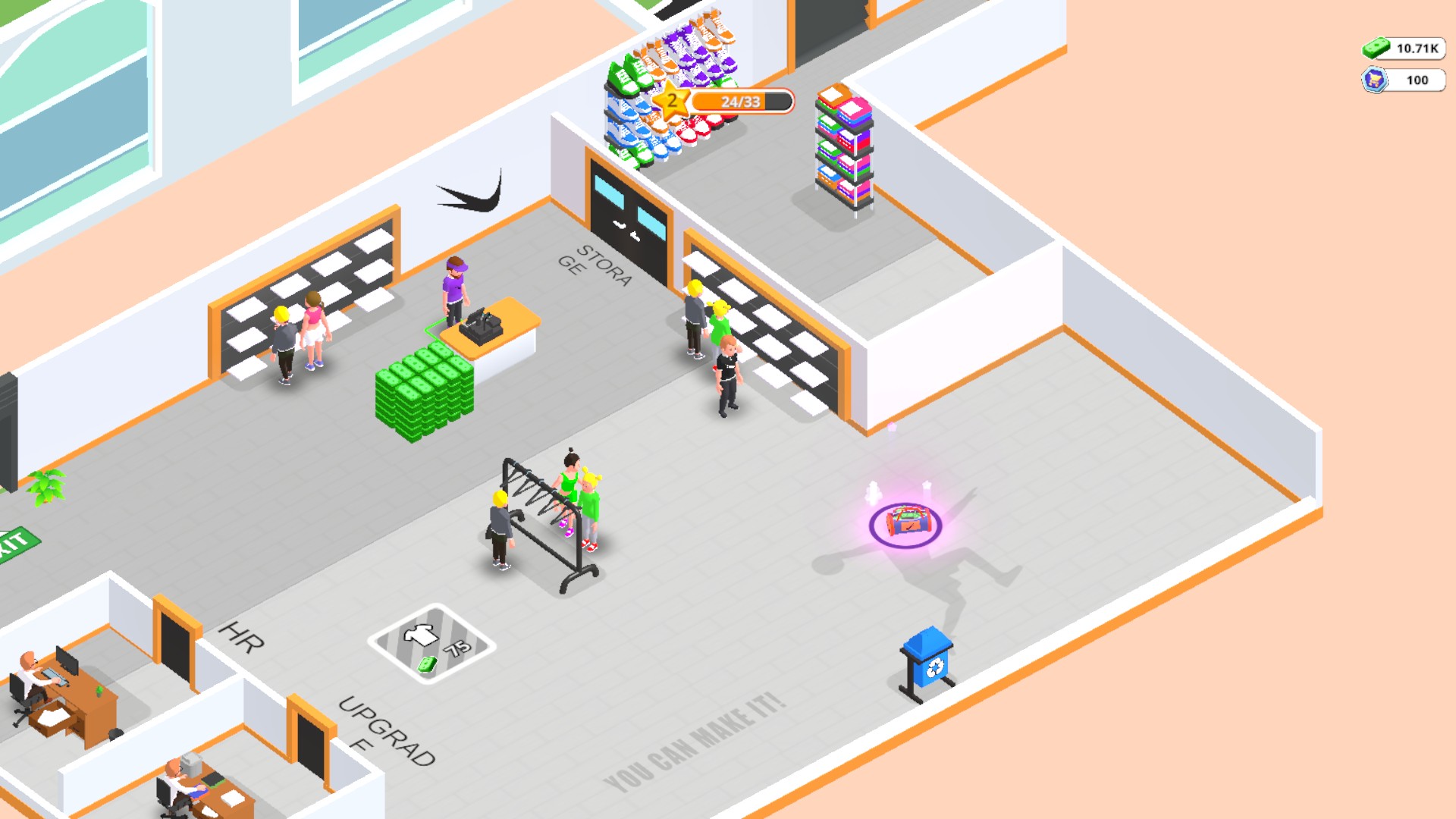
Build and manage your outlet shop
Bring stock from storage, fill the displays and keep customers supplied as your shop grows.
Download the Windows app and follow the setup prompts.
Set up the browser extension in Chrome or Edge, then open the supported YouTube Playable. Follow the connection guide if the game is already running.
Review the available options in the app and choose the ones that suit how you play.