
Set your One-Way Maze hint supply
Enter the number of hints you want and apply the change. Once the puzzle reloads, press its lightbulb whenever you want help finding a legal move.
Requires the Windows app and the Bytonian Mods browser extension for Chrome or Edge. Browser setup guide
More hints for the next arrow
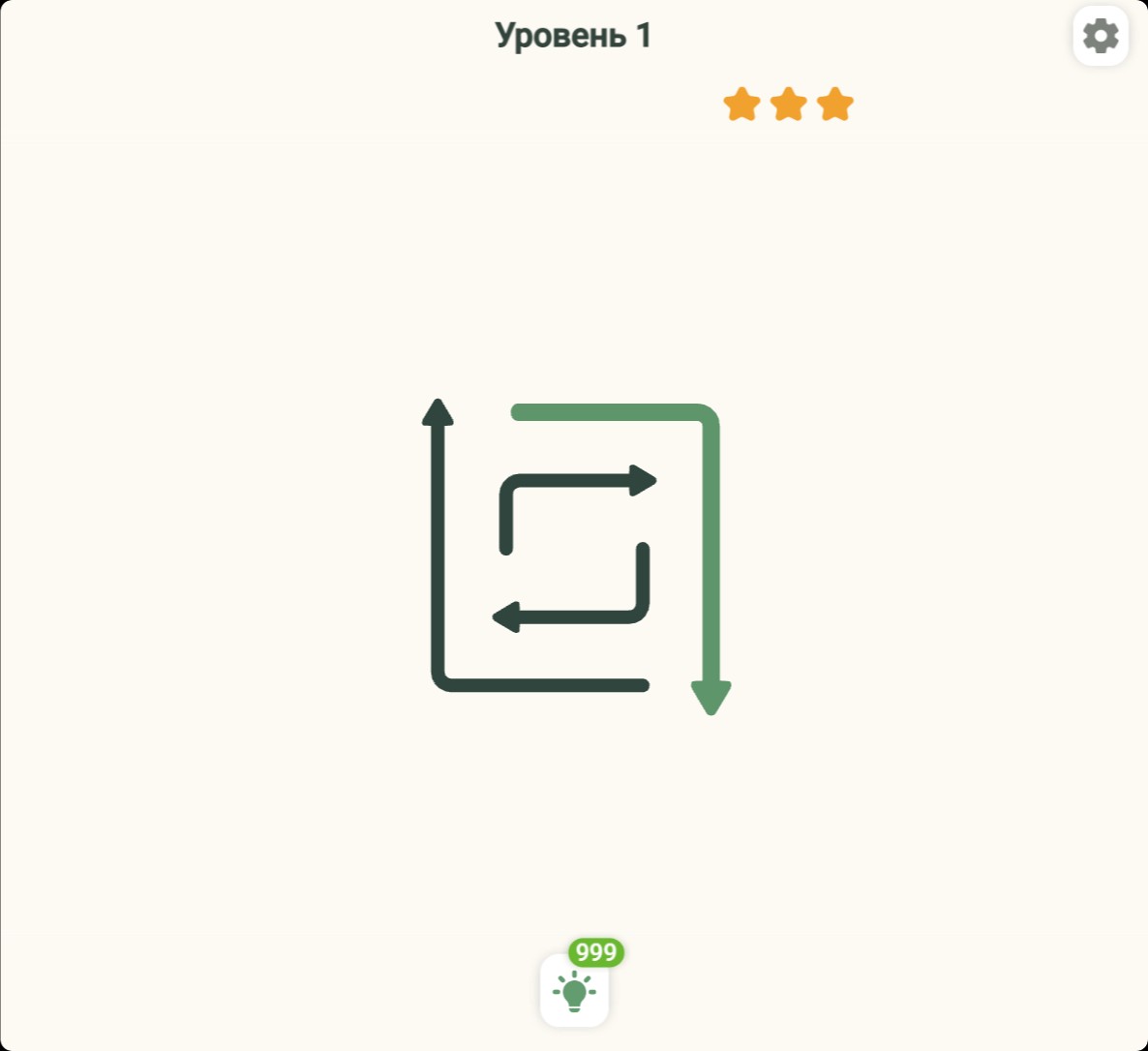
Press the lightbulb to highlight an arrow you can remove. This hint leaves 999 uses available.
Choose an amount
Set Hints to a whole number from 0 to 10,000 and apply it. The count appears beside the lightbulb during the puzzle.
Use a hint during play
Press the lightbulb to highlight an arrow with a clear path. One use reduces the count by one, and you can then tap the highlighted arrow yourself.
Available customisation options
HintsFree
Set your hint supply to get help finding arrows that can leave the grid.
Enter a whole-number amount, apply it, then press the lightbulb during a puzzle.
Questions about customisation options
- Where do I use my hints?
- Press the lightbulb at the bottom of the puzzle.
- Will changing Hints select a different level?
- The Hints control changes your hint supply. Continue playing your current puzzle through the normal game controls.
Using these features
Connect your game, then open Customise in the Windows app. Choose an option, check its available values and follow its instructions. Each option lists its own requirements and limits.
Setup for One-Way Maze: Tap Grid Puzzle →