
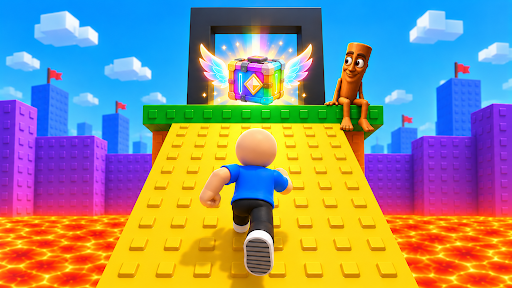
Ability Modifiers
1 optionExplore from the air with adjustable flight speed and controls.
View ability modifiers →Fly above the lava, head straight back to base or mark a spot to revisit. Explore the raised platforms and look for Brainrots along the course.
Requires the Windows app and the Bytonian Mods browser extension for Chrome or Edge. Browser setup guide
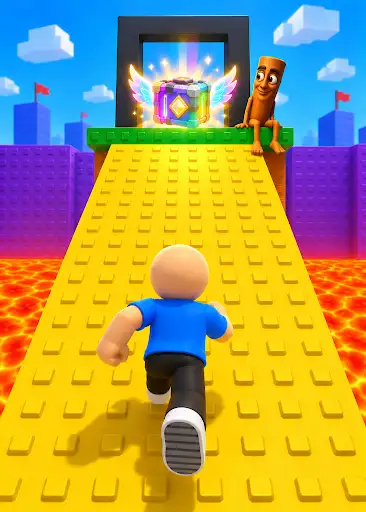
Start with free mods
Download Bytonian Mods for Windows and try these free features. Choose one to see how it works and any requirements.
Jump back to the starting base area and carry on exploring.
Press Return to Base when you want a quick way back.
Fly gives you a view above the course with adjustable movement controls. Return to Base brings you back to the starting area, while Save This Spot and Return to Saved Spot let you choose your own return point.
Open the game in Bytonian Mods and choose the control you want to use. Return to Base is free. Fly and the saved spot controls are available with Premium or BYP.
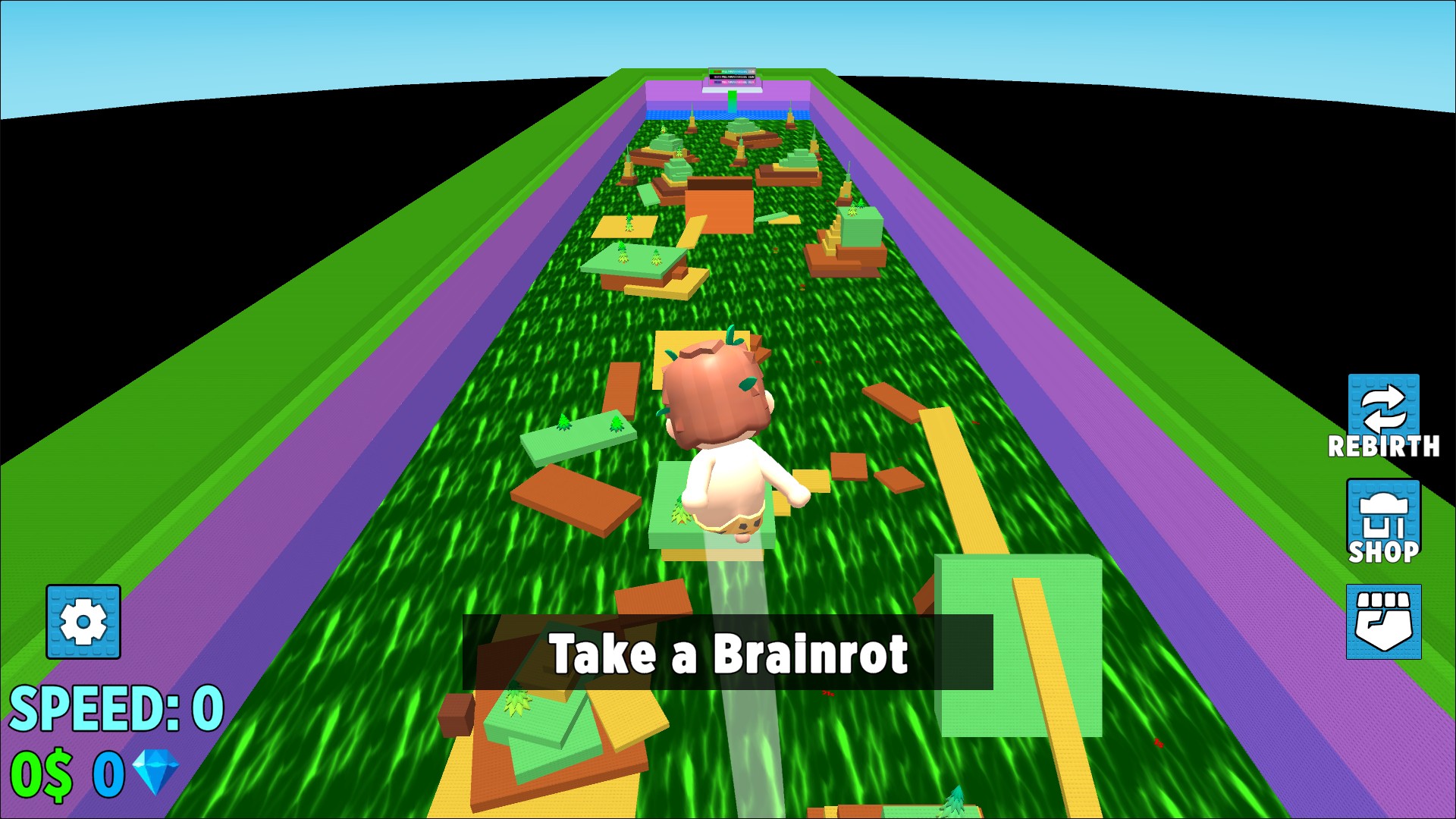
Explore above the lava
Get a new view of the obstacle course with Fly, then choose where to head next.
Explore from the air with adjustable flight speed and controls.
View ability modifiers →Jump back to base or return to a place you marked.
View game actions →Download the Windows app and follow the setup prompts.
Set up the browser extension in Chrome or Edge, then open the supported YouTube Playable. Follow the connection guide if the game is already running.
Review the available options in the app and choose the ones that suit how you play.