

Coins for cosmetic purchases
Choose a coin balance to spend on a new look for your snowboarder.
Requires the Windows app and the Bytonian Mods browser extension for Chrome or Edge. Browser setup guide

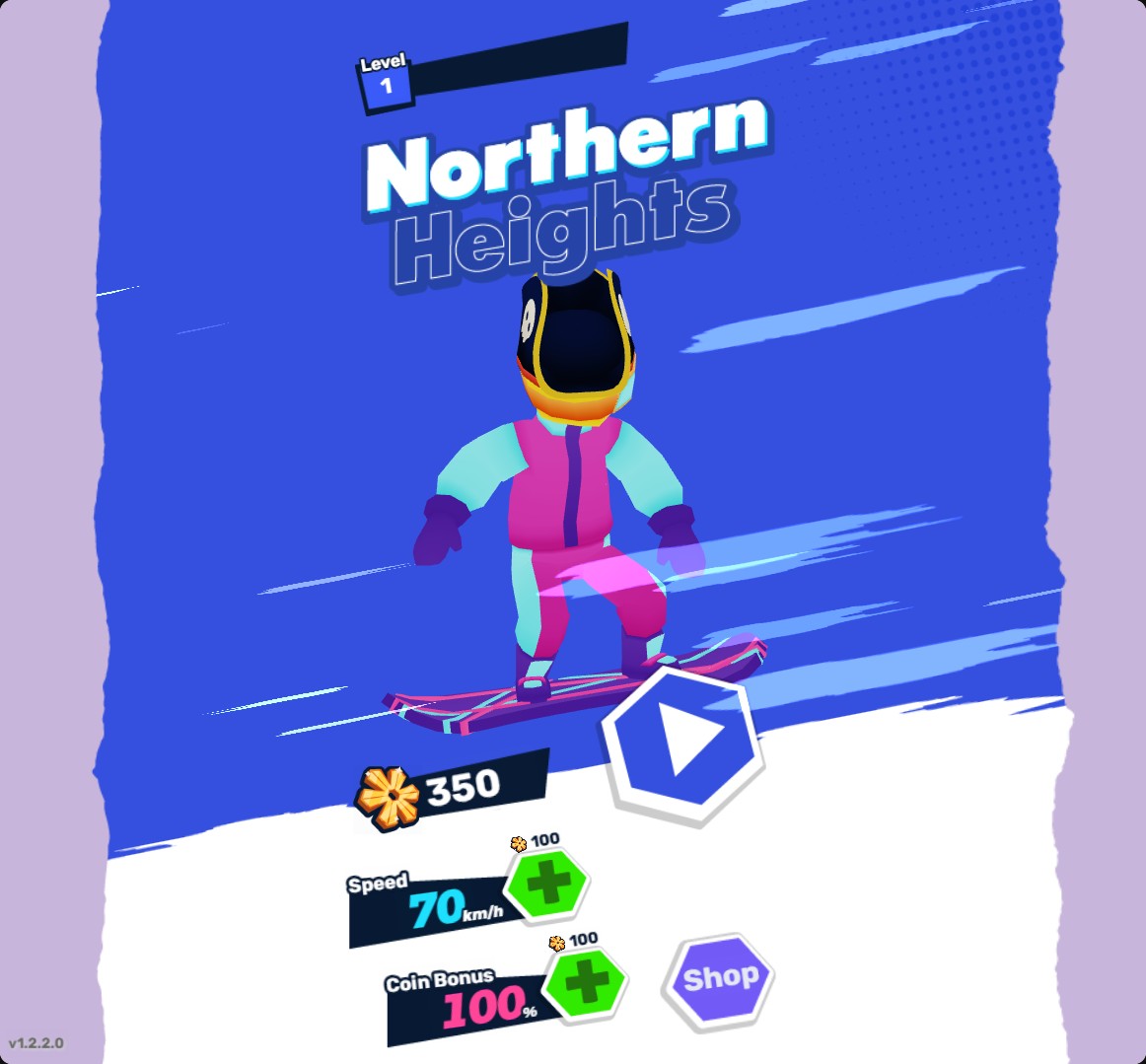
Pick a new look with coins
The pirate hat equipped after a normal shop purchase, with 350 coins remaining.
Purchase and equip
Set Coins to your chosen amount and apply it. Open Shop from the home screen, select a cosmetic and use Unlock to purchase it.
After unlocking an item, select Equip to wear it. The pirate hat costs 650 coins and changes your snowboarder's headwear.
Available customisation options
CoinsFree
Choose coins for cosmetic purchases in the shop.
Apply your chosen balance, open Shop, buy an item with Unlock and select Equip.
Questions about customisation options
- Why does an item appear before I buy it?
- Selecting an item previews it on your character. Use Unlock to purchase it, then Equip to wear it.
- Does changing Coins choose my outfit?
- You choose your cosmetics separately in the shop after applying a balance.
Using these features
Connect your game, then open Customise in the Windows app. Choose an option, check its available values and follow its instructions. Each option lists its own requirements and limits.
Setup for Northern Heights →