
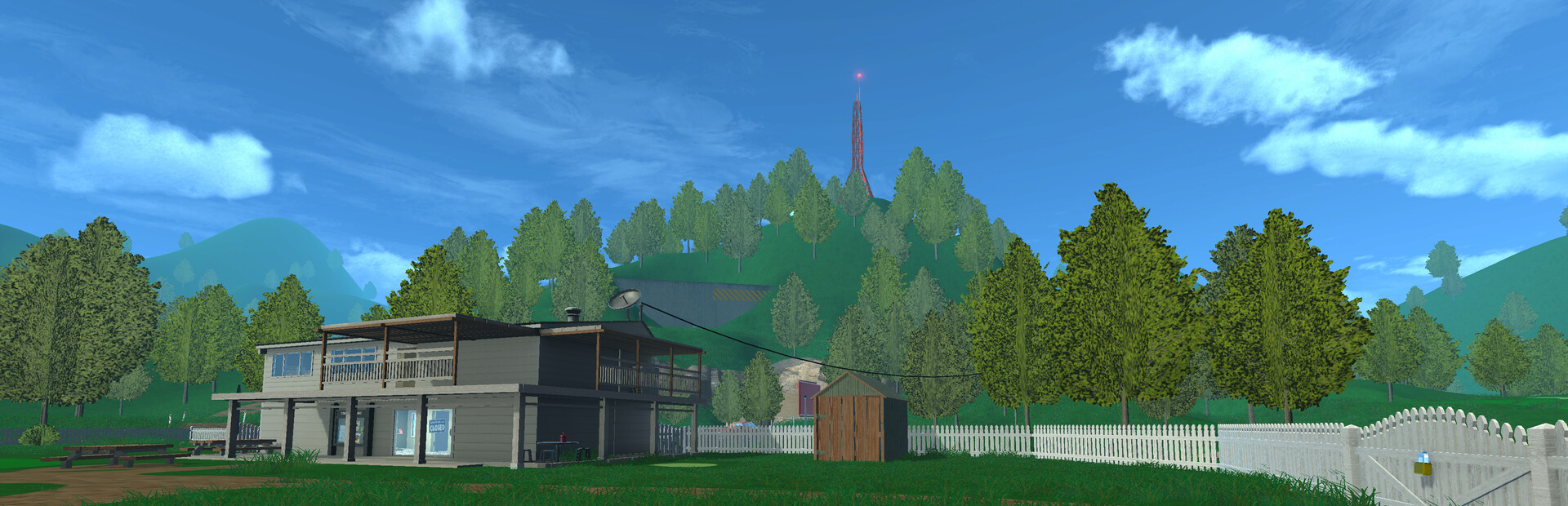
Explore the course with Fly and Jump
Take a view from above with Fly, or add a jump while walking around the course.

Choose how to move
Enable Fly while walking and adjust its speed. Turn Movement off to return to the game's normal controls.
Enable Jump and press Space, or choose another key. Jump strength and the number of jumps before landing can be adjusted separately.
Available ability modifiers
JumpFree
Enable jumping while walking.
Turn on Jump and press Space, or choose a different jump key.
MovementFree
Fly around the course and adjust your speed.
Enable Fly while walking and use your movement controls to explore.
Supported movement styles: Fly
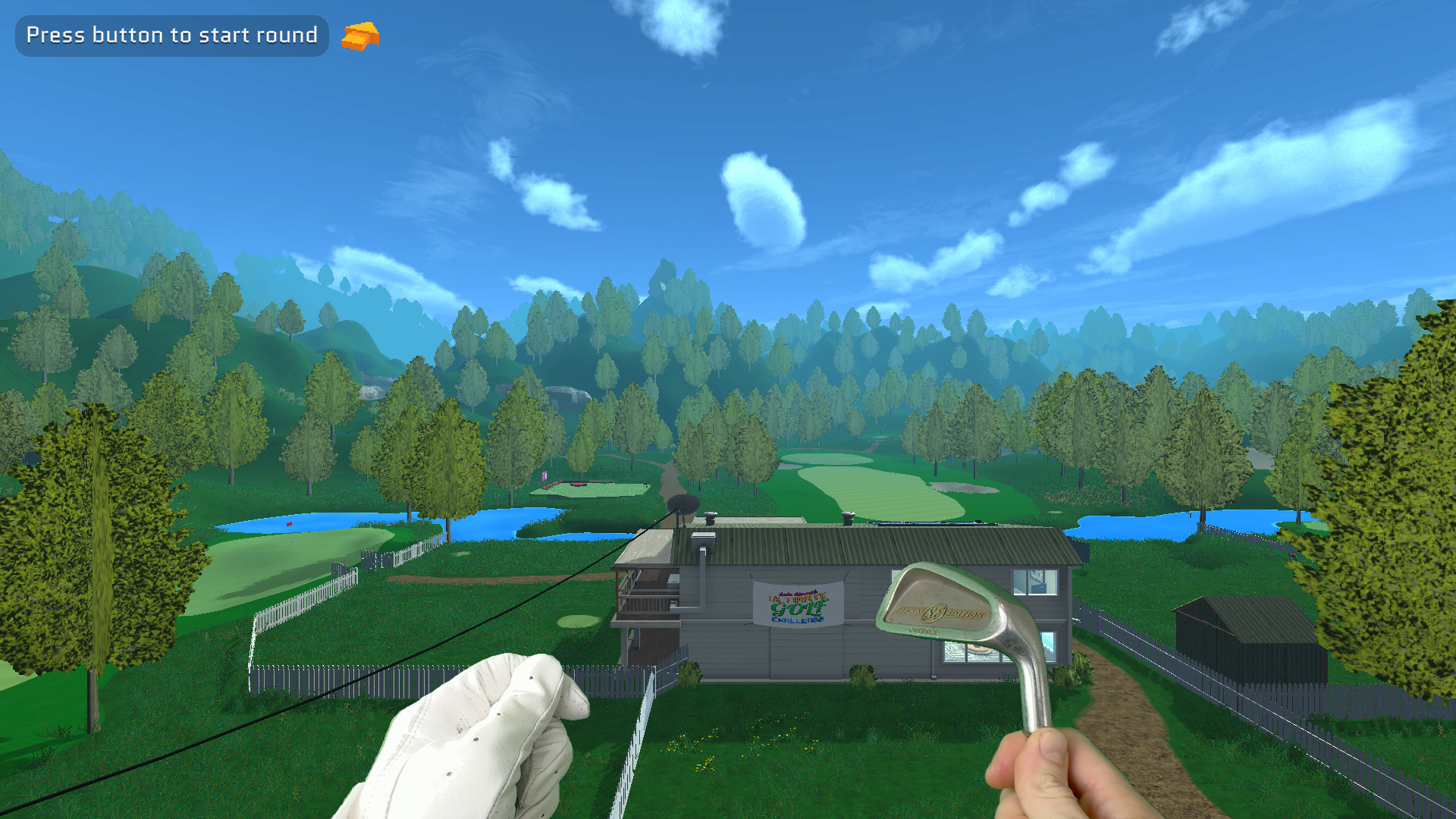
Fly above the clubhouse
Take in the course from above the clubhouse with Fly.
More ways to customise Normal Golf Game
- Normal Golf Game resources
Separate cards for shots, credits and round assists.
- Normal Golf Game stat modifiers
Adjust sprint speed and jump settings for exploring the course.
Using these features
Choose the feature in the Windows app after connecting your game. Check its requirements before making a change.
Setup for Normal Golf Game →