
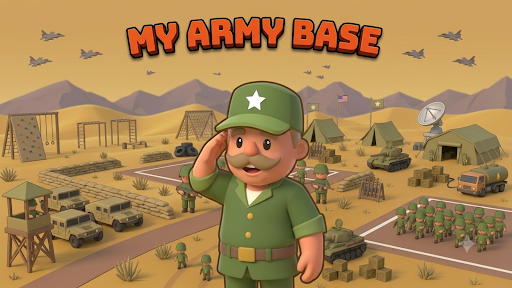
Resources
1 optionSet the cash amount shown in your base.
View resources →Choose the cash balance shown in My Army Base. Move through your growing camp between its recruitment and training areas.
Requires the Windows app and the Bytonian Mods browser extension for Chrome or Edge. Browser setup guide

Start with free mods
Download Bytonian Mods for Windows and try these free features. Choose one to see how it works and any requirements.
Set your cash balance to the amount you want. Your chosen total appears in the game's cash display.
Load your base, refresh the current balance and enter a whole-number amount from 0 to 1,000,000,000. The chosen amount replaces your current cash total.
Set a cash amount that suits how you want to play, then see the new balance in the game's cash display. The Resources page explains the cash control.
Open My Army Base on YouTube Playables, connect Bytonian Mods and enable the Cash package. Once your base has loaded, open the Cash control and enter the balance you want.
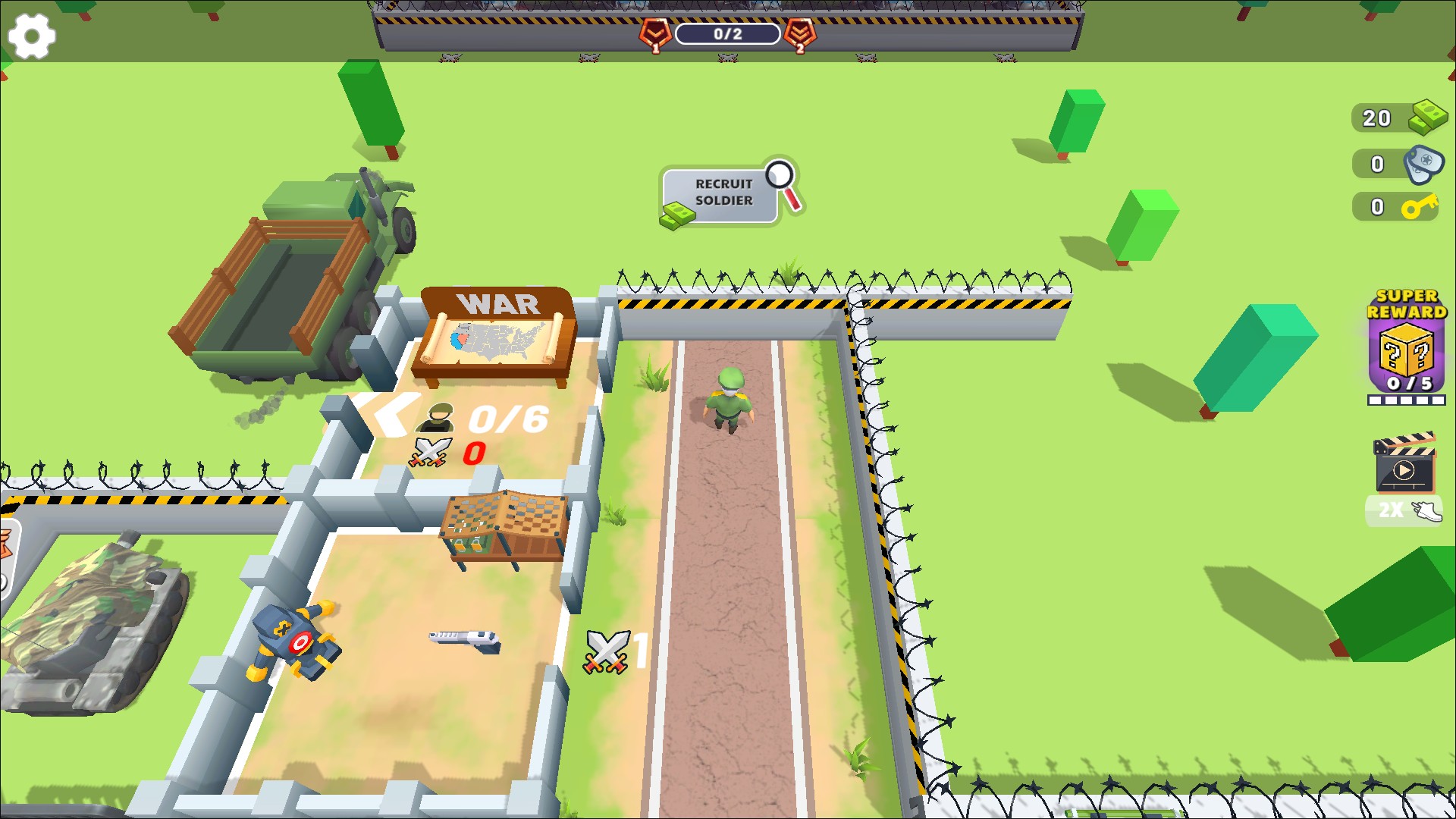
Build your army base
Guide your commander through a base with training areas, recruits and a war room.
Set the cash amount shown in your base.
View resources →Download the Windows app and follow the setup prompts.
Set up the browser extension in Chrome or Edge, then open the supported YouTube Playable. Follow the connection guide if the game is already running.
Review the available options in the app and choose the ones that suit how you play.