
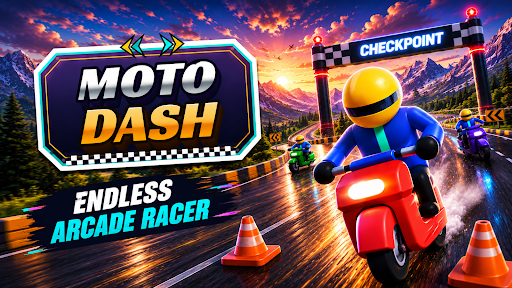
Prepare your next Moto Dash run
Set Coins for your next garage purchase, choose your remaining Nitro Starts, or select a graphics preset. Apply your choices before starting your next run.
Requires the Windows app and the Bytonian Mods browser extension for Chrome or Edge. Browser setup guide
Buy your next upgrade
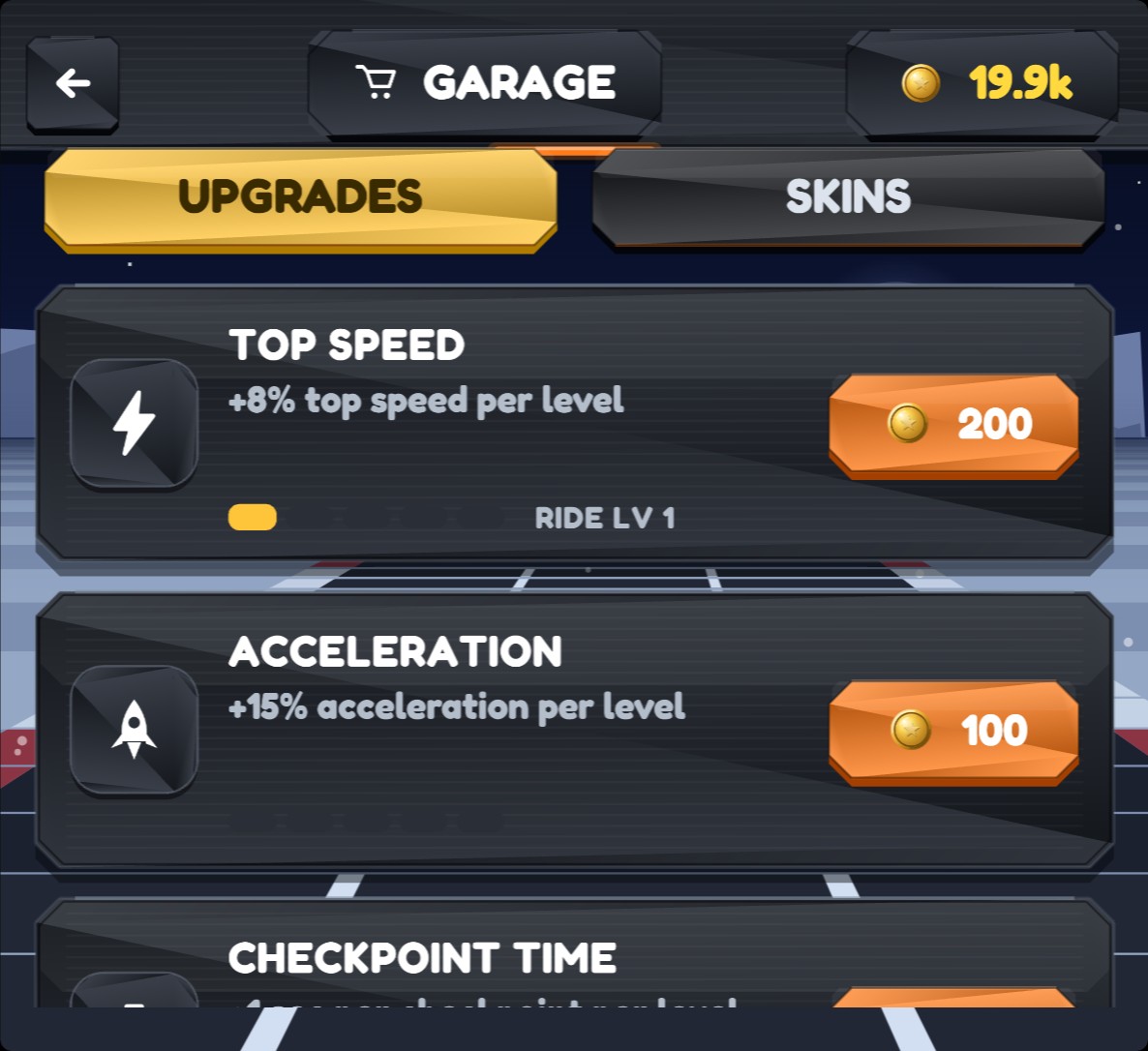
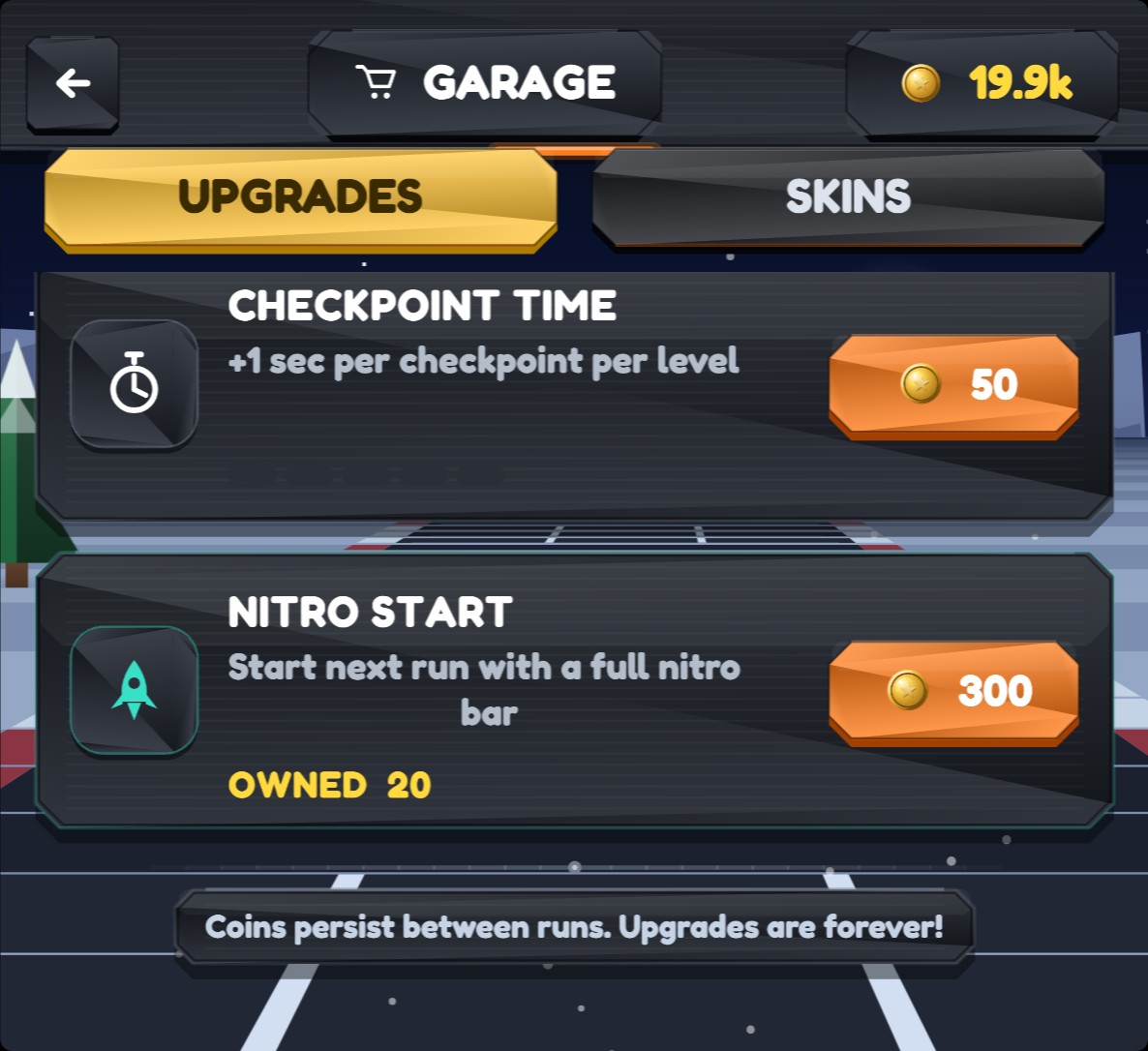
Spend your chosen coin balance on upgrades at their normal garage prices.
Nitro Starts ready for your runs
Choose your Nitro Start stock. One is used when you begin a run with a full nitro bar.
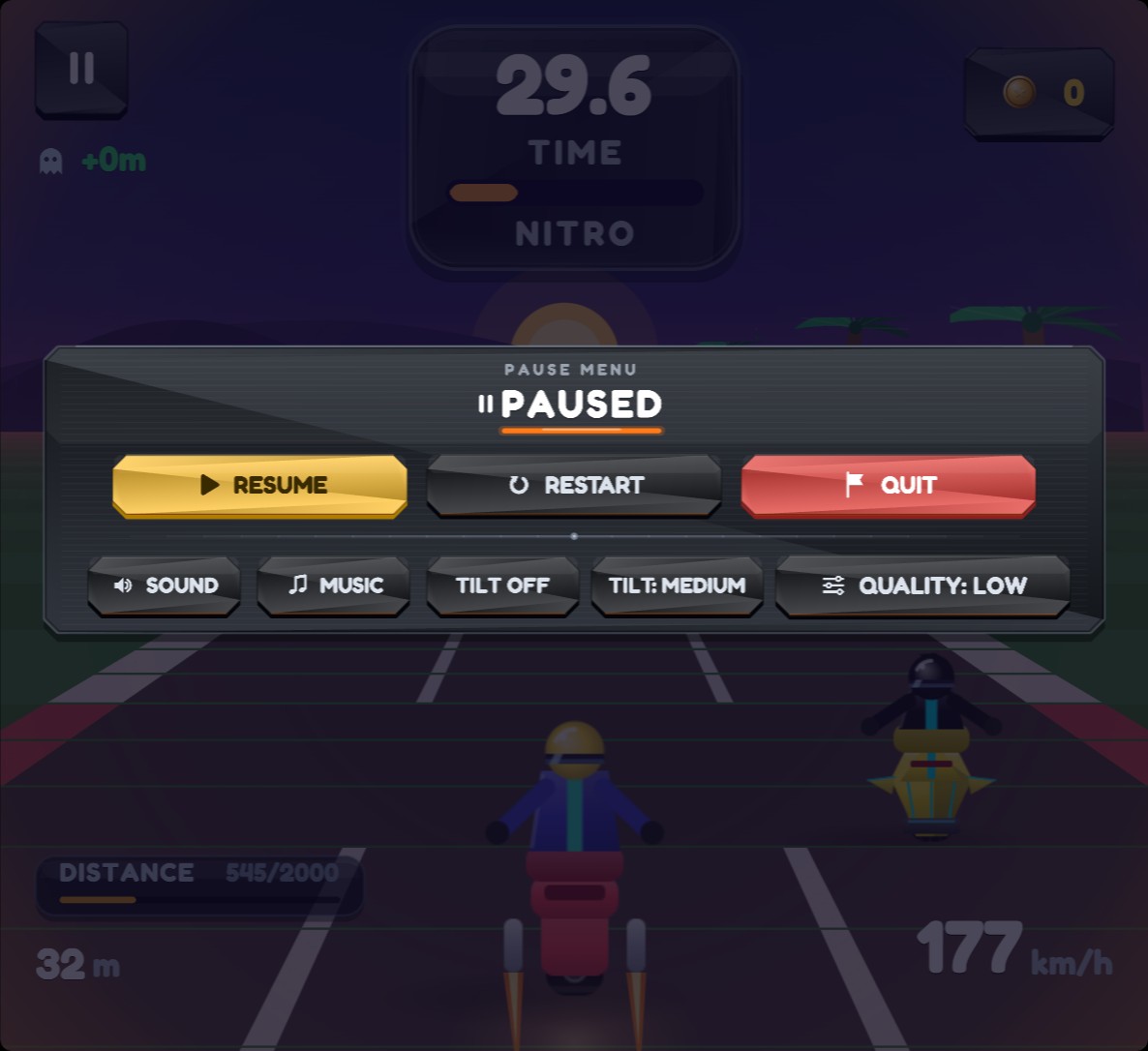
Choose your graphics detail
Select Automatic, High, Medium or Low graphics. The pause menu shows the selected setting.
Choose useful amounts
Coins can be set from 0 to 20,000 and Nitro Starts from 0 to 99. The garage displays your balance and Nitro Start stock. Buy upgrades normally, and remember that a run uses one Nitro Start automatically.
Check your graphics choice
After applying a graphics preset, start a run and open the pause menu to see the selected quality setting. You can choose Automatic, High, Medium or Low.
Available customisation options
CoinsFree
Choose your coin balance for garage purchases.
Set the balance, apply it and open the garage to buy an upgrade.
Nitro StartsPremium
Choose Nitro Start stock for runs that begin with a full nitro bar.
Set your stock, apply it and choose Play to start a run.
One Nitro Start is used automatically when a run starts.
Graphics QualityFree
Choose Automatic, High, Medium or Low graphics detail.
Apply your preset, start a run and open the pause menu to check the quality setting.
Questions about customisation options
- Does setting Coins buy upgrades automatically?
- You choose and buy upgrades yourself in the garage. Set your coin balance first, then select the purchase you want.
- Does Graphics Quality change my upgrades?
- Graphics Quality chooses the game's graphics detail. Your bike upgrades remain separate garage purchases.
Using these features
Connect your game, then open Customise in the Windows app. Choose an option, check its available values and follow its instructions. Each option lists its own requirements and limits.
Setup for Moto Dash - Endless Bike Racing →