
Choose your current building's progress
Set how far construction has progressed on the current building. Bring it close to completion, then return from battle with blocks to finish the work.
Requires the Windows app and the Bytonian Mods browser extension for Chrome or Edge. Browser setup guide

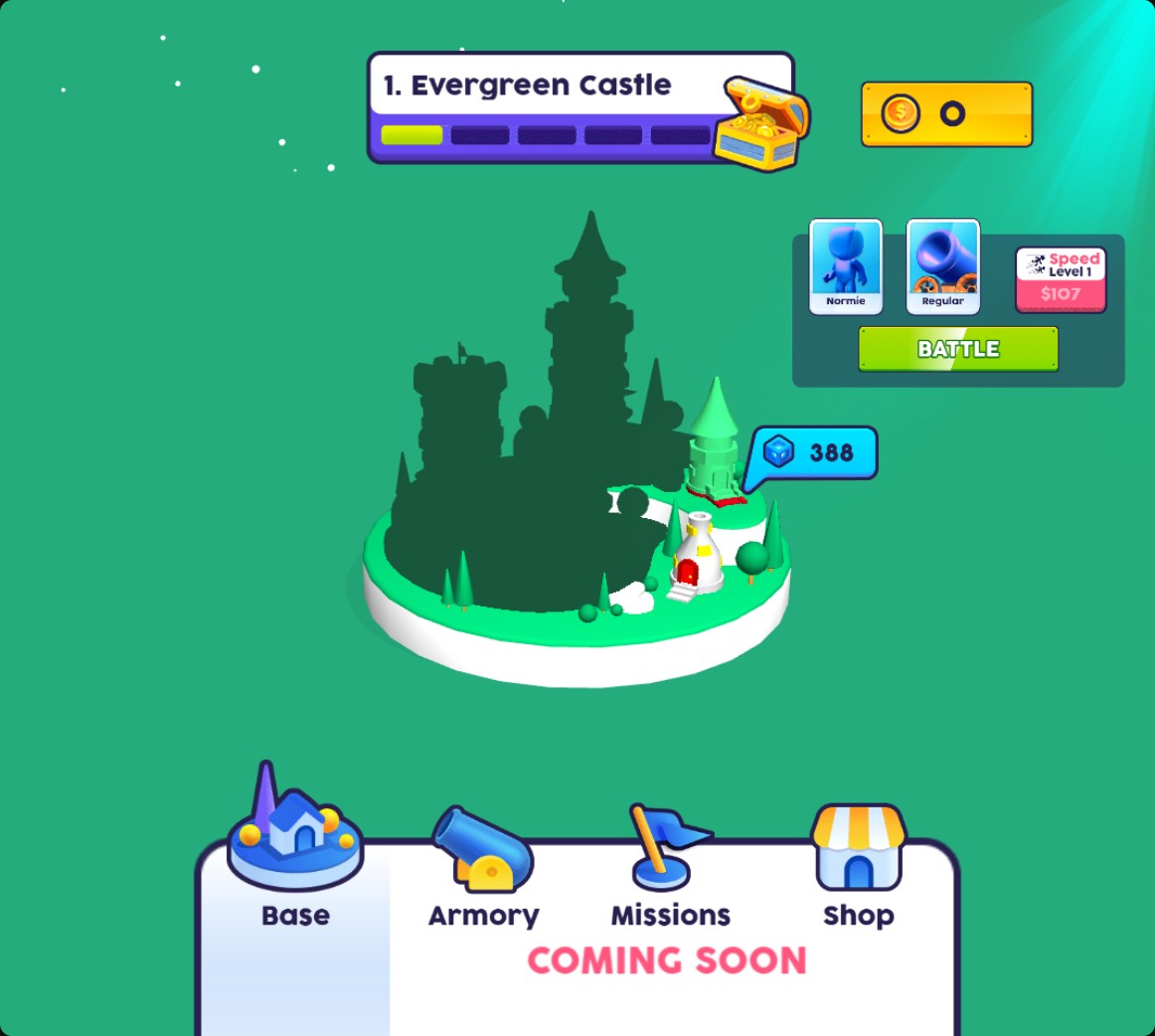
Bring the current building close to completion
Choose building progress,then spend blocks to finish construction and move on to the next part of the castle.
Finish construction with blocks
Choose a percentage and apply your changes. Play an attack to earn blocks, continue to the base and hold the build area to spend them. Completing the building moves construction to the next part of the castle.
Available customisation options
Building progress (%)Free
Set your current building up to 95% complete, then spend battle blocks to finish it.
Set a percentage and apply your changes. Earn blocks in battle, then hold the build area at your base to finish construction.
Applies to the current building and leaves the final construction step to your blocks.
Questions about customisation options
- Can I set a building to fully complete?
- The control goes up to 95%. Spend blocks in the building screen to finish the remaining construction.
- Does this add coins or blocks?
- No. It changes current building progress; coins and blocks are still earned through normal play.
Using these features
Connect your game, then open Customise in the Windows app. Choose an option, check its available values and follow its instructions. Each option lists its own requirements and limits.
Setup for Mob Control HTML5 →