
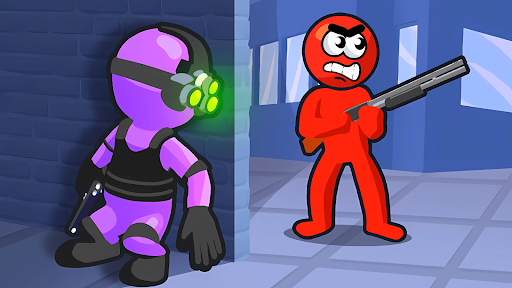
Resources
1 optionChoose extra health and withstand more enemy hits.
View resources →Give your agent more health, turn on damage protection or finish the active level. Work through Mister Bullet's arcade challenges at the pace you choose.
Requires the Windows app and the Bytonian Mods browser extension for Chrome or Edge. Browser setup guide

Start with free mods
Download Bytonian Mods for Windows and try these free features. Choose one to see how it works and any requirements.
Give your agent extra health to take more enemy hits.
Start a level, then choose a health amount while your agent is alive.
The health bar can look empty while extra health remains.
Health gives you a larger cushion for enemy hits. Damage protection helps you concentrate on lining up your aim, while Complete level finishes an active fight with a win.
Each control is separate, so you can choose the help you want without turning everything on.
Open Mister Bullet: Arcade Shooter on YouTube Playables and connect the game to Bytonian Mods. Start a level before using the controls, then choose the change you want for your living agent.
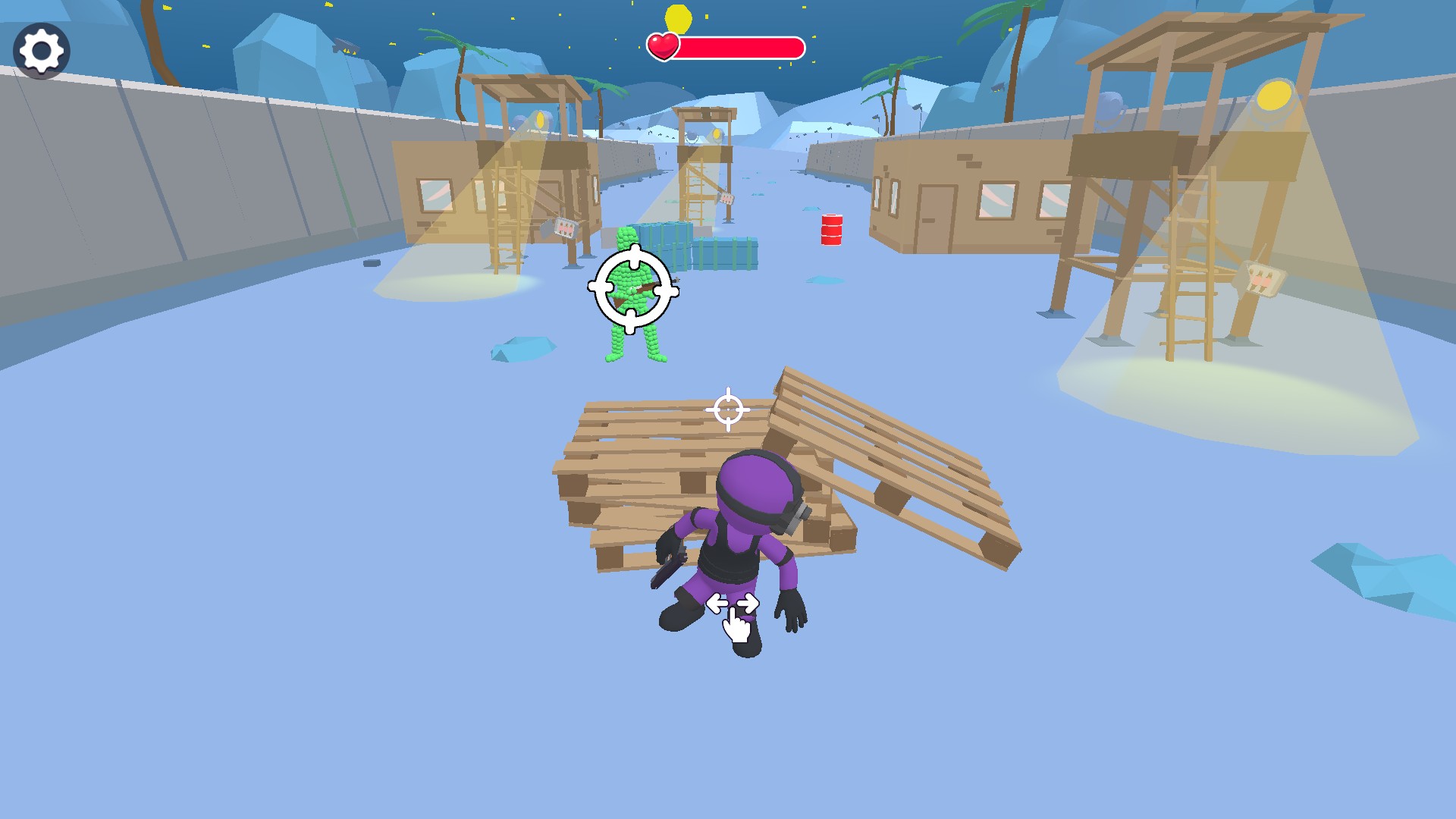
Take aim in Mister Bullet: Arcade Shooter
Face enemy guards across a snowy base, with wooden cover and watchtowers framing the fight.
Choose extra health and withstand more enemy hits.
View resources →Protect your living agent from enemy damage during the active level.
View ability modifiers →Finish an active level with one press.
View game actions →Download the Windows app and follow the setup prompts.
Set up the browser extension in Chrome or Edge, then open the supported YouTube Playable. Follow the connection guide if the game is already running.
Review the available options in the app and choose the ones that suit how you play.