

Choose coins and power-up charges
Give yourself more choices when the pile needs attention. Set a coin balance for arena purchases, clear space with Bomb, draw matching creatures together with Magnet, or promote a creature with Upgrade.
Requires the Windows app and the Bytonian Mods browser extension for Chrome or Edge. Browser setup guide

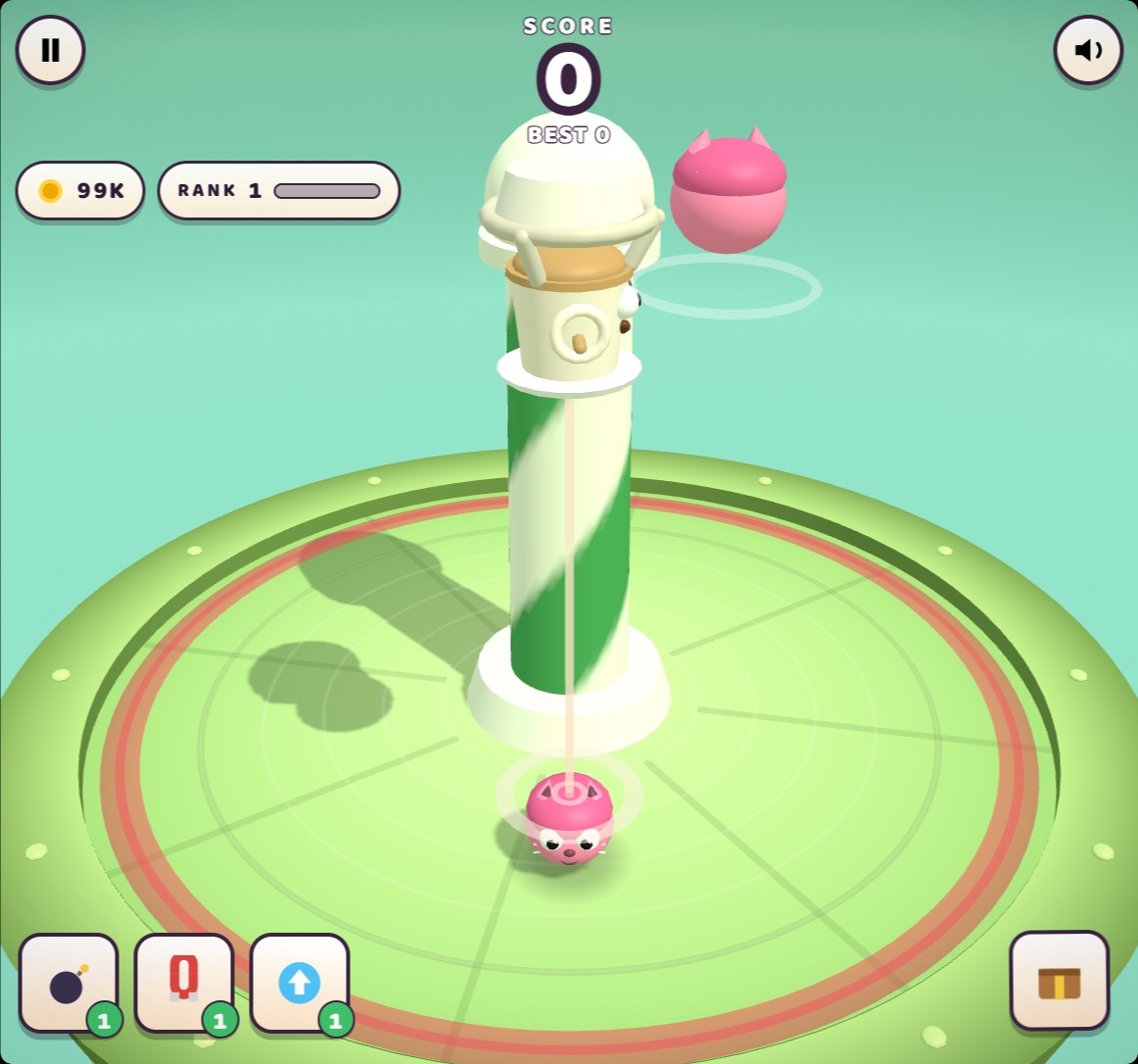
Coins for arena purchases
Choose your Coins balance to spend in the arena shop. This green Basilico arena was bought for 900 coins, leaving 99,100 from a balance of 100,000.
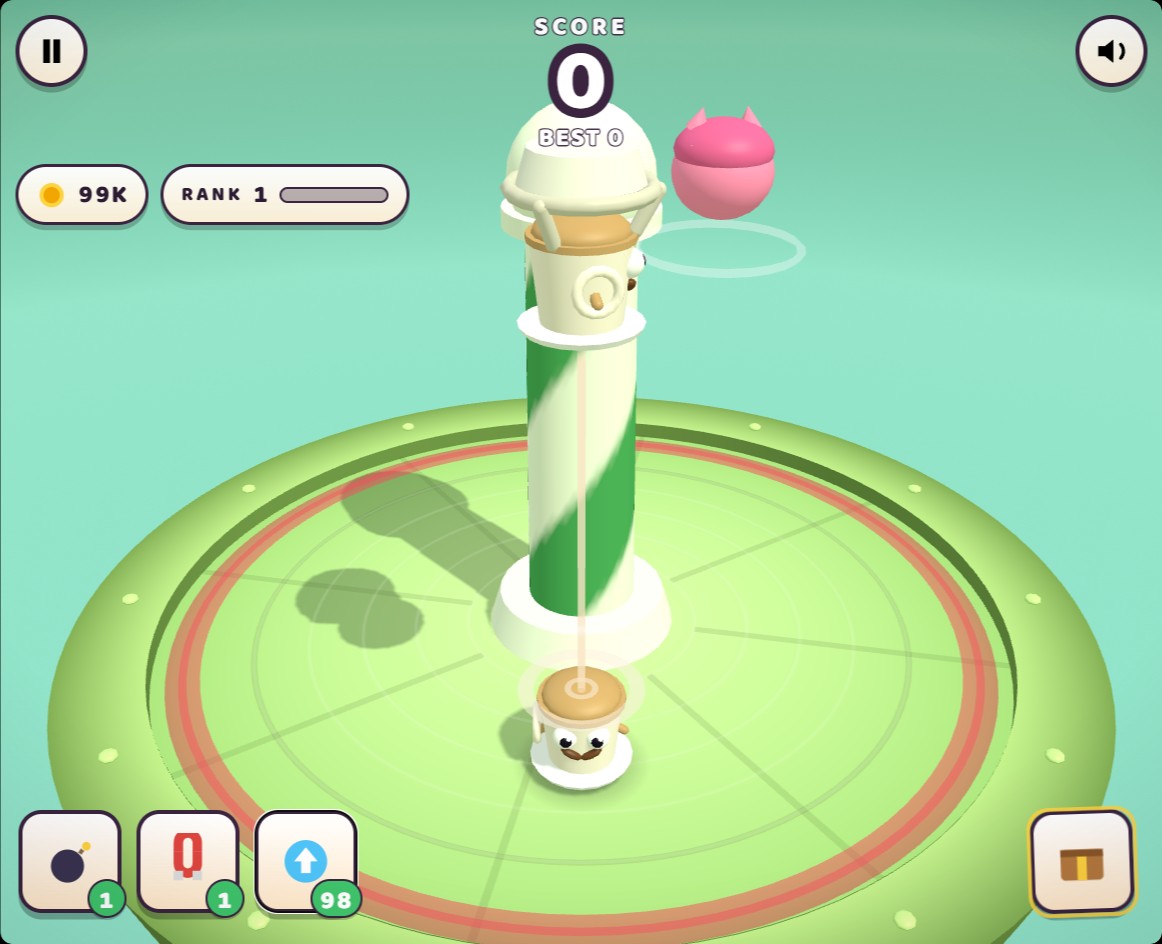
Upgrade creatures with extra charges
Choose how many Upgrade charges you have, then use the normal power-up button to promote an eligible creature. Here, one use changed the pink creature into a cup creature and left 98 charges.
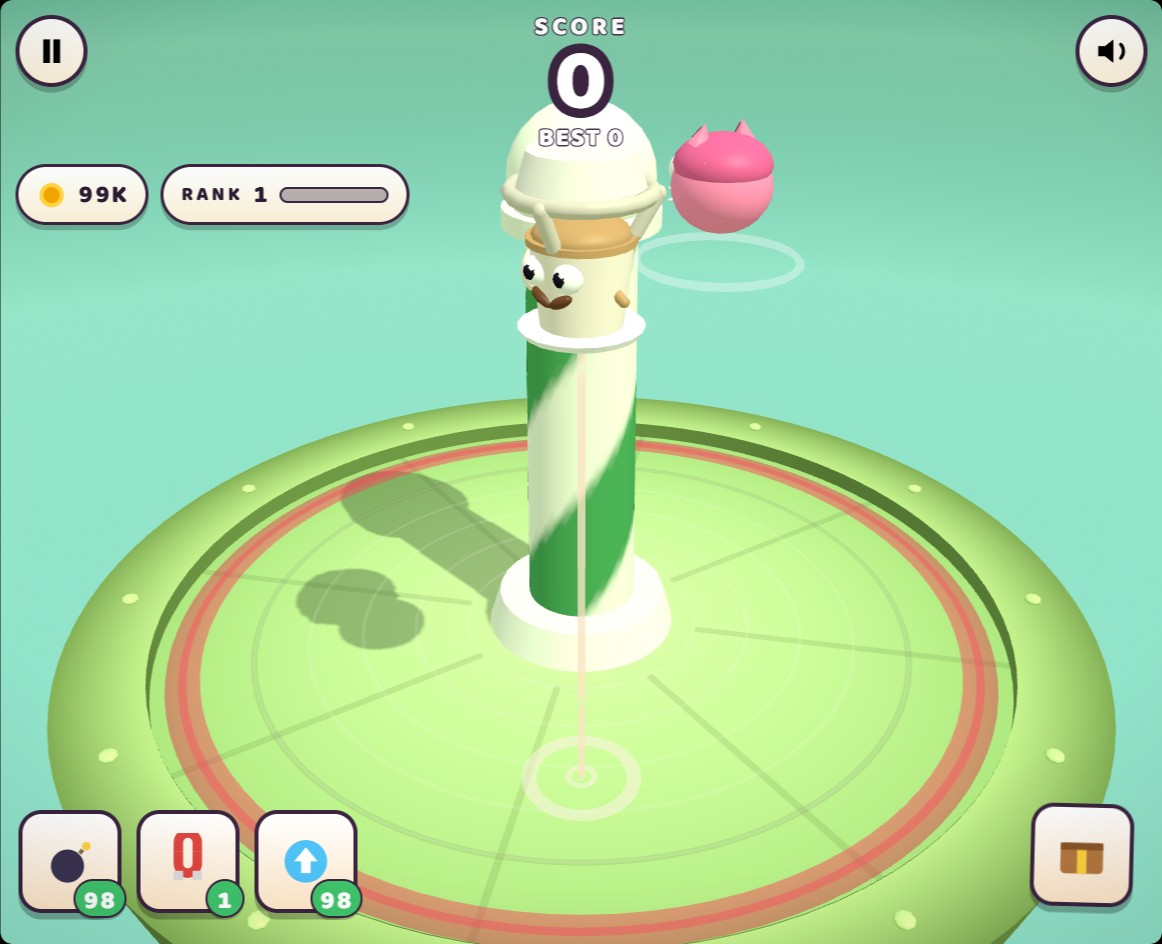
Clear space with Bomb charges
Choose your Bomb charges and use the normal power-up to clear nearby eligible creatures. This arena is clear after one Bomb use, with 98 charges remaining.
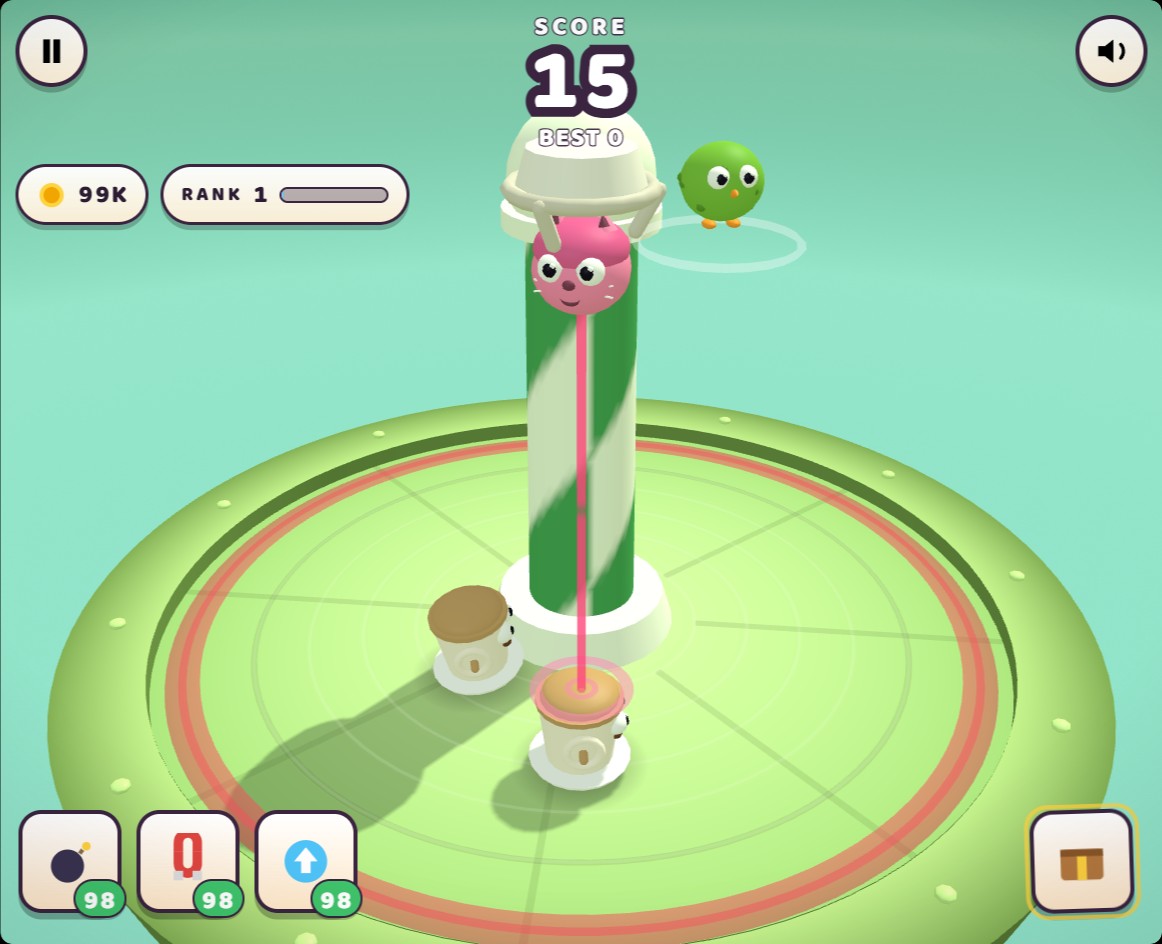
Bring matching creatures together with Magnet
Choose your Magnet charges and use the normal power-up to pull matching creatures together. A pair of pink creatures merged into another cup creature here, leaving 98 Magnet charges.
Coins for arena choices
Coins let you buy arena themes through the normal shop. Pick the balance you want, then choose an arena and equip it as usual.
Three ways to change the pile
Bomb clears nearby eligible creatures. Magnet needs matching creatures on the board and brings pairs together for merges. Upgrade needs an eligible creature already on the board and promotes one to the next tier.
The charge controls supply uses of the existing power-ups. Press the normal power-up button during play to activate its effect.
Available customisation options
CoinsPremium
Choose your coin balance so you can buy arena themes through the normal shop.
Apply your chosen balance, then open Arenas and buy or equip the theme you want.
Bomb ChargesFree
Choose how many Bomb charges you have to clear nearby eligible creatures and make room.
Use the Bomb button during play when creatures are near the landing area.
Magnet ChargesPremium
Choose your Magnet charges to bring matching creatures together for merges.
Drop matching creatures onto the board, then press the Magnet button during play.
Upgrade ChargesPremium
Choose your Upgrade charges to promote an eligible creature to the next tier.
Drop an eligible creature onto the board, then press the Upgrade button during play.
Questions about customisation options
- Does changing a charge count activate the power-up?
- No. It changes the number of charges available. Use the matching power-up button during play when you want the effect.
Using these features
Connect your game, then open Customise in the Windows app. Choose an option, check its available values and follow its instructions. Each option lists its own requirements and limits.
Setup for Merghetti: Brainrot Drop →