

Set Your Coins and Harvested Wheat
Use Coins to choose your balance, or Harvested Wheat to prepare ingredients for the tavern. Each setting changes its own amount.
Requires the Windows app and the Bytonian Mods browser extension for Chrome or Edge. Browser setup guide

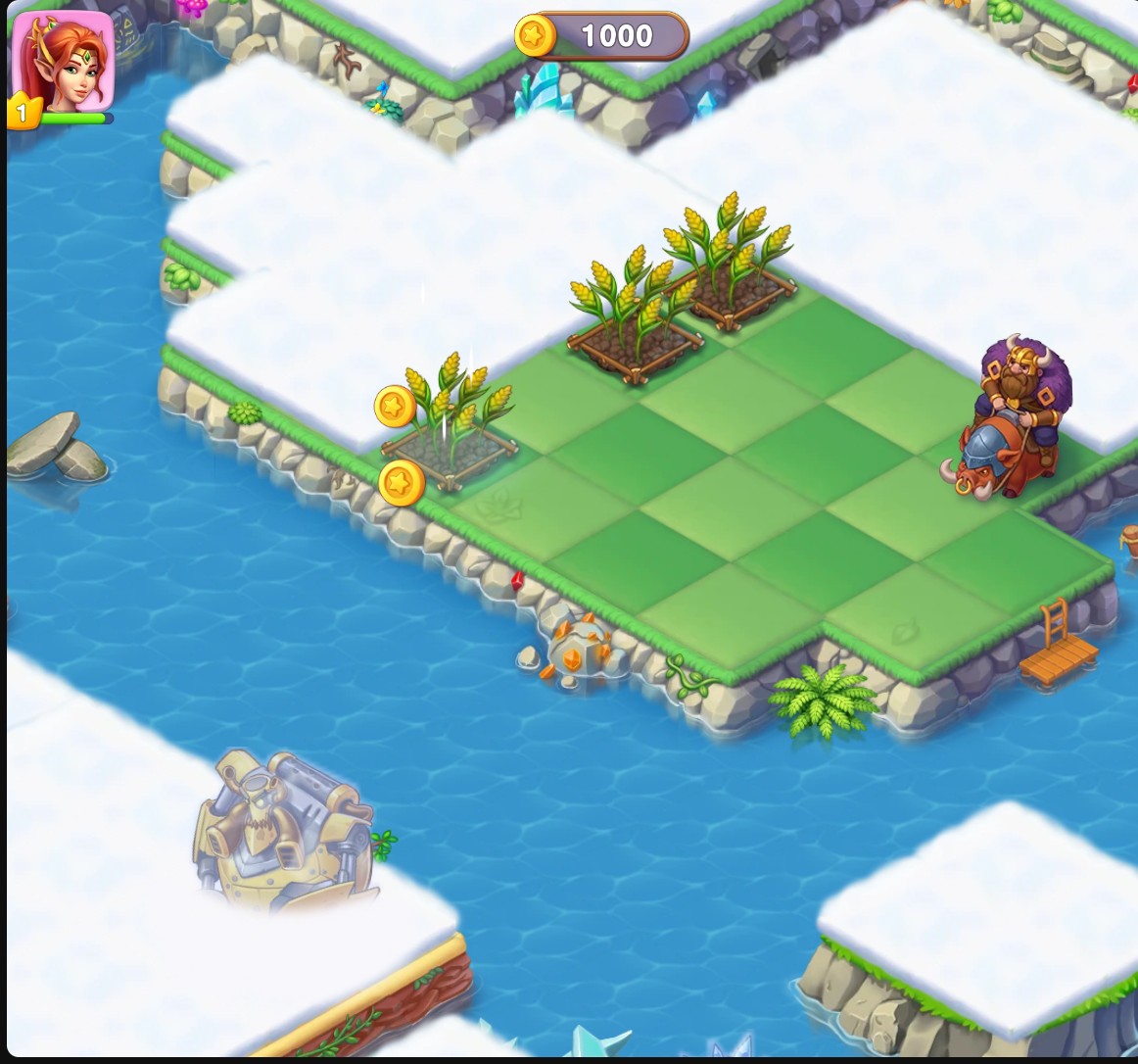
Mergest Kingdom coin balance
Set your coin balance and continue merging on your kingdom's island.
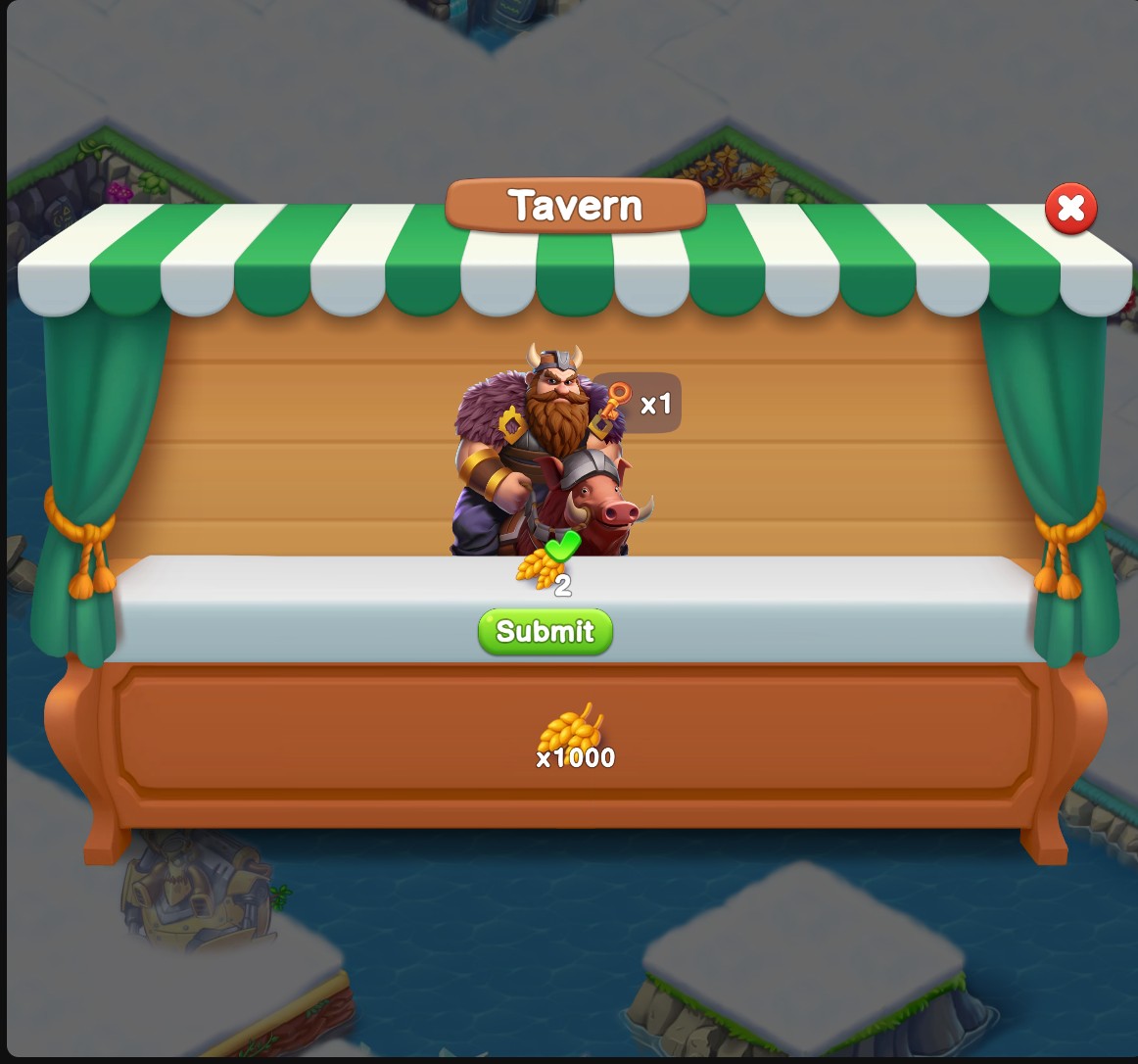
Harvested wheat for tavern orders
Choose your harvested wheat amount for the tavern's ingredient orders. Harvest and collect wheat normally first to make this control available.
Set Coins and Return to the Island
Enter the Coins amount you want and apply it. Check the counter at the top of the island once the game HUD is visible, then continue your normal merges and tasks.
Harvest First, Then Choose Your Wheat
Harvest a ripe wheat plot and collect the wheat before using Harvested Wheat. Once the setting is available, enter your amount and apply it. Open the tavern to see your wheat and submit orders that use it.
Follow Each Order's Requirements
The tavern still spends the ingredients an order requests. Changing wheat does not supply other ingredients or complete the island's merge and land requirements.
Available customisation options
CoinsFree
Choose the coin balance shown for your kingdom.
Set your Coins amount, apply it and return to the island's coin counter.
Merge tasks and land requirements still use the normal game rules.
Harvested wheatPremium
Choose harvested wheat available for normal tavern orders.
Harvest and collect wheat normally first. When the control is available, set your amount, apply it and use the tavern's normal Submit button.
Orders still spend their ingredients. Other ingredients and island tasks remain part of normal play.
Questions about customisation options
- Why is Harvested Wheat unavailable at the start?
- Harvest and collect wheat through normal play first. The control becomes available once the game has a harvested wheat amount.
- Does a tavern order still use up wheat?
- Yes. Submit spends the amount of wheat shown by the order.
Using these features
Connect your game, then open Customise in the Windows app. Choose an option, check its available values and follow its instructions. Each option lists its own requirements and limits.
Setup for Mergest Kingdom →