
Choose Your Energy Balance
Set how much Energy you have available for producing items on the kitchen board.
Requires the Windows app and the Bytonian Mods browser extension for Chrome or Edge. Browser setup guide

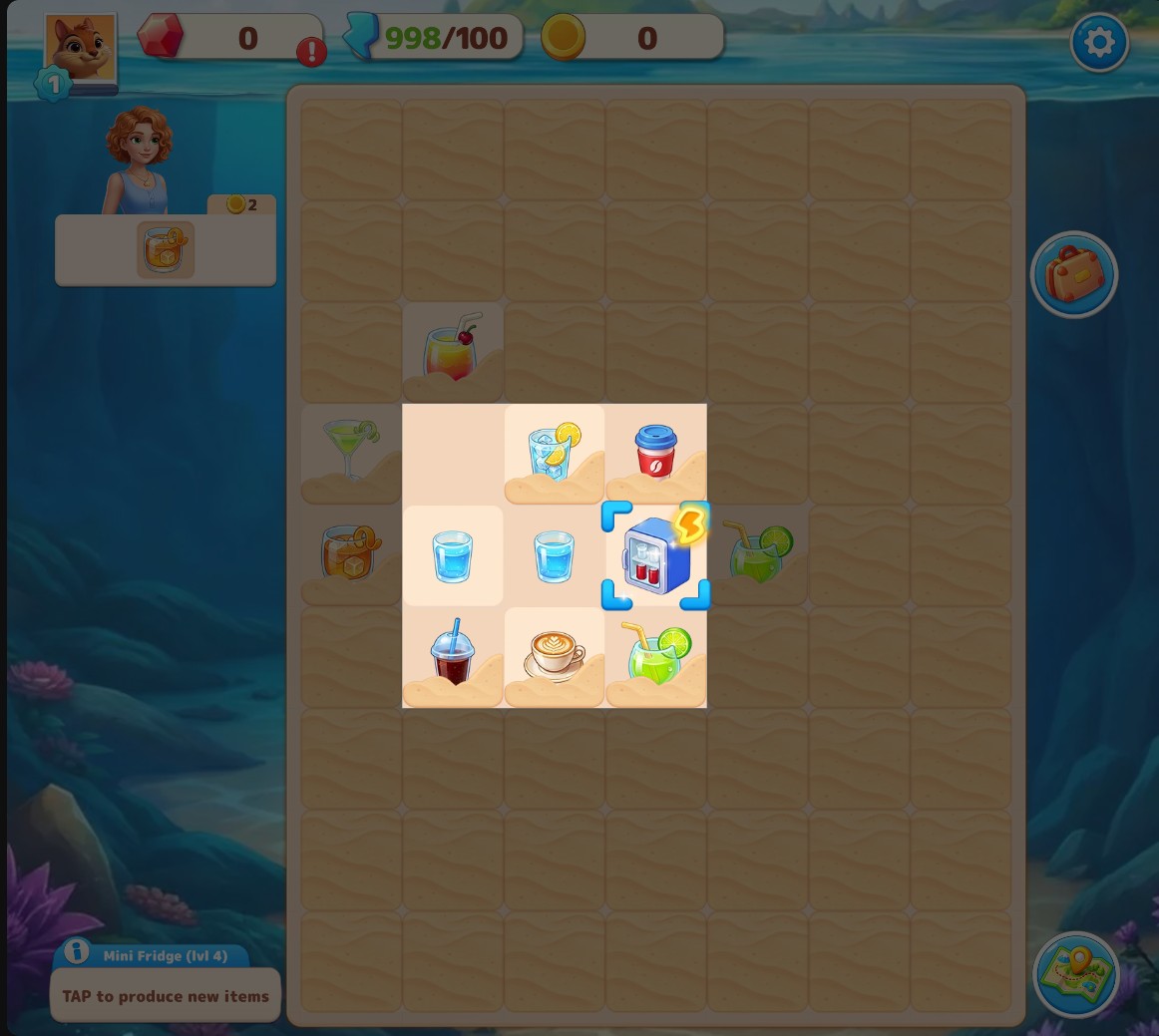
Energy for item production
Choose your Energy balance, then tap a ready producer to make items for your merge board.
Set Energy and Return to the Board
Enter an amount from 0 to 10,000 and apply it. Follow the current tutorial steps if they are showing, then tap a ready producer. Each normal production tap uses Energy.
Available customisation options
EnergyFree
Choose your Energy balance for producing merge items.
Enter an amount, apply it and tap a ready producer on the kitchen board.
Items are produced through the normal board controls and spend Energy.
Questions about customisation options
- How do I use the Mini Fridge?
- Merge the opening generator pieces to make the Mini Fridge, then tap it to produce items.
Using these features
Connect your game, then open Customise in the Windows app. Choose an option, check its available values and follow its instructions. Each option lists its own requirements and limits.
Setup for Merge Lagoon →