
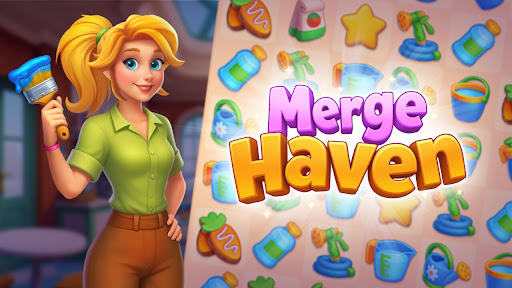
Customize Energy and Restoration Stars
Set the balance you want before using a generator or completing a room task. Energy supports item production, while restoration stars pay for work in your room.
Requires the Windows app and the Bytonian Mods browser extension for Chrome or Edge. Browser setup guide

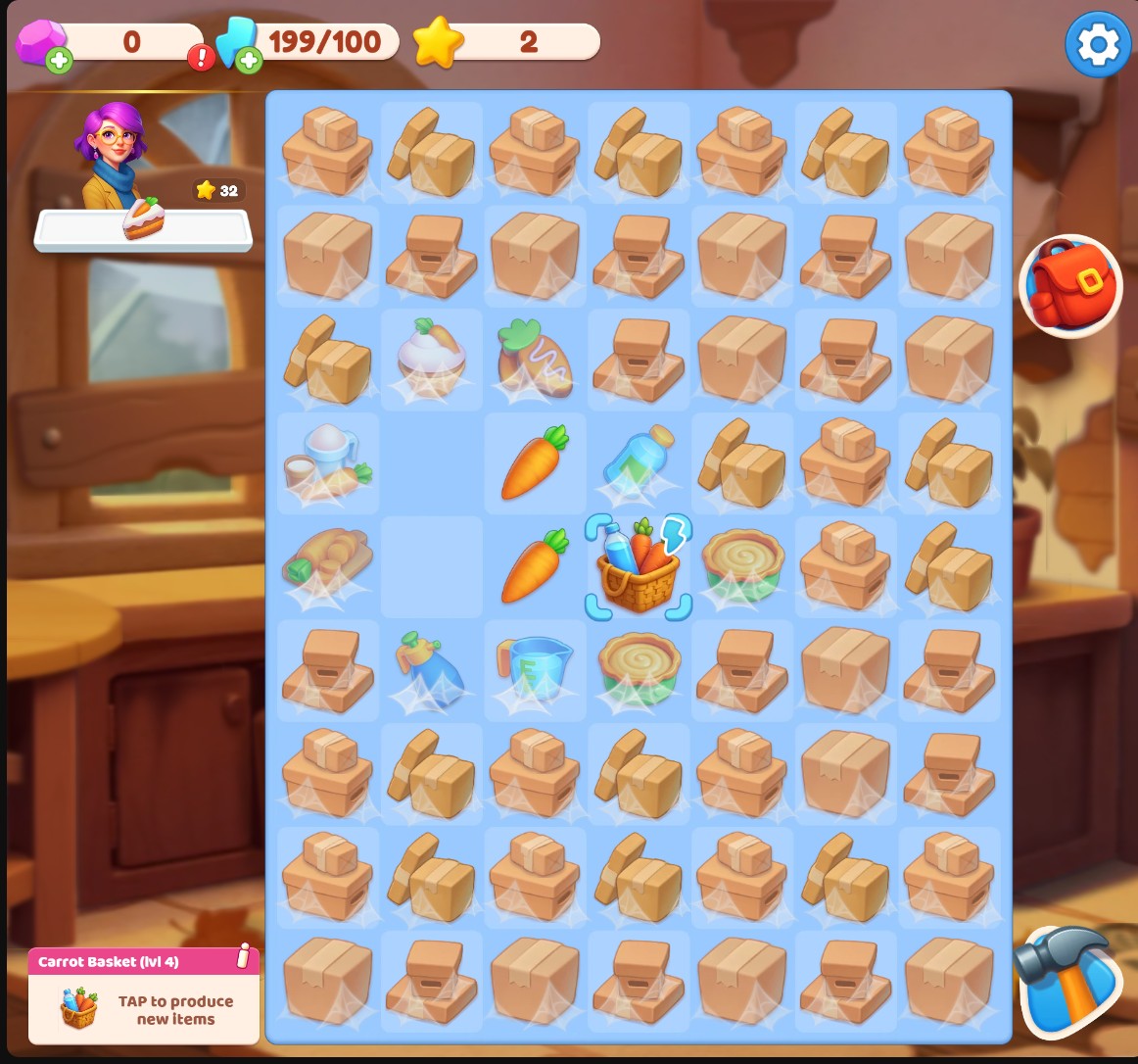
Keep your generators producing
Set your energy balance, then tap generators to produce more items for your merge board.
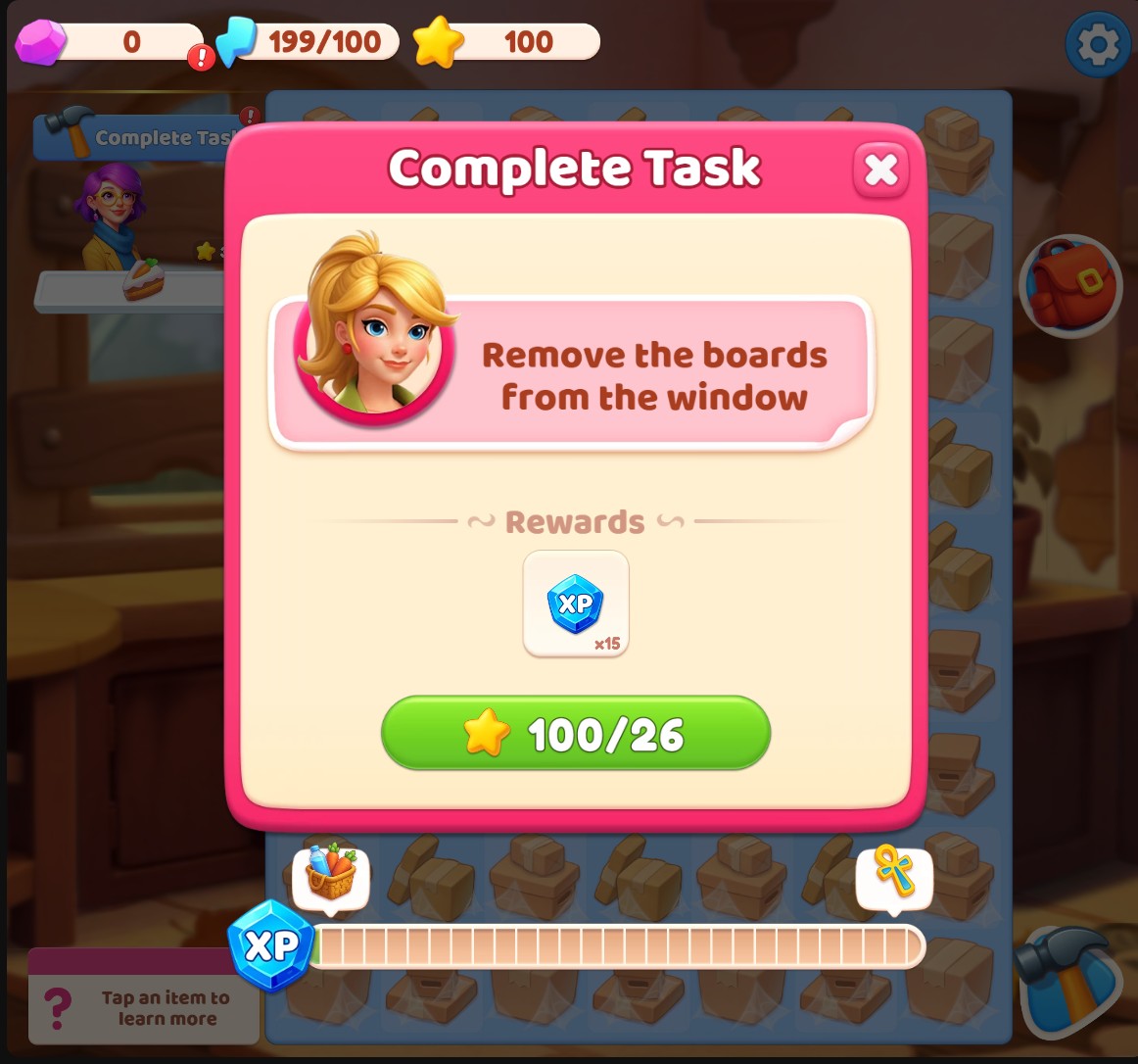
Fund your next room task
Choose your restoration stars balance and spend stars on the room tasks you want to complete.
Produce More Merge Items
Choose your Energy amount and apply it. On the board, select a generator and tap it again to produce an item. Leave an empty board space and check that the generator is ready.
Fund Your Next Restoration Task
Choose your Restoration stars amount and apply it. Open Complete Task or switch to the room, review the task and spend its listed star cost to complete it.
Available customisation options
EnergyFree
Choose your energy balance for producing items with normal generators.
Enter an energy amount and apply it. Select a generator on the board, then tap it again to produce an item.
Generator uses consume energy. Leave an empty space and use a generator that is ready.
Restoration starsPremium
Choose your restoration stars balance for room tasks.
Enter your stars amount and apply it. Open a room task and use its normal completion button to spend the listed stars.
Tasks still cost stars and follow their normal requirements.
Questions about customisation options
- Are the balances unlimited?
- No. You set finite balances. Normal generator uses consume energy, and room tasks consume stars.
Using these features
Connect your game, then open Customise in the Windows app. Choose an option, check its available values and follow its instructions. Each option lists its own requirements and limits.
Setup for Merge Haven →