
Unlock the Moon Campaign
Unlock Moon to reveal its campaign opponents, then choose a lunar encounter from the planet map.
Requires the Windows app and the Bytonian Mods browser extension for Chrome or Edge. Browser setup guide

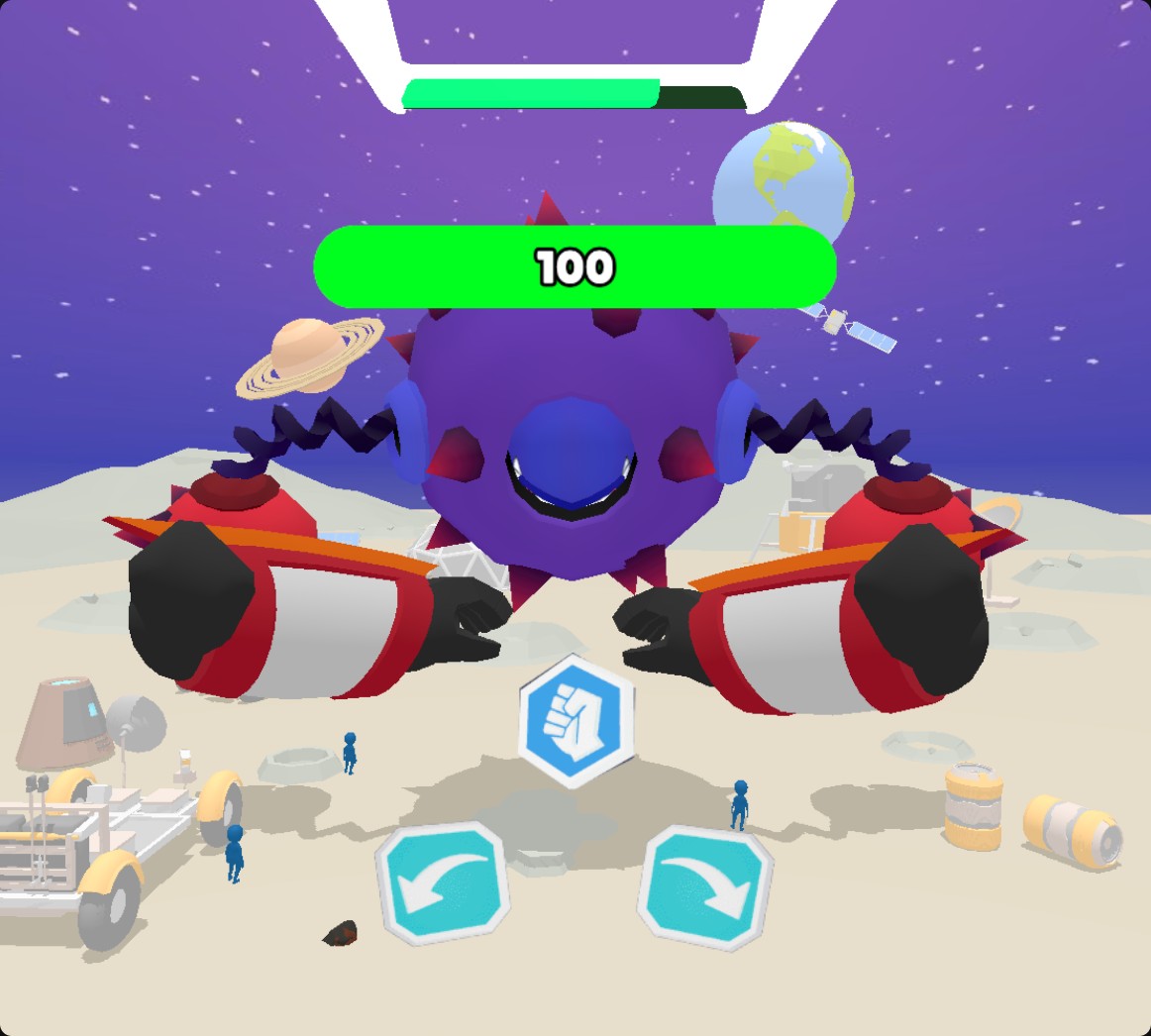
Enter the Moon Campaign
Unlock the Moon on the campaign map, then choose an opponent to enter its lunar arena.
Open the planet
Apply Unlock Moon, then return to the campaign map. Use the planet arrows to reach the Moon and select an opponent.
Enter the lunar arena
The opponent choice starts a Moon encounter. Battles continue with the game's normal fight rules and controls.
Available customisation options
Unlock MoonFree
Unlock access to the Moon campaign planet.
Apply Unlock Moon, use the planet arrows on the campaign map and choose a Moon opponent.
Opens planet access; encounters still use normal fight rules.
Questions about customisation options
- Does this complete the Moon encounters?
- No. It opens Moon access so you can enter and play its encounters.
- Where do I find the Moon?
- Use the planet arrows in the campaign map; the Moon is next to Earth.
Using these features
Connect your game, then open Customise in the Windows app. Choose an option, check its available values and follow its instructions. Each option lists its own requirements and limits.
Setup for Mechangelion - Robot Fighting →