
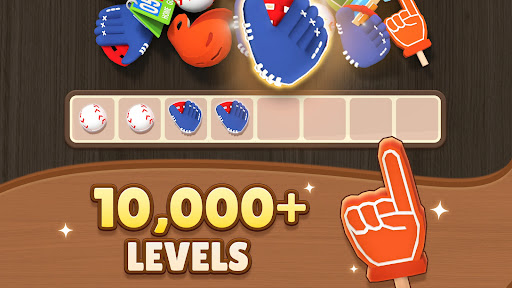
Keep another chance and a helping hand ready
A crowded board and a full tray can turn a promising puzzle around. Choose your coin balance, hint supply and undo charges so you have useful options when you need them.
Requires the Windows app and the Bytonian Mods browser extension for Chrome or Edge. Browser setup guide

Continue when the tray fills
Use coins on the game's continuation offer to clear the tray and return to the puzzle.
Find a set or rethink a selection
Use the normal hint button for help clearing a matching set. The back-arrow button spends an undo charge to return a selected object from the tray to the board. Your in-game tool count refreshes when you use that tool.
Available resources
CoinsFree
Choose your coin balance and keep a continuation within reach when the tray fills.
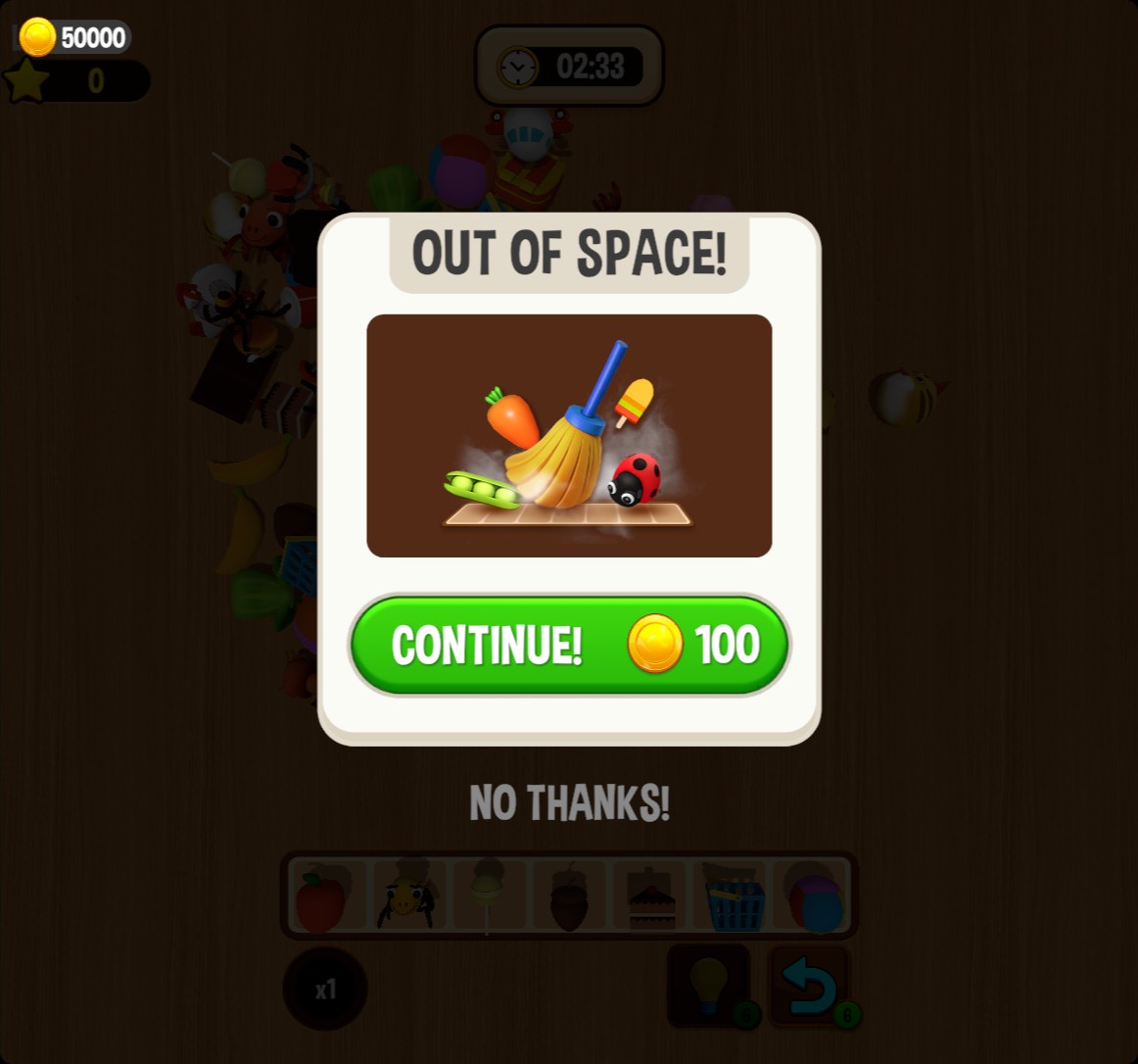
Keep another chance within reach
Choose your coin balance and pay for a continuation when the matching tray fills up.
HintsPremium
Stock up on hints and use the hint button to help clear a matching set.
Choose your hint supply, then use a hint in the puzzle. The in-game count refreshes when you use it.
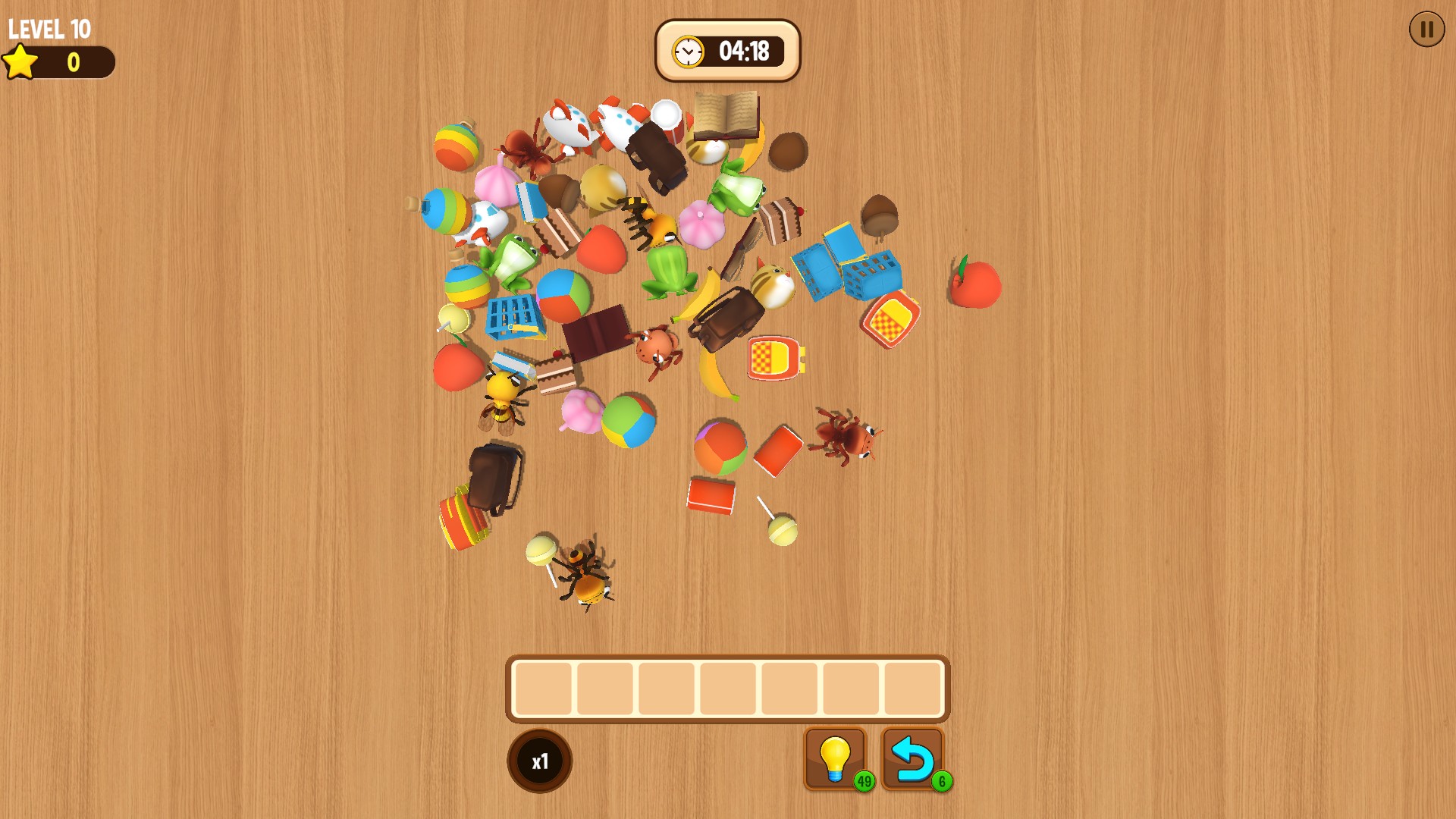
Keep a helping hand ready
Stock up on hints and let the game's hint button help clear a matching set when the puzzle gets crowded.
Undo chargesPremium
Keep undo charges ready to return a selected object from the tray to the board.
Choose your supply, then use the back-arrow button to undo a selection. The in-game count refreshes when you use it.
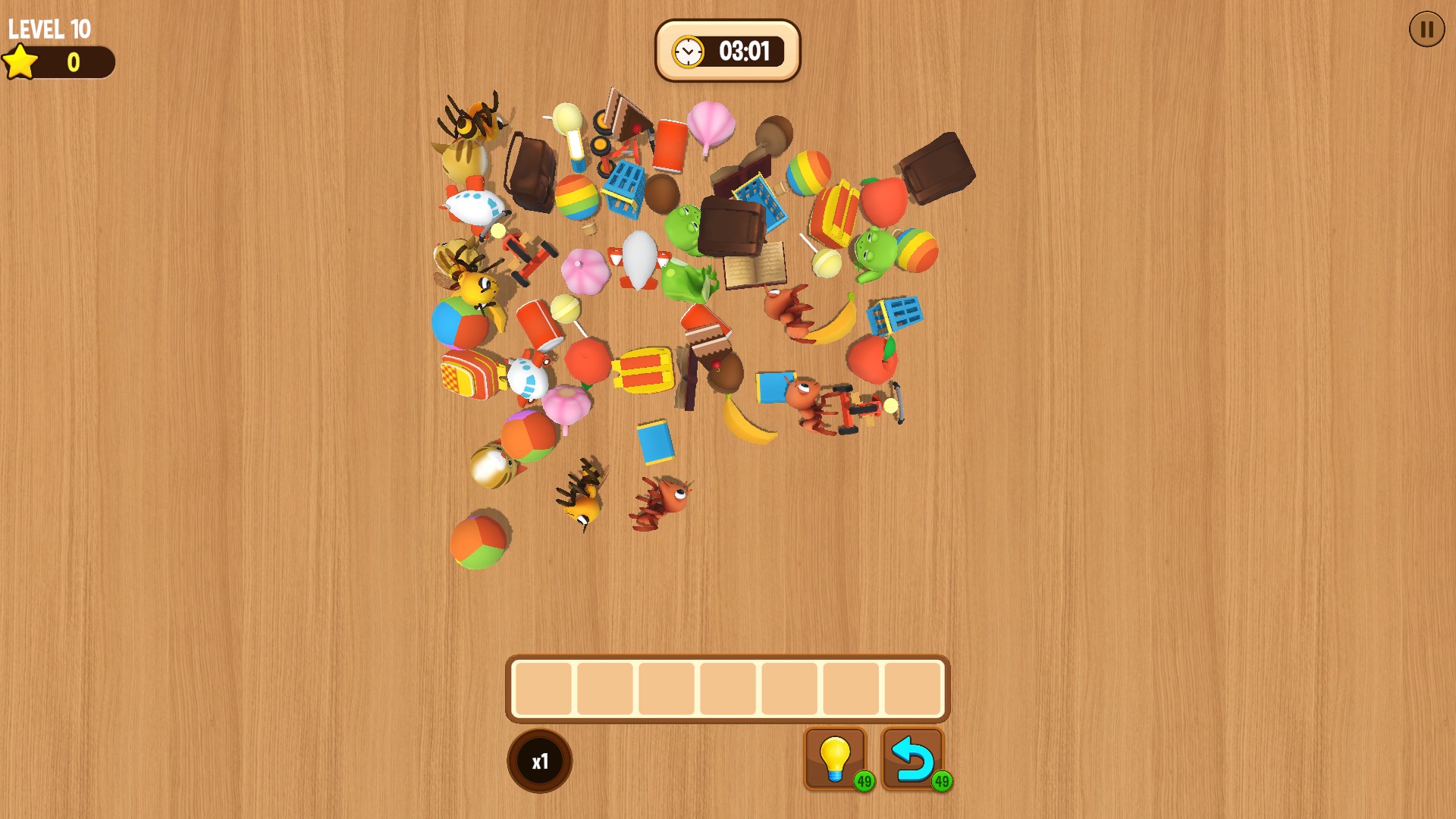
Make room to rethink a move
Keep undo charges ready and return a selected object from the tray to the board.
More ways to customise Match Triple 3D
- Match Triple 3D customisation options
Choose completed levels and progress toward your next star chest.
- Match Triple 3D game actions
Complete the current puzzle and continue through its normal reward screens.
Using these features
Choose the feature in the Windows app after connecting your game. Check its requirements before making a change.
Setup for Match Triple 3D →