

More marble looks to choose from
Swap between colourful patterns, textured marbles and cartoon designs. Common Skins and Rare Skins open their own collections, giving you two ways to find your next favourite look.
Requires the Windows app and the Bytonian Mods browser extension for Chrome or Edge. Browser setup guide

Common Skins
Open the common collection to choose among its marble designs without buying each one. Apply Common Skins, then open the game's Skins menu and pick a design under Common.
Rare Skins
Open the rare collection without waiting for its progress milestones. Apply Rare Skins, open Skins and switch to Rare to choose your design.
Available customisation options
Common SkinsPremium
Open the common marble skin collection and choose a new look without buying each design.
Apply Common Skins, then open Skins in the game and choose a design under Common.
Rare SkinsPremium
Open the rare marble skins without waiting for their progress milestones.
Apply Rare Skins, then open Skins in the game and choose a design under Rare.
More ways to customise Marble Run
- Marble Run resources
Set your coin balance for normal skin purchases.
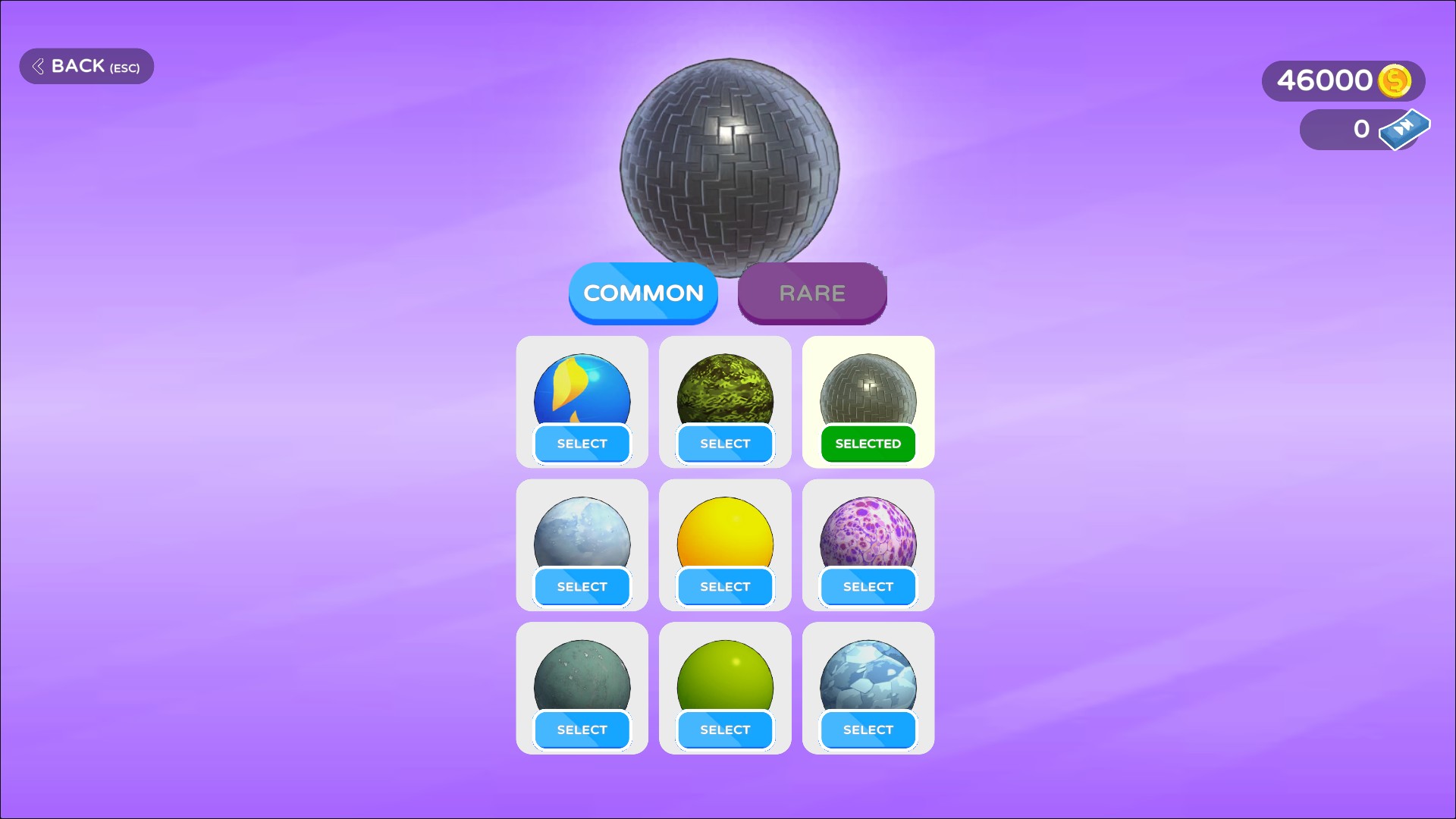
A whole collection of common skins
Open the common skin collection and switch your marble's look whenever you fancy a change.
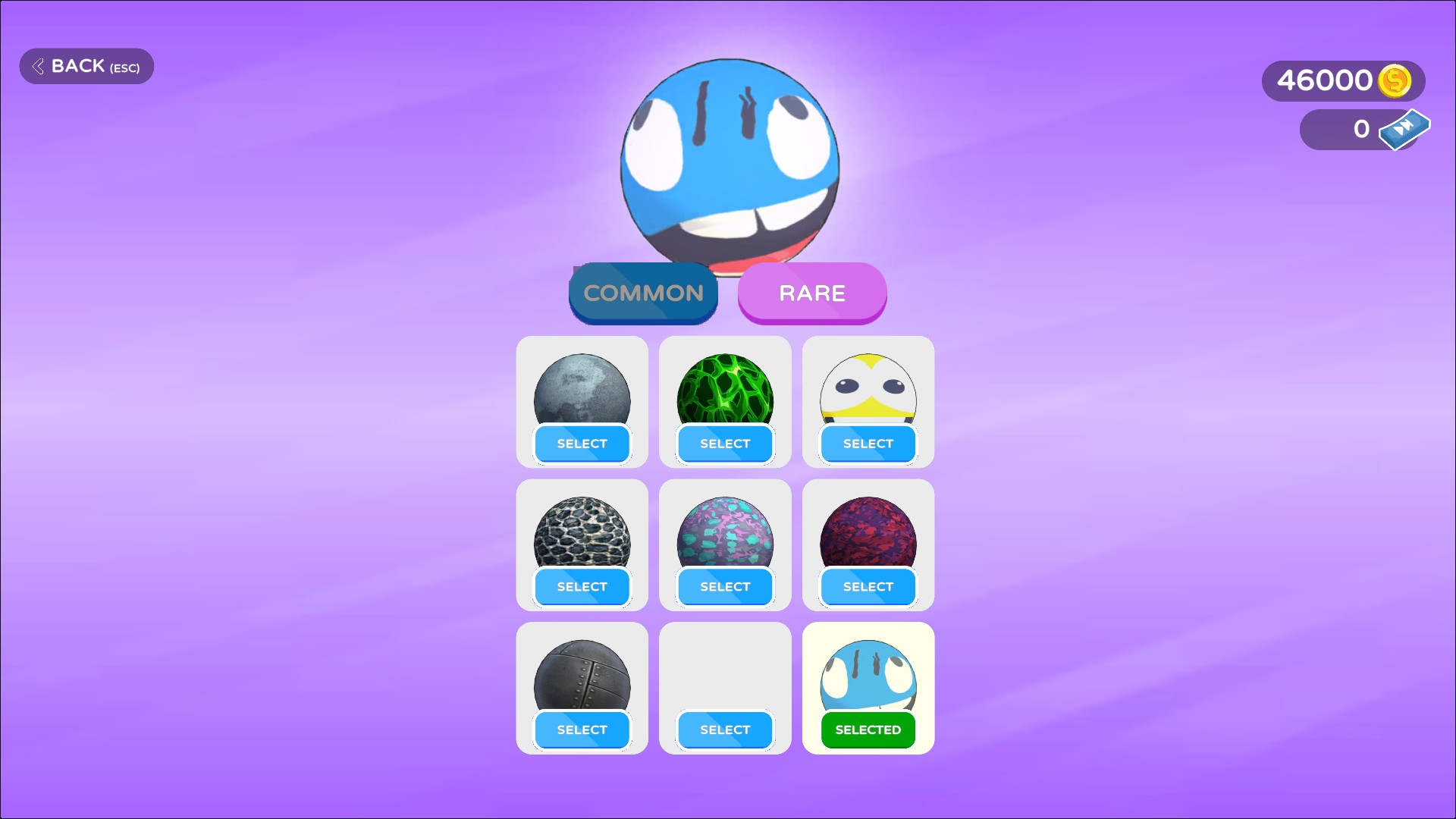
Give your marble a rare new look
Open the rare skin collection and choose a design you want to roll with.
Questions about customisation options
- Can I open the common and rare collections separately?
- Yes. Common Skins and Rare Skins are separate controls, so you can apply either collection or both.
Using these features
Connect your game, then open Customise in the Windows app. Choose an option, check its available values and follow its instructions. Each option lists its own requirements and limits.
Setup for Marble Run →