
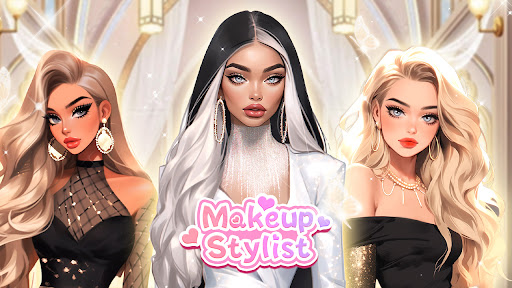
Customise
1 optionUnlock the collection, then select your own cosmetic designs.
View customisation options →Unlock lip products, foundations, brushes and lens cases in Collect, then choose the designs that suit your next makeover without spending diamonds on each item. The story and hands-on beauty tasks continue through Makeup Stylist's normal play.
Requires the Windows app and the Bytonian Mods browser extension for Chrome or Edge. Browser setup guide

Start with free mods
Download Bytonian Mods for Windows and try these free features. Choose one to see how it works and any requirements.
Unlock all 48 cosmetics across the four collection groups.
Apply Unlock cosmetics, open Collect from the home screen, then tap an owned item to select it.
Unlock cosmetics makes the current collection available without buying each item with diamonds. Browse lip products, foundation bottles, brushes and lens cases, then select the designs you prefer.
The collection gives you more choices while the story and makeover tasks continue through the game's normal flow.
Unlock the collection, then select your own cosmetic designs.
View customisation options →Download the Windows app and follow the setup prompts.
Set up the browser extension in Chrome or Edge, then open the supported YouTube Playable. Follow the connection guide if the game is already running.
Open Customise in Bytonian Mods, choose an option and follow its instructions. Check the available values and any limits before making your change.