
Choose Your Remaining Time
Enter the number of seconds you want left on your current puzzle, apply the change and choose Continue.
Requires the Windows app and the Bytonian Mods browser extension for Chrome or Edge. Browser setup guide

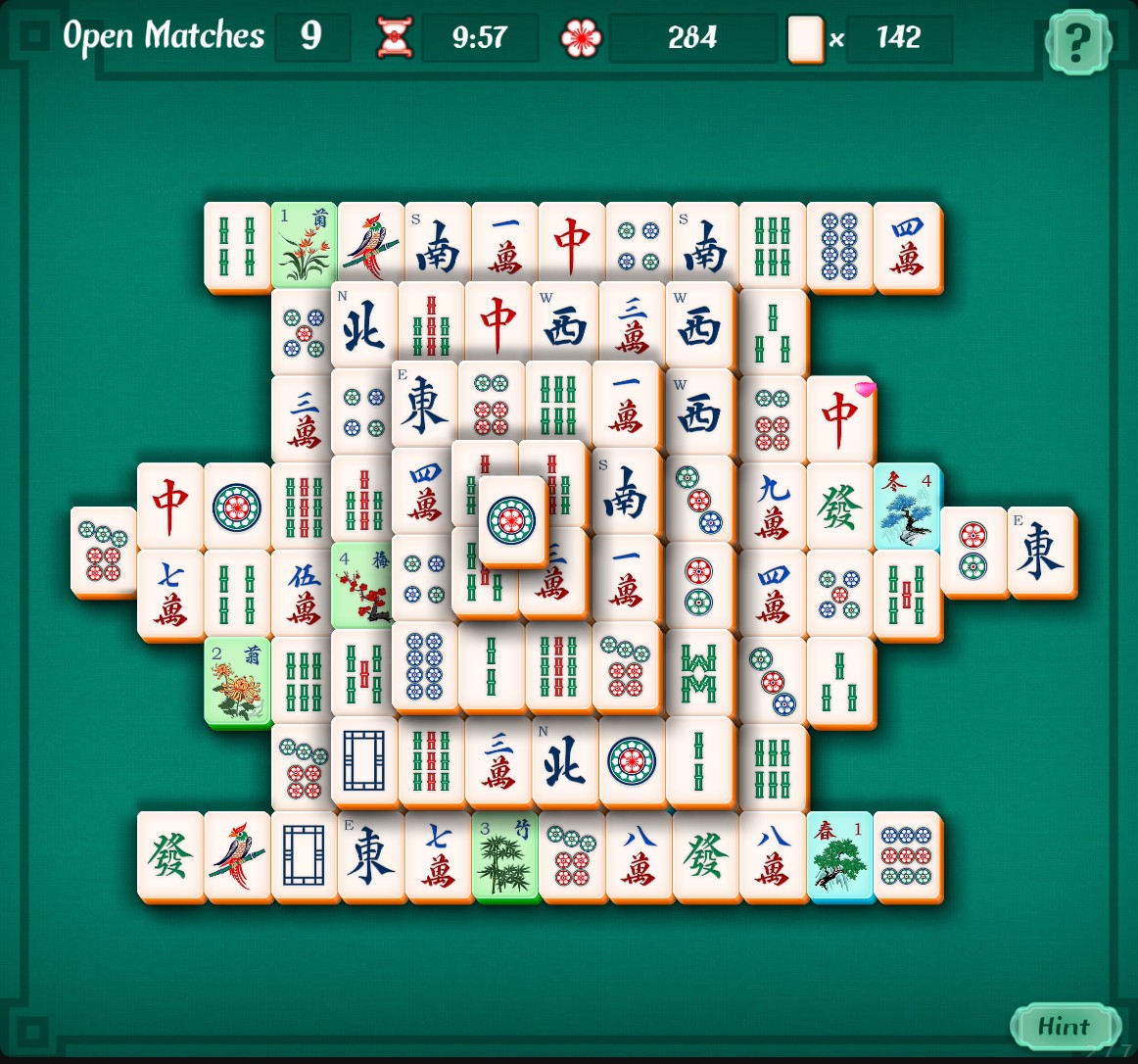
More time for your current puzzle
Choose up to 600 remaining seconds, then Continue your saved board and keep matching free pairs as the timer counts down.
Set the Countdown
Choose a value from 1 to 600 seconds. Apply it, select Continue and return to the board. The countdown resumes while you match tiles.
Available customisation options
Remaining timeFree
Choose the remaining seconds for your current puzzle.
Enter a value from 1 to 600, apply it and choose Continue to return to your saved board.
The timer keeps counting down while you play.
Questions about customisation options
- Does this remove tiles for me?
- No. Continue matching free pairs through the normal board controls.
Using these features
Connect your game, then open Customise in the Windows app. Choose an option, check its available values and follow its instructions. Each option lists its own requirements and limits.
Setup for Mahjongg Solitaire →