
Choose your mission supplies
Set a coin balance for the shop or choose how many bombs you have ready. Adjust the resources you need, then continue through the game's normal menus.
Requires the Windows app and the Bytonian Mods browser extension for Chrome or Edge. Browser setup guide

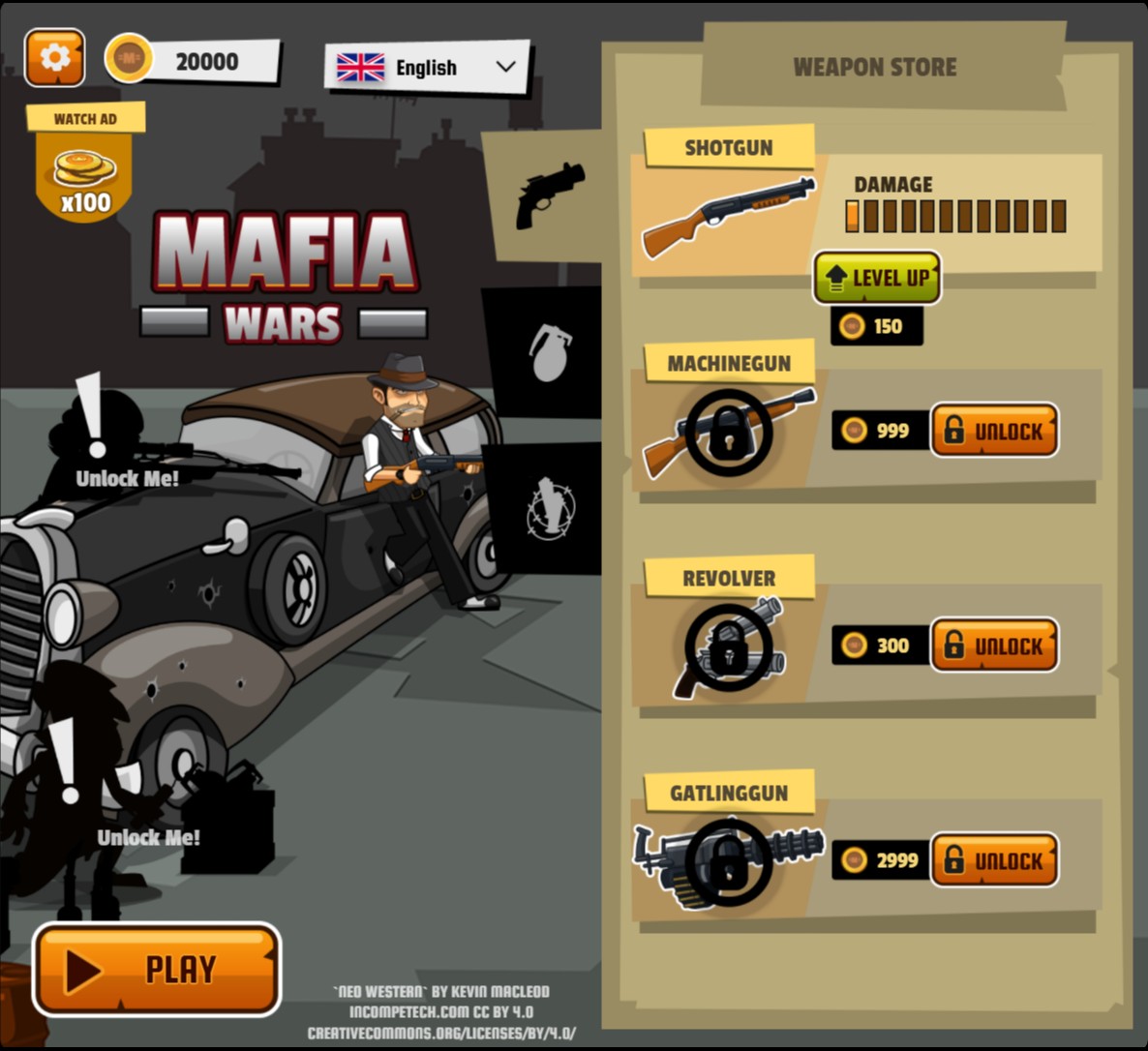
Coins for shop purchases
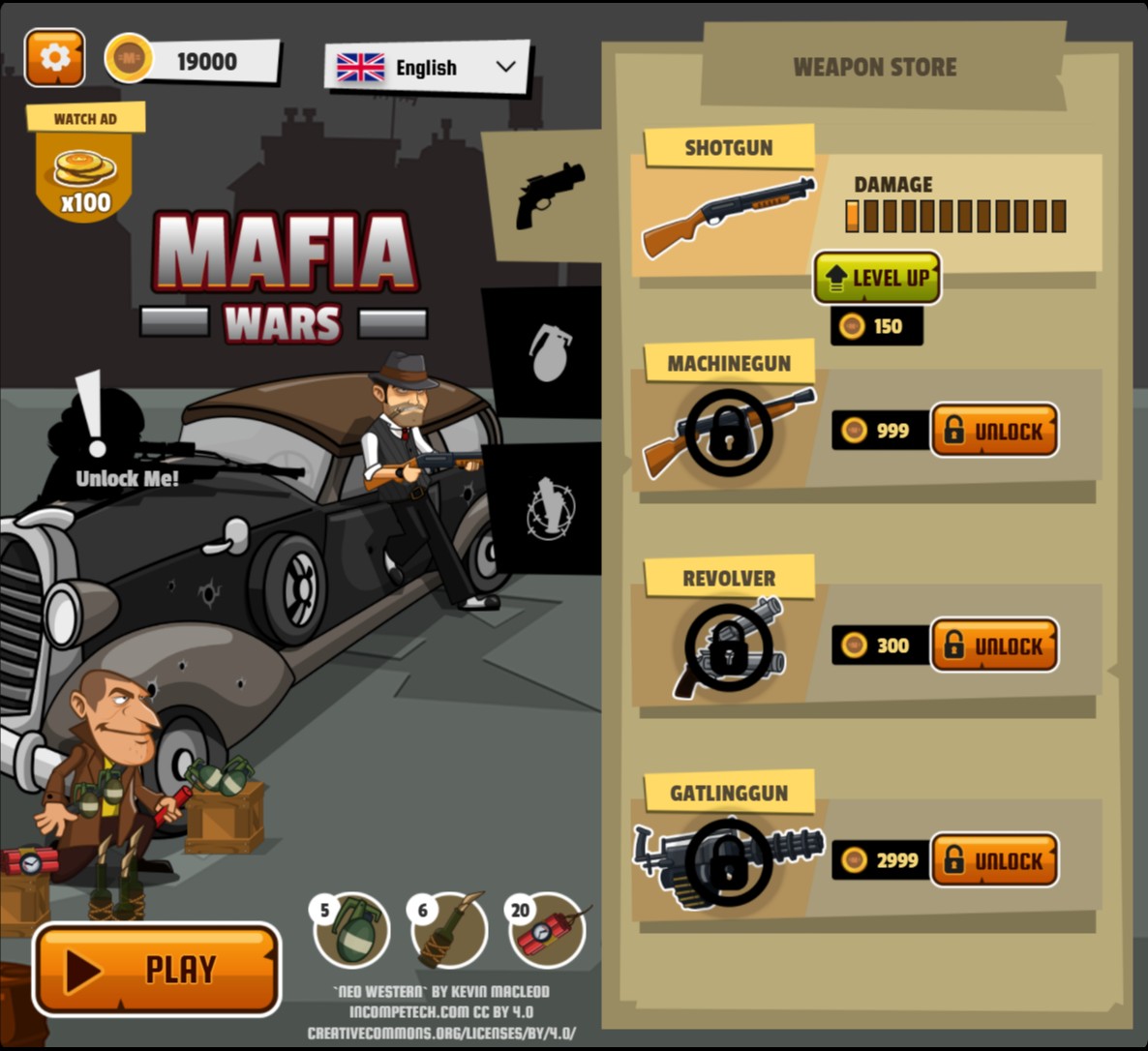
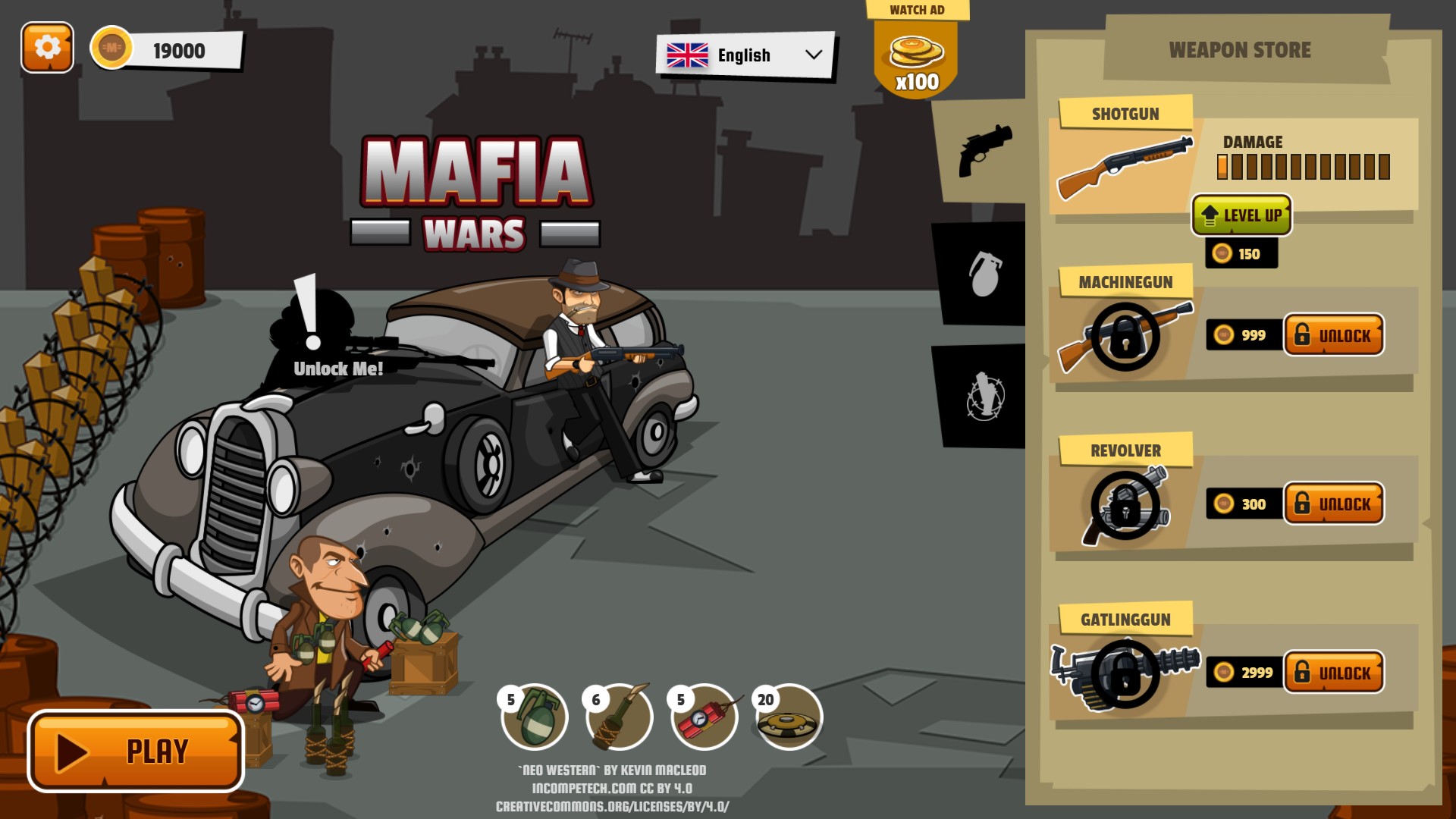
A 20,000 coin balance alongside the weapon shop and its normal prices.
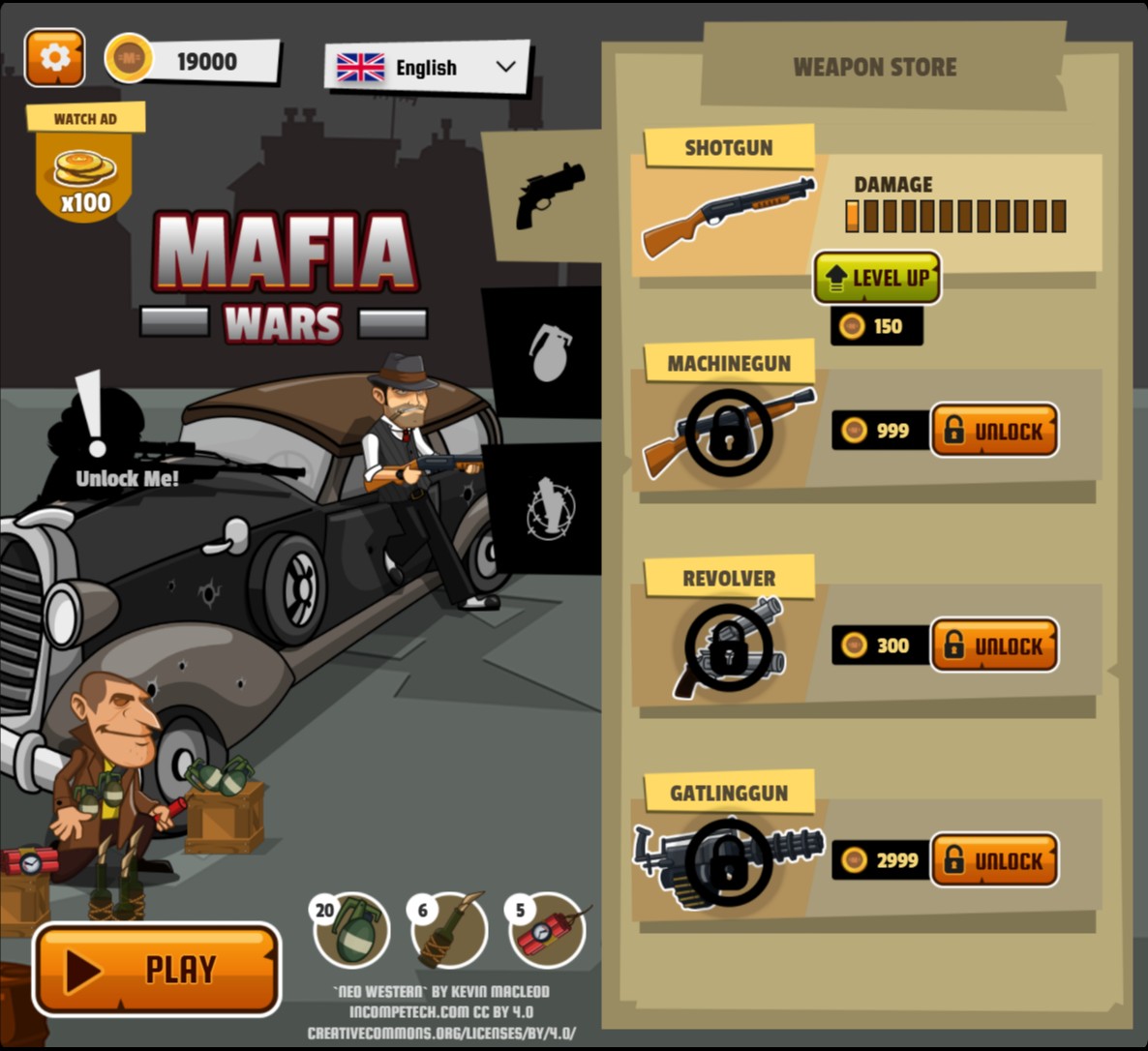
Grenades ready for missions
The grenade stock badge shows 20 beside Bomber on the home screen.
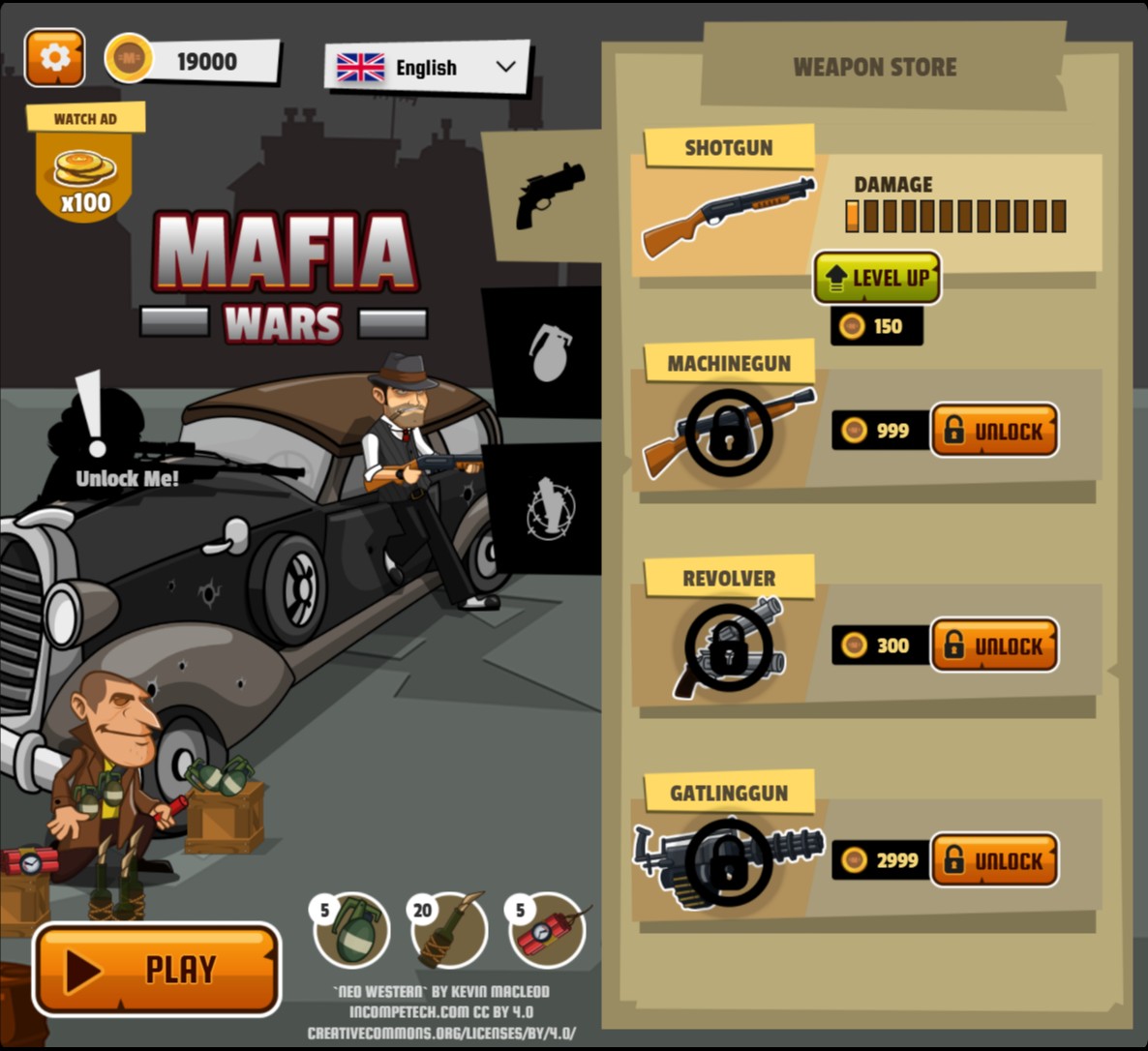
Cocktail stock for missions
The owned Cocktail stock badge shows 20 beside Bomber.
Dynamite stock for missions
The owned Dynamite stock badge shows 20 on the home screen.
Mine stock for missions
A wide view shows 20 mines alongside the other owned bomb stocks.
Build a shop budget
Choose your coin balance and spend it on the options you want. The normal shop prices and purchase buttons remain in use.
Choose each bomb stock
Set grenades, cocktails, dynamite and mines separately. Bomber must be unlocked normally before you can access bombs.
Available customisation options
CoinsFree
Choose a coin balance for normal shop purchases.
Set the balance, apply it, then choose purchases in the home shop.
GrenadesPremium
Choose how many grenades you have ready for missions.
Unlock Bomber normally, choose your stock and apply it before a mission.
Bomber must be unlocked through the normal shop to access bombs.
CocktailsPremium
Choose how many cocktails you have ready for missions.
Unlock Bomber normally, choose your stock and apply it before a mission.
Bomber must be unlocked through the normal shop to access bombs.
DynamitePremium
Choose how many dynamite sticks you have ready for missions.
Unlock Bomber normally, choose your stock and apply it before a mission.
Bomber must be unlocked through the normal shop to access bombs.
MinesPremium
Choose how many mines you have ready for missions.
Unlock Bomber normally, choose your stock and apply it before a mission.
Bomber must be unlocked through the normal shop to access bombs.
Questions about customisation options
- Where can I see my bomb stock?
- After unlocking Bomber, the home screen shows your owned bomb stock beside the helper. The bomb shop also shows the quantities offered by each purchase.
- Do these controls change mission results?
- These controls adjust coins and bomb supplies. Play missions and buy upgrades through the game's normal controls.
Using these features
Connect your game, then open Customise in the Windows app. Choose an option, check its available values and follow its instructions. Each option lists its own requirements and limits.
Setup for Mafia Wars →