

Rotate your cat preview
Let the camera circle your cat while you look over its appearance. Rotating Preview adds an optional automatic turn with an adjustable speed.

Slow turn or a quicker look
Choose 5 to 60 degrees per second. The default 15-degree pace makes one complete turn in about 24 seconds.
Keep control of the camera
Manual camera input takes priority, and automatic rotation pauses while a dialog is open. Switching the control off leaves the camera at its current angle.
Available rule modifiers
Rotating PreviewFree
Let the preview camera circle your cat automatically.
Open the Kitty Customizer, enable Rotating Preview and choose a comfortable speed. Turn it off to keep the current viewing angle.
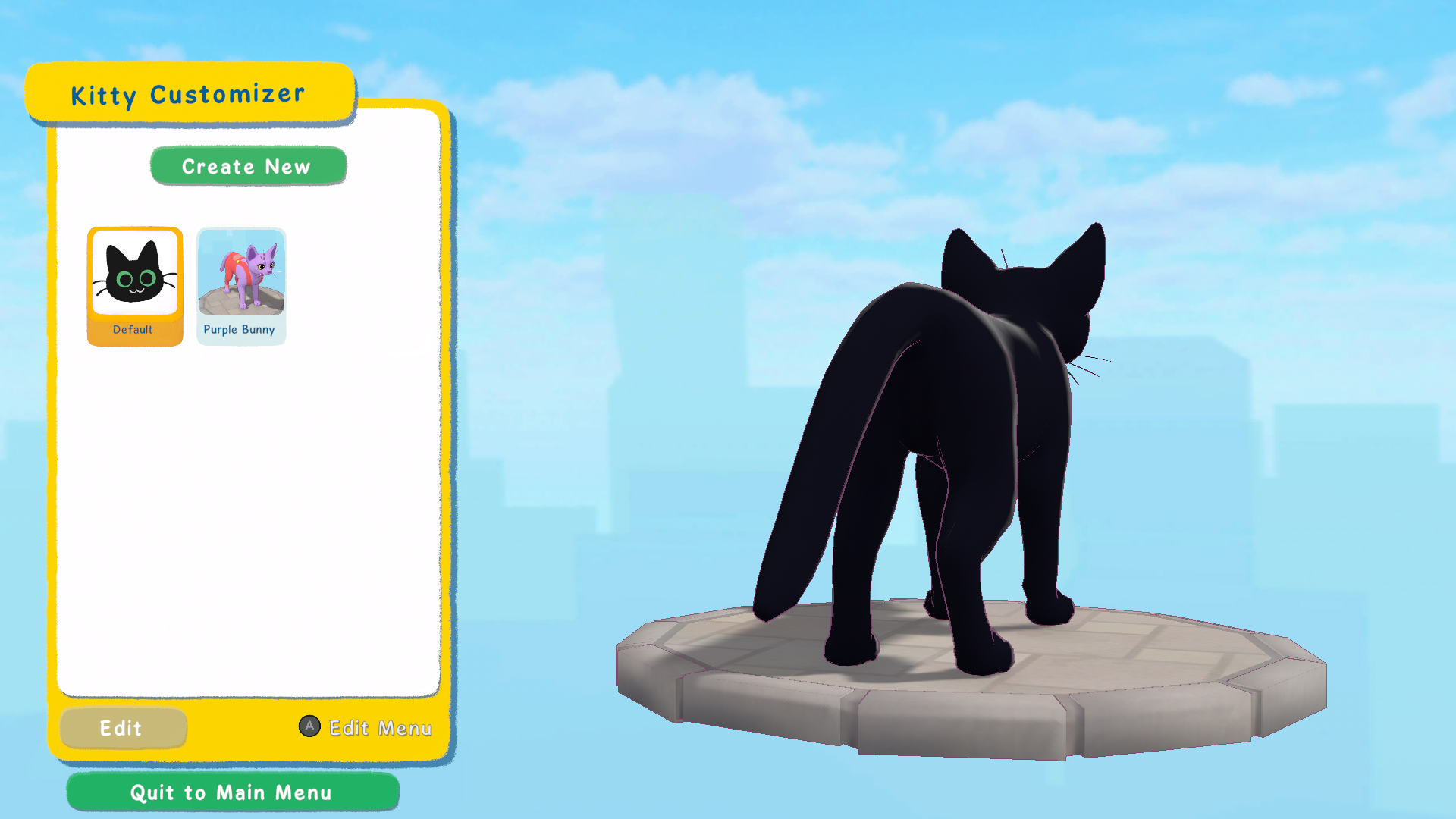
See your cat from every side
Let the preview camera turn around your cat automatically, with an adjustable rotation speed.
Using these features
Choose the feature in the Windows app after connecting your game. Check its requirements before making a change.
Setup for Little Kitty, Big City Demo →