

Rule Modifiers
1 optionView your kitty from different sides without holding the camera controls.
View rule modifiers →Give your cat a turn in the spotlight with a rotating preview for the Little Kitty, Big City Customizer Demo. Set a comfortable pace and look at your chosen appearance from different sides.

Start with free mods
Download Bytonian Mods for Windows and try these free features. Choose one to see how it works and any requirements.
Let the preview camera circle your cat automatically.
Open the Kitty Customizer, enable Rotating Preview and choose a comfortable speed. Turn it off to keep the current viewing angle.
These controls are for the demo's cat customizer. Open the Kitty Customizer from the main menu to use the rotating preview.
Enable Rotating Preview and choose a speed from 5 to 60 degrees per second. Turn it off whenever you want to keep the camera at its current angle.
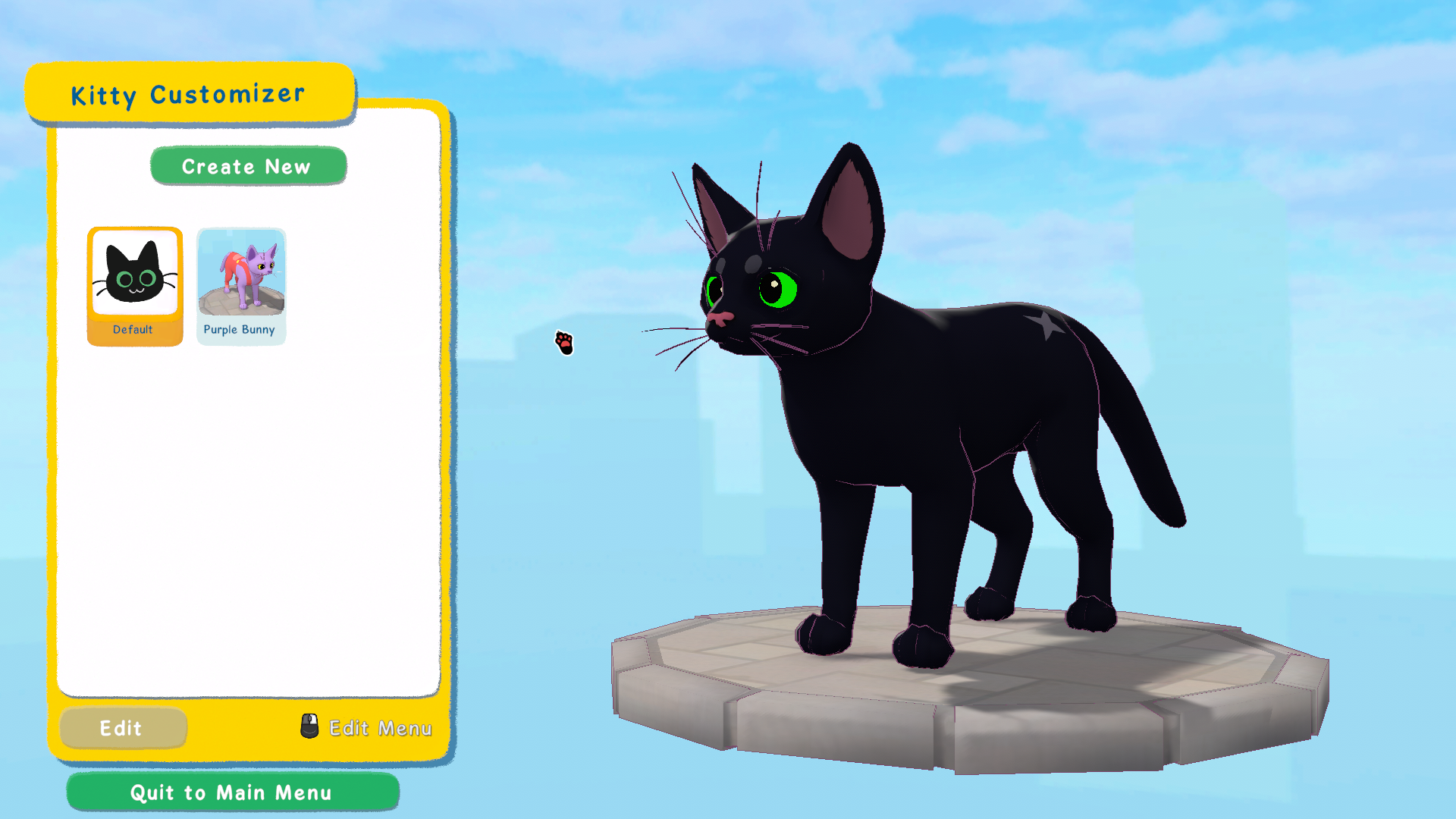
A closer look at your kitty
Explore the Kitty Customizer and choose a new angle on your cat's appearance.
View your kitty from different sides without holding the camera controls.
View rule modifiers →Download the Windows app and follow the setup prompts.
Open Little Kitty, Big City Demo and select it in Bytonian Mods. Follow the app’s connection prompts.
Review the available options in the app and choose the ones that suit how you play.