

Customise
1 optionSet your scissors stock and choose which rope to cut.
View customisation options →Set your scissors stock for ropes you want to cut away. Move rope ends into open holes to separate the tangles before time runs out.
Requires the Windows app and the Bytonian Mods browser extension for Chrome or Edge. Browser setup guide

Start with free mods
Download Bytonian Mods for Windows and try these free features. Choose one to see how it works and any requirements.
Choose your scissors stock for cutting tangled ropes.
Set your stock, press the in-game scissors button and select a rope to cut.
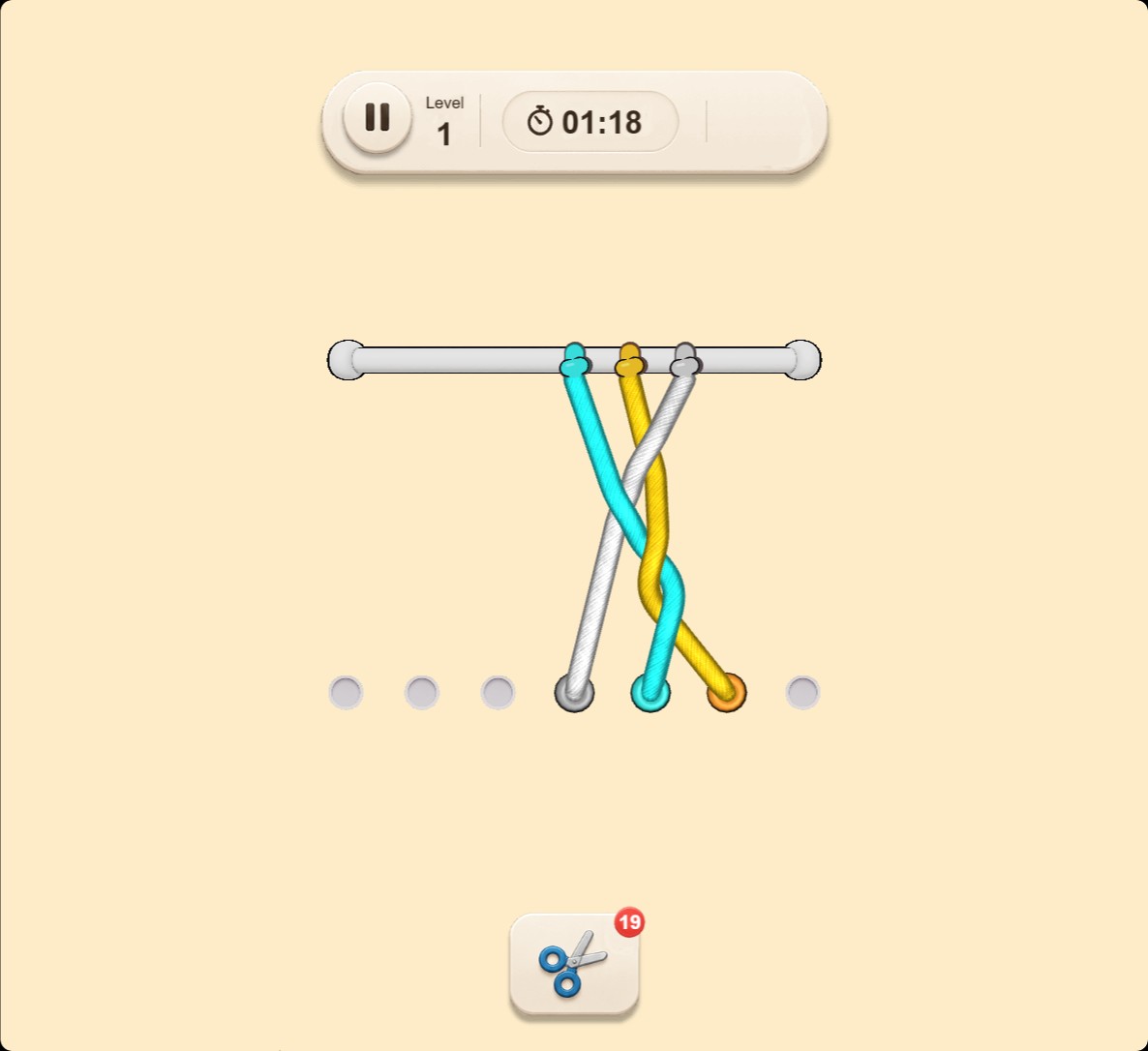
More scissors for tangled ropes
Choose your scissors supply, then select a rope to cut and make room to untangle the rest.
Choose your scissors supply, press the scissors button and select a rope to cut. Removing it can make the remaining tangle easier to work through.
The rope board stays yours to solve. Use scissors where they help, then move the remaining rope ends between holes to separate them.
Set your scissors stock and choose which rope to cut.
View customisation options →Download the Windows app and follow the setup prompts.
Set up the browser extension in Chrome or Edge, then open the supported YouTube Playable. Follow the connection guide if the game is already running.
Open Customise in Bytonian Mods, choose an option and follow its instructions. Check the available values and any limits before making your change.