
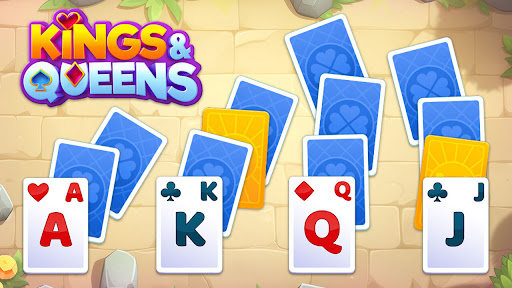
Customize Lives and Undo Uses
Choose the balances you want and apply them before playing. Lives appears on the map, while Undo uses are available through the game's Undo button during a hand.
Requires the Windows app and the Bytonian Mods browser extension for Chrome or Edge. Browser setup guide

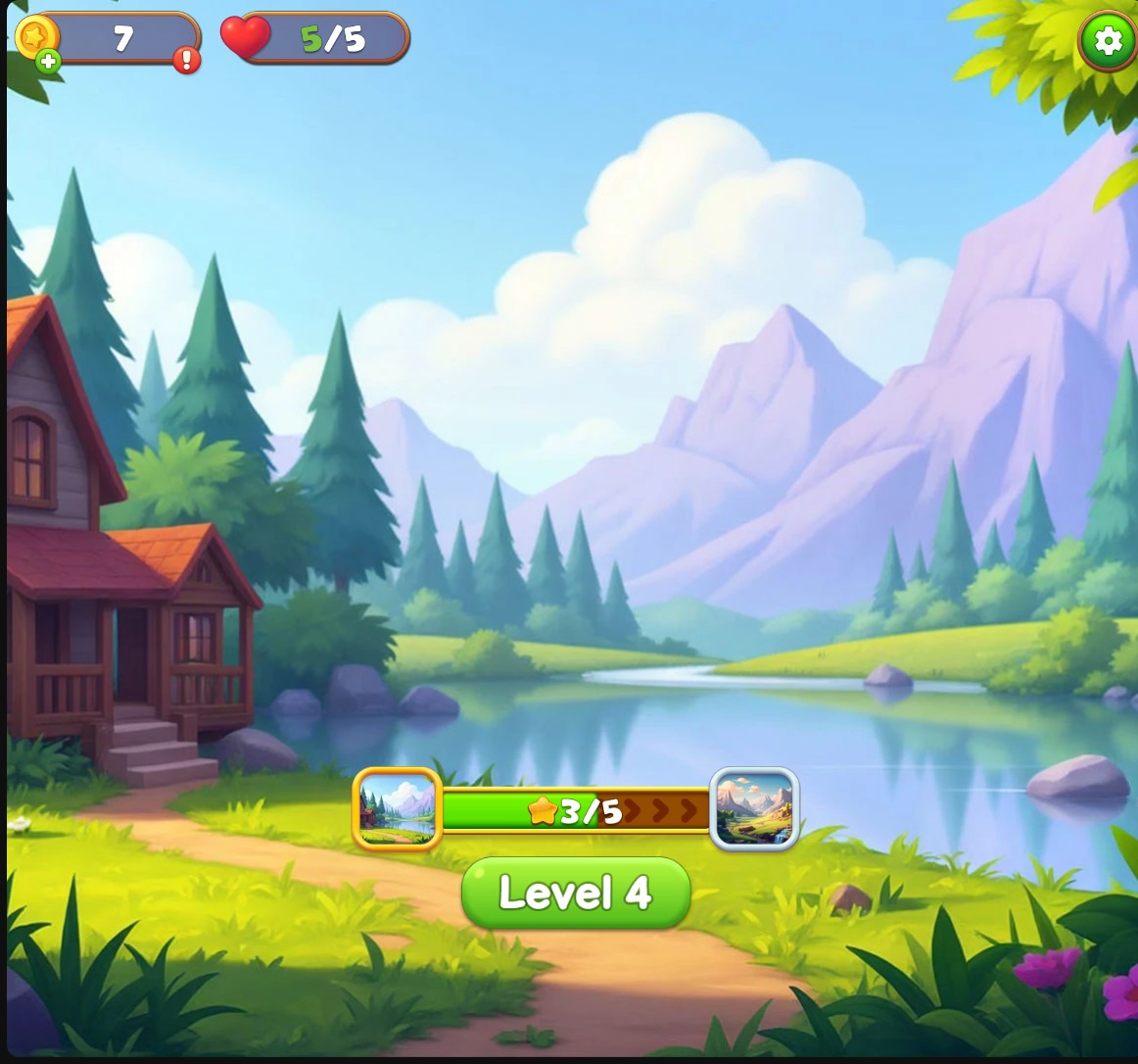
Refill your lives for more attempts
Choose a lives balance up to the normal five-life limit, then return to the level map.
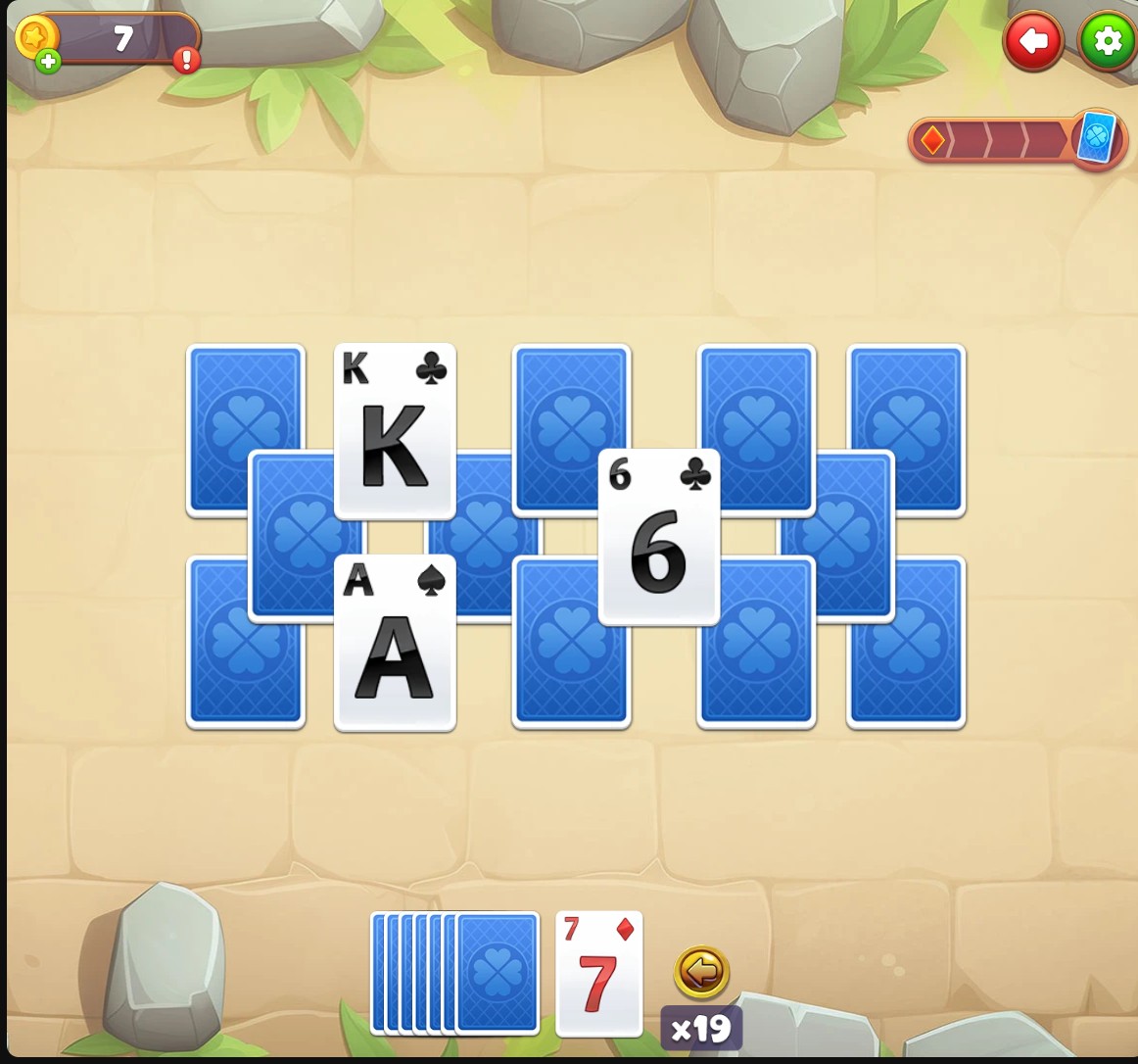
Keep Undo uses available during a hand
Choose your Undo stock and use the normal button to reverse a card move.
Refill Lives Before a Level
Choose up to five Lives and apply your amount. Return to the level map to check your hearts, then start the level you want to play. A normal loss still consumes a life.
Keep Undo Ready
Play through the opening tutorials until the Undo button is introduced. Choose an Undo stock, apply it and play a card. Use the arrow beside the base pile to reverse that move. Each use spends one from your stock.
Available customisation options
LivesFree
Choose your Lives balance, up to the normal five-life limit, for more attempts.
Enter your Lives amount, apply it and return to the map. Check your hearts and start a level.
Lives is a finite balance. Normal losses still consume a life.
Undo usesPremium
Choose your stock of Undo uses to reverse card moves with the normal button.
Finish the opening Undo tutorial, enter your amount and apply it. After playing a card, use the Undo arrow beside the base pile.
Each Undo spends one use. You still need to play the hand and clear its cards.
Questions about customisation options
- Does Undo finish the level for me?
- No. It reverses a card move so you can choose another approach. You still play the hand under its normal rules.
Using these features
Connect your game, then open Customise in the Windows app. Choose an option, check its available values and follow its instructions. Each option lists its own requirements and limits.
Setup for Kings and Queens →