
Choose your Coin and hint reserves
Set the amount of Coins or Hints you want, apply the change, then return to your picture puzzle.
Requires the Windows app and the Bytonian Mods browser extension for Chrome or Edge. Browser setup guide

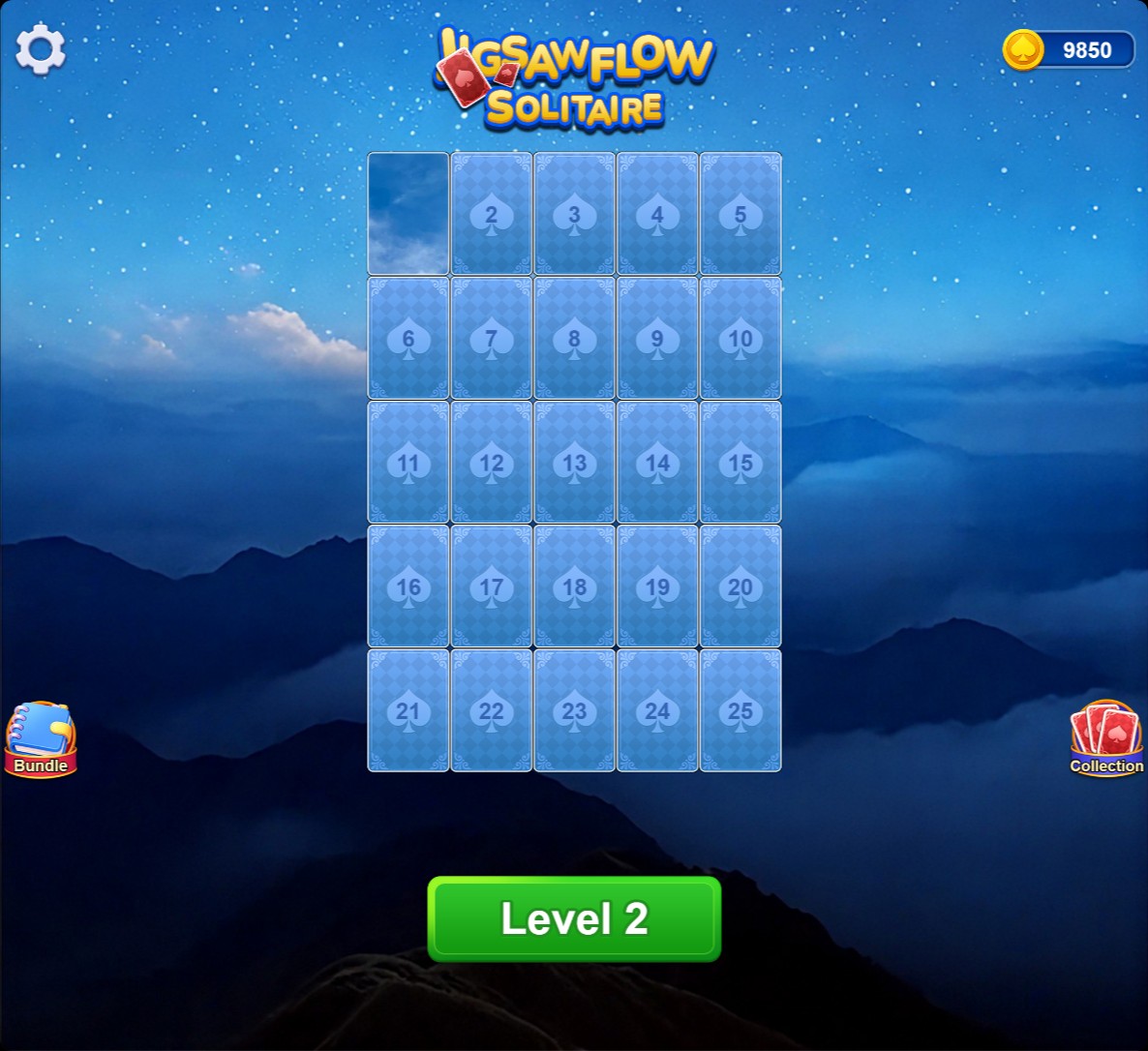
Coins for more hint refills
Keep a Coin reserve for the normal three-hint refill, priced at 150 Coins.
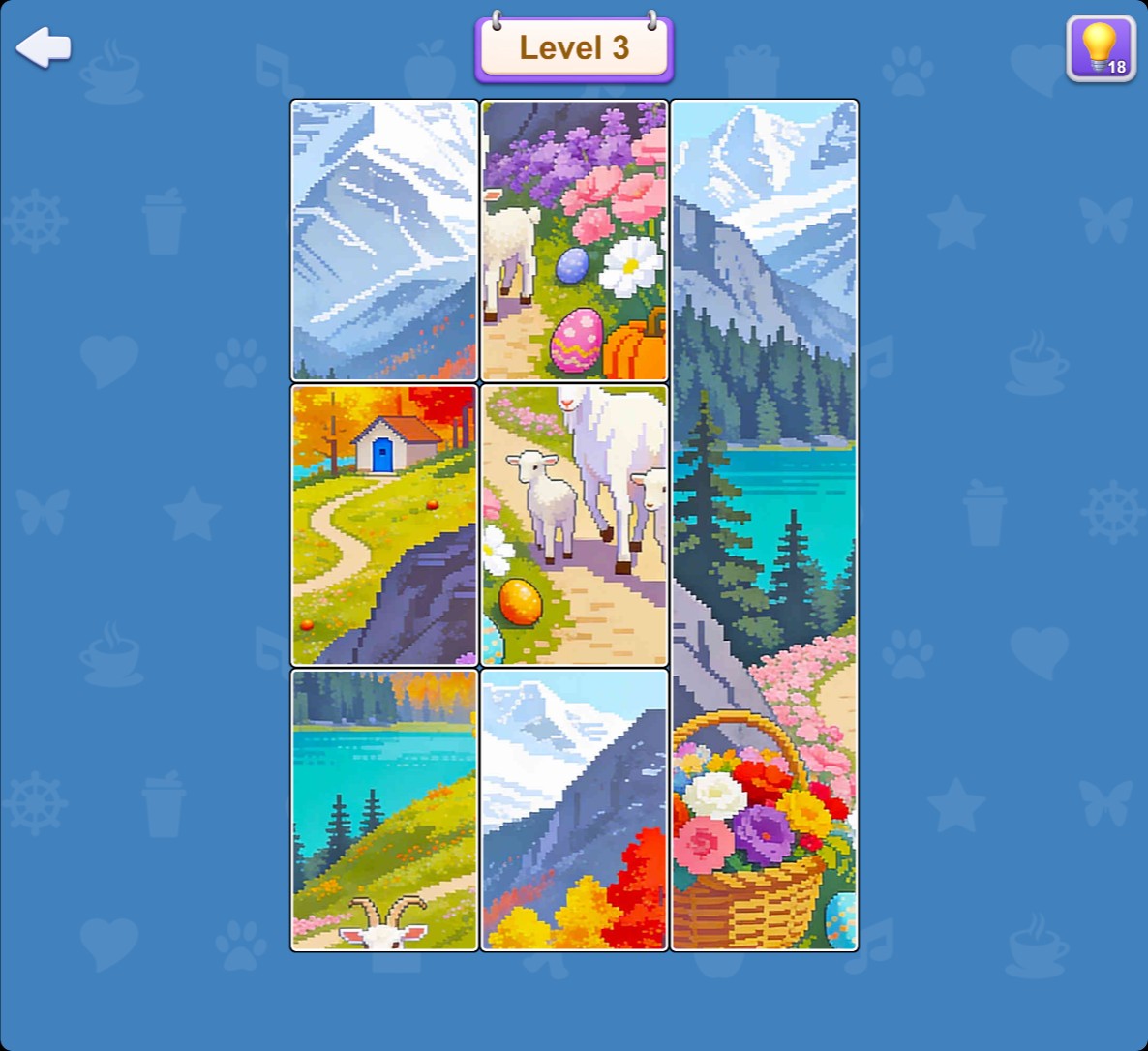
Hints that bring the picture together
Use the lightbulb to assemble matching cards, with a hint reserve ready for the next tricky section.
Coins
Choose a Coin balance for hint refills. When the lightbulb stock is empty, open its refill screen and spend 150 Coins for three hints.
Hints
Choose your hint stock, enter a puzzle and tap the lightbulb to assemble matching cards. Each normal use spends one hint.
Available customisation options
CoinsFree
Set your Coin balance for normal hint refills.
Choose an amount, apply it, then use the empty-hint refill screen to buy three hints for 150 Coins.
HintsFree
Set a hint reserve for assembling matching picture cards.
Choose an amount, apply it, then tap the lightbulb on the puzzle board. Each use spends one hint.
Questions about customisation options
- Can I choose the amount?
- Yes. Coins supports 0 to 1,000,000, and Hints supports 0 to 10,000.
- Do I still use the puzzle buttons?
- Yes. The lightbulb spends hints, and the normal refill screen spends Coins.
Using these features
Connect your game, then open Customise in the Windows app. Choose an option, check its available values and follow its instructions. Each option lists its own requirements and limits.
Setup for Jigsawflow Solitaire Puzzle →