

Customise
2 optionsControl your supplies while choosing every move through the game's normal buttons.
View customisation options →Keep automatic moves ready for a tricky picture or choose coins for normal booster purchases. Then swap pieces and join matching sections as you continue Jigpic Solitaire.
Requires the Windows app and the Bytonian Mods browser extension for Chrome or Edge. Browser setup guide

Start with free mods
Download Bytonian Mods for Windows and try these free features. Choose one to see how it works and any requirements.
Choose a coin balance for normal booster purchases.
Set the balance and apply it, then use the normal booster purchase controls.
Bring the picture together
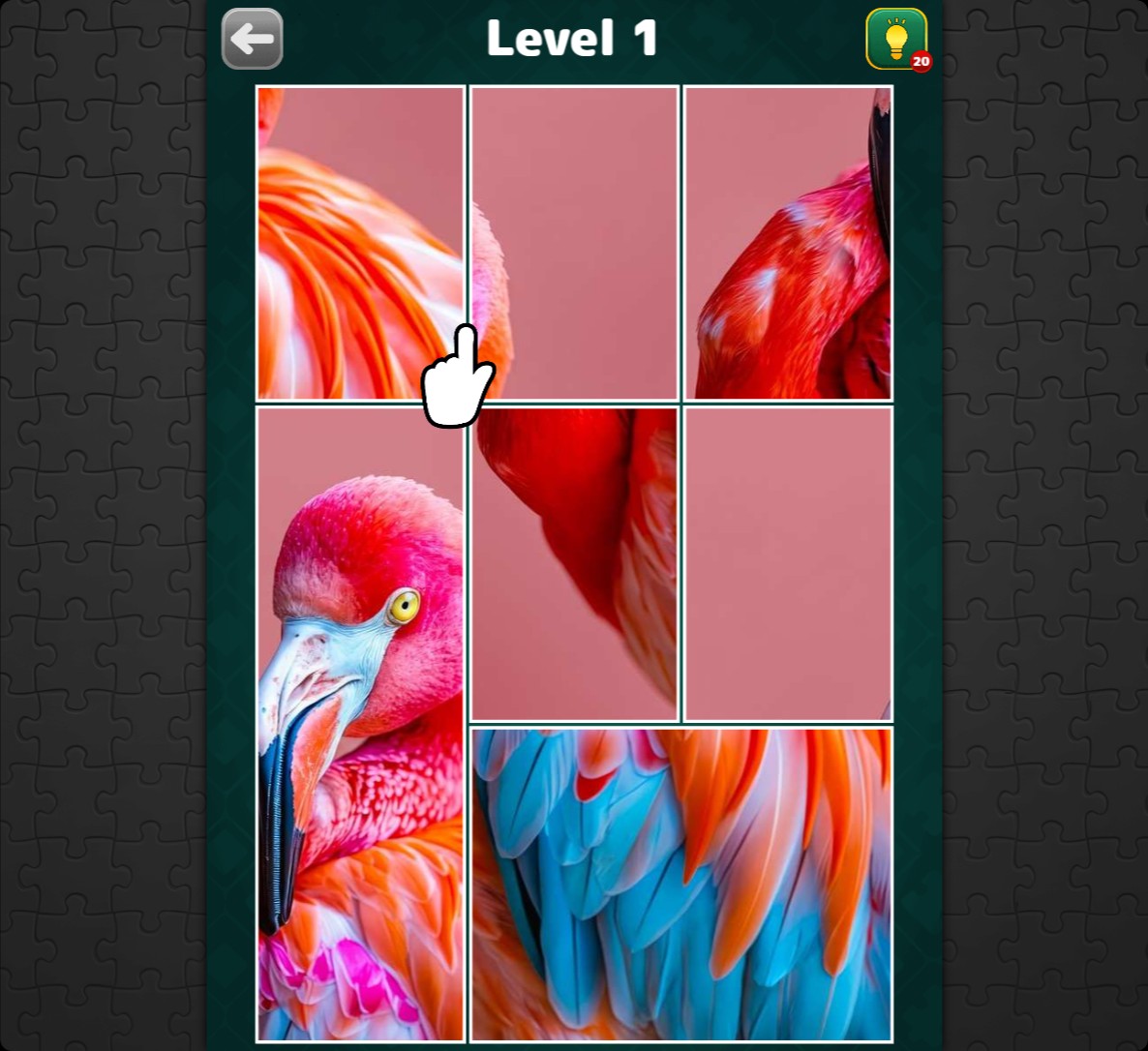
Swap and join the pieces of a colourful flamingo picture.
Use the lightbulb control when you want the game to make a suggested move. Keep automatic moves ready so help is close by.
Set coins for normal booster purchases, or choose your automatic move stock directly. Return to the picture and decide when to use the help.
Control your supplies while choosing every move through the game's normal buttons.
View customisation options →Download the Windows app and follow the setup prompts.
Set up the browser extension in Chrome or Edge, then open the supported YouTube Playable. Follow the connection guide if the game is already running.
Open Customise in Bytonian Mods, choose an option and follow its instructions. Check the available values and any limits before making your change.