
Customize your Jetpack Joyride coins
Set the coin balance you want before visiting the Jetpacks store. Choose an item, check its price, and buy it through the game.
Requires the Windows app and the Bytonian Mods browser extension for Chrome or Edge. Browser setup guide

Choose a new jetpack
Use your coins in the Jetpacks store to buy and equip the DIY Jetpack.
Buy and equip the DIY Jetpack
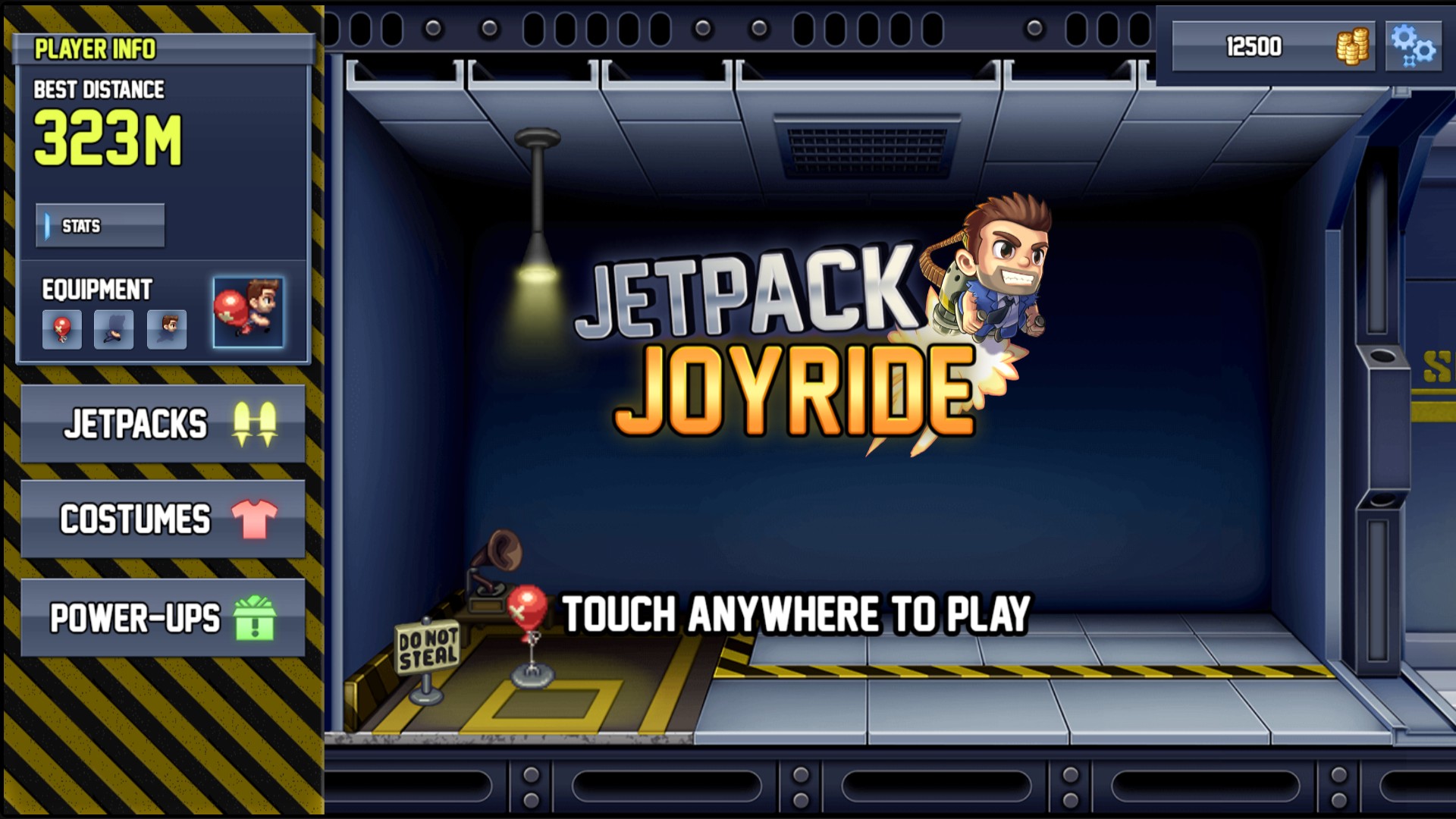
Open Jetpacks from the home screen and expand the DIY Jetpack row. It costs 7500 coins. Buy it to add the red balloon jetpack to your items and show it in your equipment.
Keep track of your balance
Your store purchases still cost coins. For example, buying the DIY Jetpack from a balance of 20000 leaves 12500.
Available customisation options
CoinsFree
Choose your coin balance for purchases in the Jetpacks store.
Set a whole number from 0 to 1000000, apply it, then open Jetpacks and buy an item.
Questions about customisation options
- Does the coin control equip a jetpack for me?
- Choose and buy your jetpack in the normal Jetpacks store after setting your coins.
Using these features
Connect your game, then open Customise in the Windows app. Choose an option, check its available values and follow its instructions. Each option lists its own requirements and limits.
Setup for Jetpack Joyride →